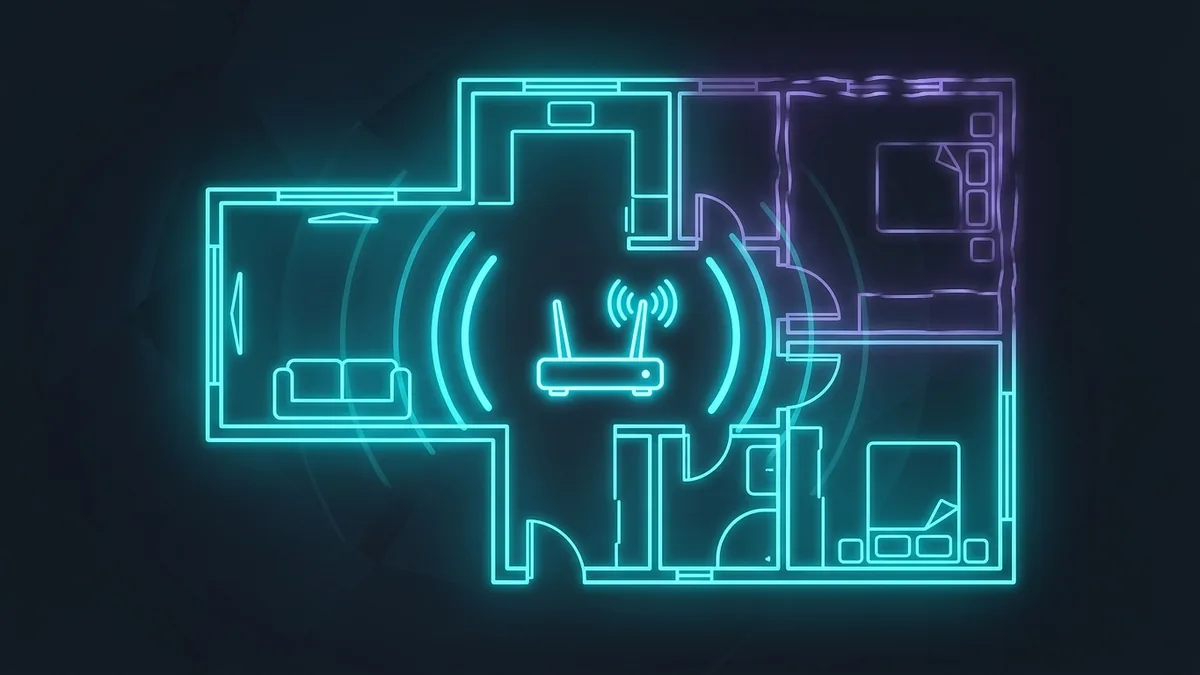
Not every WiFi dead zone needs an expensive fix. Before spending on a mesh system, there are several genuinely free or cheap changes that solve the majority of apartment dead-zone complaints — especially in smaller units where the problem is often placement, not hardware.
First: Confirm It's Actually a Coverage Problem
Run a speed test in the dead zone and compare it to a test right next to the router. If speed drops but doesn't completely disappear, it's likely a signal strength issue fixable with placement or a cheap extender. If the connection drops entirely or won't connect at all, it might be interference (a neighbor's network on the same channel) rather than pure distance — worth checking your router's channel settings before buying anything.
Free Fix 1: Move the Router Off the Floor and Away from Walls
Routers placed on the floor, inside a cabinet, or tucked behind a TV lose a significant amount of range because WiFi signals radiate outward and downward from the antennas — putting the router low and enclosed wastes most of that signal into the floor and nearby furniture. Elevating it on a shelf, ideally central to the apartment rather than in a corner, is the single highest-impact free fix that most people skip.
Free Fix 2: Change Your WiFi Channel
In apartment buildings, dozens of nearby networks compete for the same limited WiFi channels, especially on the crowded 2.4GHz band. Logging into your router's admin panel and manually switching to a less congested channel (or letting the router auto-select, if it has that option) can meaningfully reduce interference-caused dead zones without spending anything. Free WiFi analyzer apps can show you which channels your neighbors are using so you can pick one that's less crowded.
Free Fix 3: Switch the Dead-Zone Device to 2.4GHz Instead of 5GHz
5GHz WiFi is faster at close range but loses signal through walls much faster than 2.4GHz. If a device in a far room is dropping to a weak 5GHz signal, manually connecting it to your router's 2.4GHz network instead often restores a stable (if slightly slower) connection — better than a fast connection that keeps disconnecting.
Cheap Fix 1: A Single WiFi Extender ($30-50)
For most one or two-bedroom apartments, a single plug-in WiFi extender placed roughly halfway between the router and the dead zone solves the problem without needing a full mesh system. Extenders do introduce a small amount of latency compared to being directly connected to the main router, which matters more for competitive gaming than for browsing or streaming — worth knowing if the dead zone is where you game.
When You Actually Need a Mesh System
Mesh systems make more sense for larger apartments, multi-floor units, or homes with unusually thick walls (older buildings with plaster and lath construction block WiFi signal far more than modern drywall). If a single extender doesn't fully solve it, or you have more than one dead zone in different directions from the router, a 2-3 node mesh kit is the more reliable fix — it creates one continuous network rather than a separate weaker "extension" network the way basic extenders do.
Quick Decision Guide
| Situation | Best Fix | Approx. Cost |
|---|---|---|
| Router on floor/in a cabinet | Reposition it | Free |
| Crowded apartment building, weak signal everywhere | Change WiFi channel | Free |
| One room with a weak spot | Single extender | $30-50 |
| Multiple dead zones or large/multi-floor space | Mesh system | $120-250+ |
Working through the free fixes first before buying anything saves most renters money — a surprising number of "dead zone" complaints are solved just by moving the router a few feet and picking a less congested channel.
A Note on Router-Provided Equipment vs Buying Your Own
Many renters are still using whatever gateway their ISP shipped by default, which is often a budget device optimized for cost, not range. If you've tried every free fix and a cheap extender and are still struggling, it's worth checking whether your ISP-provided router is simply underpowered for your apartment's layout — replacing it with a dedicated router built for better range can outperform an extender-plus-weak-router combination for a similar total cost.
How to Confirm a Fix Actually Worked
After making any change — repositioning, switching channels, or adding an extender — run the same speed test in the same dead-zone spot at the same time of day as your original baseline test. Comparing apples to apples matters here, since WiFi performance naturally fluctuates through the day; a single "it feels faster now" impression is less reliable than two speed tests taken under similar conditions before and after the change.
Renters: Check Your Lease Before Drilling or Mounting Anything
Some fixes, like wall-mounting an extender or router for better elevation and coverage, involve small holes or adhesive mounts that renters should check against their lease terms first. Most temporary command-strip style mounts avoid this issue entirely and hold plug-in extenders and small routers just fine, which is worth knowing before assuming better placement requires permanent drilling.