Does Verizon Fios Offer Self-Install?
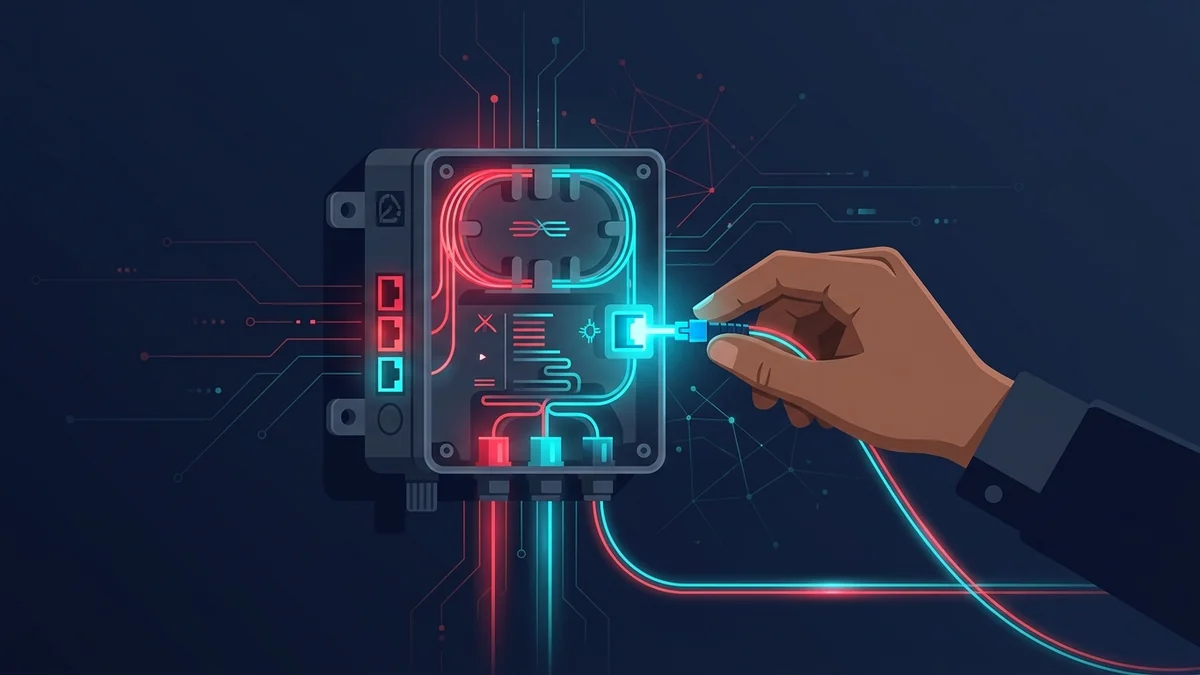
Like AT&T Fiber, a first-time Fios connection typically requires a professional installation to run fiber to an Optical Network Terminal (ONT). Self-install becomes an option only when a previous resident already had Fios and the ONT is already in place.
What Professional Installation Involves
- Technician runs fiber to your home and mounts the ONT (typically 1-3 hours).
- Fios Router is connected to the ONT and activated on-site.
- Technician confirms speed with a live test on multiple devices before leaving.
- Basic WiFi setup and app pairing walkthrough, if requested.
If Self-Install Is Available
With an existing ONT, self-install takes roughly 15-25 minutes: connect the Fios Router to the ONT, power on, and activate via the My Fios app using the account code from your welcome email. The app walks through WiFi name/password setup automatically.
What to Expect on Install Day
Verizon typically offers a 4-hour appointment window. Have a clear idea of where you want the ONT and router placed — ideally near existing network wiring — before the technician arrives. Confirm someone will be home for the full window, as interior access is required to complete the install.
What's in the Fios Self-Install Kit
- Fios Router, pre-paired to your account.
- Ethernet cable to connect to the existing ONT.
- Power adapter and a printed activation card with your account code.
Common Self-Install Issues
If the My Fios app can't find your router during activation, confirm the Ethernet cable is connected to the ONT's data port (not the unused secondary port some ONT models have) — this is the single most common cause of a stalled self-install, more common than any actual hardware fault.
Self-Install vs Professional: Any Fee Difference?
Verizon doesn't charge extra for professional installation when it's the only option (first-time fiber run to the unit), and there's no discount for self-install either — like Frontier, the install type depends entirely on whether an ONT already exists at the address, not a cost-based choice you make.
Fios Self-Install in Multi-Unit Buildings
Many apartment and condo buildings in Fios territory have fiber already run to a central point in the building, with only the final in-unit connection needed — this is a common scenario where self-install is available even though it feels like a "first-time" connection from the resident's perspective.
The ONT Battery Backup Unit
Some Fios installations include a battery backup unit (BBU) connected to the ONT, which keeps phone service (if bundled) working during a power outage — internet and TV typically still go down without power even with the BBU installed, since it's specifically sized for voice service continuity, not the full connection.
Fios Self-Install vs Cable Self-Install
Both processes take a similar amount of active time once the physical line exists, but fiber's dependence on a working ONT (versus cable's simpler coax-to-modem connection) means there are more potential failure points during a fiber self-install — the extra step of confirming the ONT's own status lights before touching the router is unique to fiber and easy to skip by mistake.
Frequently Asked Questions
Can I bring my own router instead of the Fios Router?
Yes, though the My Fios app's device management and WiFi controls are built specifically around Verizon's own router — a third-party router works for the internet connection itself but loses some of the integrated app features.
What if the My Fios app can't verify my account code?
Double-check for a typo (the code mixes similar-looking characters like 0/O on some print runs) before assuming an activation issue — this is a more common cause of a stuck self-install than an actual account problem.
Does self-install work the same for TV service if bundled?
TV box activation is a separate step within the same app flow, typically completed after internet activation succeeds — the two are sequential, not simultaneous, in the standard setup order.
Self-Install Success Checklist
- Confirm the ONT shows a solid (not blinking) status light before starting router setup.
- Connect the Ethernet cable to the ONT's correct data port.
- Have your account code from the welcome email ready before opening the app.
- Run a wired speed test after activation to confirm the connection before relying on WiFi alone.
What If You're Not Comfortable Doing It Yourself?
Verizon allows switching to a scheduled professional install even when self-install is technically available, generally at no extra charge during current promotions — this is worth asking about directly if the self-install option feels risky for a household without anyone comfortable with basic network setup.
Confirming the ONT's status light before touching the router remains the one step most likely to save a troubleshooting call if something doesn't connect right away.