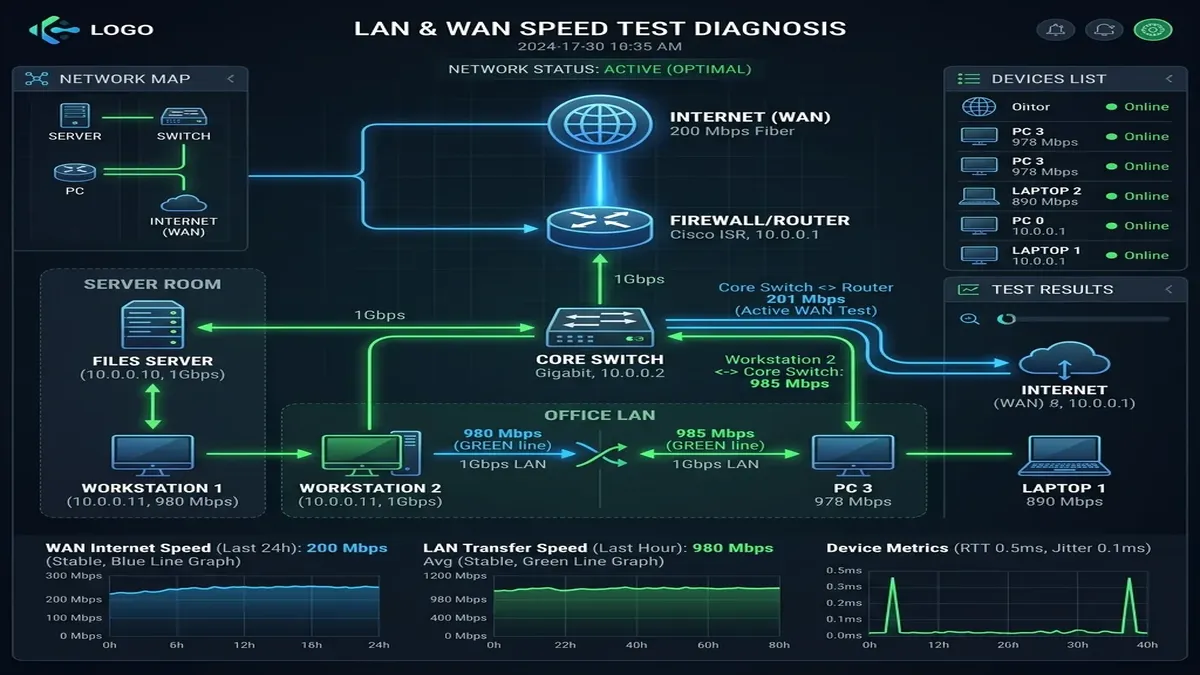
When you run out of Ethernet ports on your home router and need to connect gaming consoles, smart TVs, PCs, and home servers, adding a network switch is the standard solution. However, browsing networking stores reveals two very different categories: **Unmanaged Switches ($20 to $40)** and **Managed / Smart Switches ($80 to $300+)**. What is the difference between unmanaged and managed switches, and do you actually need a managed switch for a home network or homelab in 2026?
1. The Core Architectural Differences: Unmanaged vs. Managed
| Feature | Unmanaged Switch | Smart-Managed Switch (L2) | Fully Managed Switch (L2+/L3) |
|---|---|---|---|
| Setup & Configuration | Plug-and-Play (Zero config) | Web GUI dashboard | Web GUI + CLI (SSH/Console) |
| VLAN Support (802.1Q) | No (All ports one subnet) | Yes (Port & Tag-based) | Yes (Advanced QinQ / Inter-VLAN) |
| Link Aggregation (LACP) | No | Yes (Combine 2x 1Gbps ports) | Yes (Multi-port LACP trunking) |
| Traffic Prioritization (QoS) | Automatic / Pass-through | 802.1p / DSCP priority queues | Advanced Rate Limiting & ACLs |
| IGMP Snooping (Multicast) | No (Floods all ports) | Yes (Prevents IPTV flood) | Yes (Querier + Fast Leave) |
2. 🔒 When You Absolutely Need a Managed Switch
- Isolating Untrusted IoT Devices via VLANs (802.1Q): If you have smart security cameras, robot vacuums, or smart lightbulbs, placing them on an isolated IoT VLAN prevents compromised appliances from accessing your personal computers or NAS.
- Dual-Gigabit NAS Storage (LACP Link Aggregation): If you operate a Synology or TrueNAS storage server with dual Ethernet ports, LACP combines both ports into a single 2 Gbps virtual link, allowing two computers to transfer files simultaneously at full 1 Gbps speed.
- Preventing IPTV Multicast Flooding with IGMP Snooping: Set-top IPTV boxes stream video using UDP multicast. On an unmanaged switch, multicast packets are flooded to every single port, saturating Wi-Fi access points. A managed switch with IGMP Snooping forwards video streams only to the TV port.
3. 🔌 When an Unmanaged Switch Is the Better Choice
If your goal is simply to expand 4 Ethernet ports in an entertainment center or home office (connecting a gaming PC, PS5, Apple TV, and printer) on a single flat subnet, an Unmanaged Gigabit/2.5G Switch is cheaper, consumes less power, and requires zero maintenance.
4. ⚡ Layer 2 vs. Layer 3 Switching: Inter-VLAN Routing
When choosing a managed switch, understanding Layer 2 vs Layer 3 is essential for high-performance home networks:
- Layer 2 Managed Switch: Manages VLANs and port isolation, but cannot route traffic between different VLANs on its own. All inter-VLAN traffic (e.g. your PC on VLAN 10 accessing a printer on VLAN 20) must travel up to your router and back (Router-on-a-Stick), which can bottleneck router CPU on multi-gigabit file transfers.
- Layer 3 / Layer 2+ Managed Switch: Contains dedicated ASIC hardware routing tables. Inter-VLAN traffic is routed directly inside the switch at full wire-speed (10 Gbps / 40 Gbps) with sub-microsecond latency, completely offloading your primary internet router.
5. 🔄 Loop Prevention: Spanning Tree Protocol (STP / RSTP 802.1w)
If someone accidentally connects two Ethernet ports together or plugs in redundant mesh nodes, an unmanaged switch enters a **Broadcast Storm loop**, crashing your entire home network within 3 seconds. Managed switches run Rapid Spanning Tree Protocol (RSTP), which automatically detects redundant loops and disables the looped port within 1 second while keeping the rest of your network online.
6. 🔋 Power over Ethernet (PoE): 802.3af vs. 802.3at (PoE+) vs. 802.3bt
Many smart-managed switches include **Power over Ethernet (PoE)** to power Wi-Fi access points, IP security cameras, and VoIP phones through a single Ethernet cable. Standard PoE (802.3af) delivers up to 15.4W; PoE+ (802.3at) provides 30W; and PoE++ (802.3bt) delivers up to 60W-90W for high-power PTZ security cameras and Wi-Fi 7 enterprise access points.
7. 🔍 Port Mirroring (SPAN) for Network Traffic Inspection
A major advantage of managed switches for cybersecurity enthusiasts and homelabbers is **Port Mirroring (Switched Port Analyzer - SPAN)**. On an unmanaged switch, network cards only see traffic addressed to their specific MAC address.
A managed switch allows you to mirror all data passing through your internet router port or IoT VLAN directly to a dedicated monitoring PC running Wireshark, Zeek, or Suricata Intrusion Detection, allowing complete real-time packet inspection of all household smart appliances.
8. ⚡ Quality of Service (QoS) 802.1p Priority Queues
Managed switches feature hardware-based **802.1p Class of Service (CoS)** priority queues. When your home network is under heavy load (such as a 50GB Steam download), the switch automatically prioritizes real-time UDP gaming packets and VoIP audio frames over bulk TCP file transfers, ensuring zero jitter during competitive matches.
9. 📊 SNMP Monitoring & Prometheus/Grafana Homelab Dashboards
Managed switches support the Simple Network Management Protocol (SNMP). Homelab enthusiasts can export per-port bandwidth metrics, packet error counters, and optical transceiver temperatures into Prometheus and Grafana dashboards to visualize household network utilization in real time.
10. 🔌 Energy-Efficient Ethernet (EEE / 802.3az) Management
While unmanaged switches enforce green energy sleep modes indiscriminately, managed switches allow you to disable 802.3az on specific latency-critical gaming ports while keeping power savings active on idle printers and smart TVs.
📡 Explore Managed & Unmanaged Network Switches
View our top recommendations for silent, energy-efficient switches for home networks:
🛒 View Network Switches & Hardware →