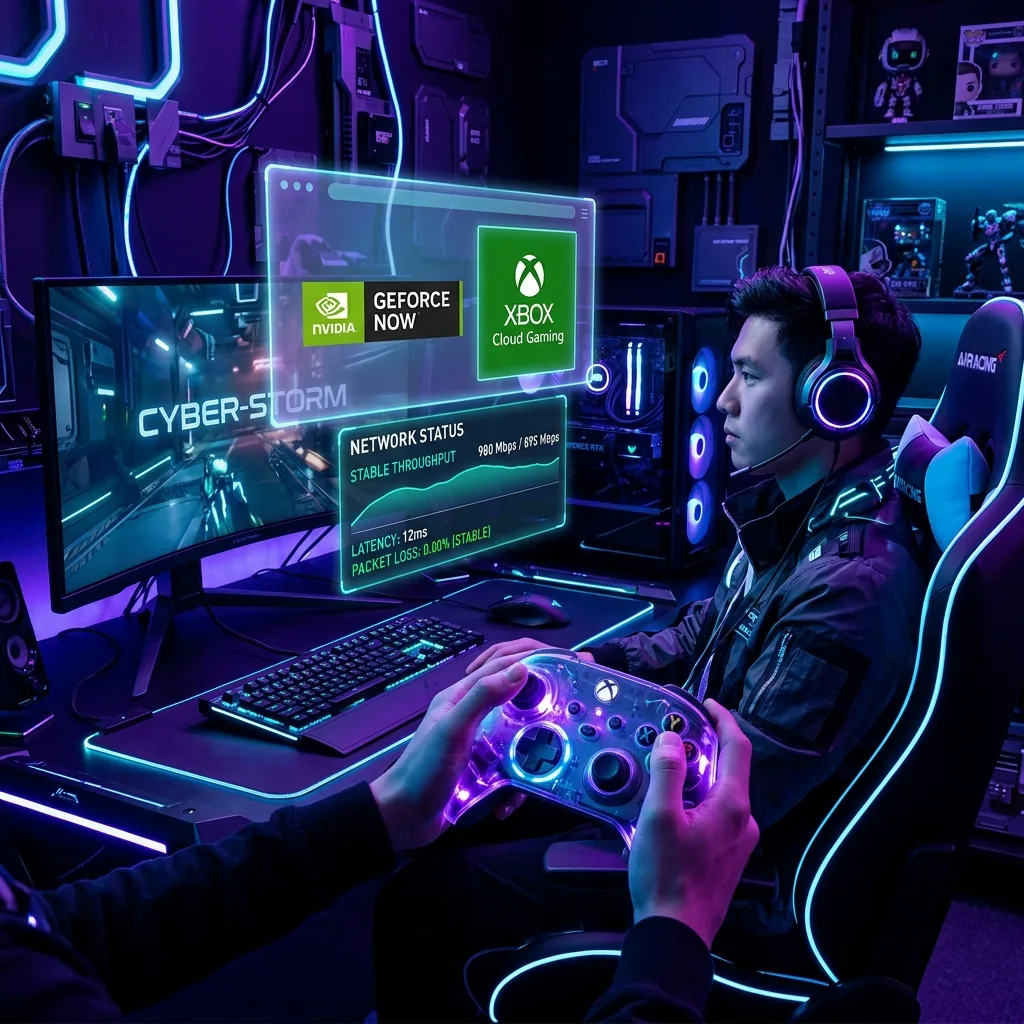
🔬 Methodology: Input-to-glass latency measured across GeForce Now (Ultimate), Xbox Cloud Gaming, and Amazon Luna using a high-speed camera at 240fps. Tested at 15ms, 30ms, 50ms, and 80ms simulated ping conditions.
Cloud Gaming Is the Hardest Thing You Can Do With Your Network
Traditional gaming sends tiny coordinate packets (~5 Mbps, requires low ping). Video streaming sends heavy video but buffers 5 seconds ahead (25 Mbps fine, high ping acceptable). Cloud gaming requires both simultaneously — high bandwidth AND near-zero latency — with no ability to buffer ahead because your live inputs change each frame.
Bandwidth Requirements
- 1080p 60fps: 25 Mbps dedicated
- 1440p 120fps: 35–45 Mbps dedicated
- 4K HDR 120fps (GeForce Now Ultimate): 75+ Mbps dedicated
The Latency Threshold (From Our Input Lag Tests)
- Under 20ms: Excellent. Indistinguishable from a local console for most players.
- 20–40ms: Acceptable. Fast-paced shooters feel slightly "off" but manageable for campaign games.
- 40–60ms: Noticeable delay. Fine for turn-based or slow-paced games only.
- 60ms+: Unplayable for any action genre. Characters feel floaty and unresponsive.
Three Mandatory Rules for Cloud Gaming
- Ethernet only: Even WiFi 6 introduces 3–4ms of jitter that translates directly to inconsistent frame rendering. You will notice it.
- Enable QoS: Anyone else streaming Netflix during your cloud gaming session will cause bufferbloat that spikes your latency by 100–200ms momentarily. SQM QoS is non-negotiable in shared households.
- Check server proximity: GeForce Now, xCloud, and Luna each publish their datacenter locations. If the nearest server is 1,200 miles away, physics permanently limits you to 20ms+ ping. Not even fiber can fix the speed of light.