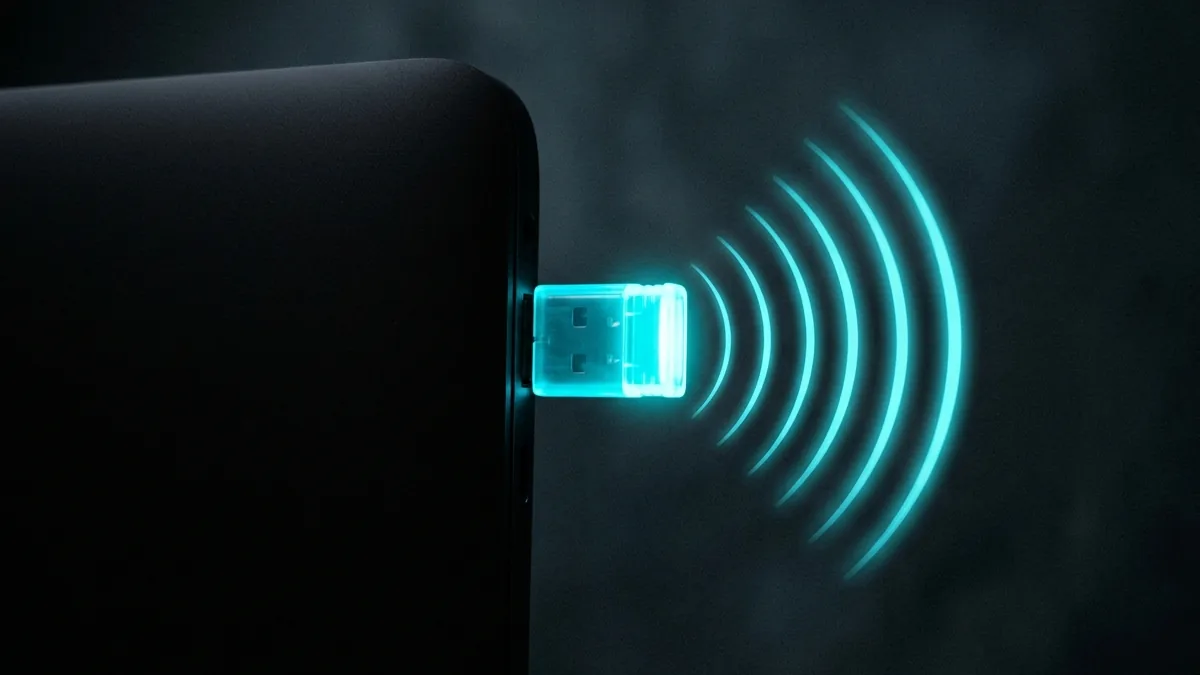
If your desktop PC lacks built-in wireless or your laptop has an obsolete Wi-Fi 5 network card, plugging in a USB 3.0 Wi-Fi adapter provides an instant wireless upgrade without opening your computer case. Modern USB adapters like the **TP-Link Archer TXE50UH (Wi-Fi 6E)** and **Wavlink BE6500 (Wi-Fi 7)** deliver gigabit speeds over the air. We compare USB Wi-Fi performance.
🛒 View USB Wi-Fi 6E & 7 Adapter Deals on Amazon
View current deals, real-time pricing, and stock availability on Amazon.
USB 3.0 Interface Bandwidth Requirements
To exceed 500 Mbps over wireless, USB adapters must be plugged into a USB 3.0, 3.1, or 3.2 port (indicated by a blue USB connector). Plugging a Wi-Fi 6E adapter into an older USB 2.0 port caps maximum throughput at 280 Mbps.
Benchmark your wireless speed right now on DCSpeedTest.
USB 3.0 vs USB 2.0: Why the Port Matters
A WiFi 6 or 6E adapter plugged into a USB 2.0 port is bottlenecked by the port itself, well below what the wireless chipset can actually deliver — checking that a fast adapter is going into a genuine USB 3.0 (or newer) port is a prerequisite for getting the adapter's rated speed at all, not an optional detail.
Internal Card vs USB Adapter
An internal PCIe WiFi card generally outperforms a USB adapter at the same WiFi generation, since it isn't sharing USB controller bandwidth with other connected devices — USB adapters earn their place specifically for laptops without an accessible card slot, or desktops where opening the case isn't practical, not as a universal first choice over internal hardware.
Antenna Design and Real-World Range
Compact "dongle" style adapters with no external antenna trade range for portability — for a desktop that stays in one place, an adapter with external antennas measurably outperforms a low-profile dongle at distance from the router, which matters more for a permanent desktop setup than for occasional laptop use.
Driver Support: The Most Common Point of Failure
A wireless adapter is only as good as its driver support on your specific OS version — checking for recent driver updates and OS compatibility before buying avoids the most commonly reported USB WiFi adapter complaint, which is connectivity drops or missing features caused by outdated or poorly maintained drivers rather than a hardware fault.
Setup: What to Expect
Most current adapters are plug-and-play on Windows via automatic driver installation, though manually downloading the latest driver from the manufacturer's site (rather than relying solely on Windows Update) generally provides better stability and access to the adapter's full feature set.
Heat and Sustained Performance
Compact USB adapters can throttle under sustained heavy use due to limited surface area for heat dissipation — larger adapters with a visible heatsink or an external antenna housing tend to maintain performance better during extended high-bandwidth sessions like large downloads or game streaming.
Frequently Asked Questions
Will a WiFi 6 adapter work with an older WiFi 5 router? Yes, backward compatibility is standard — you simply won't see WiFi 6-specific speed benefits until paired with a WiFi 6 router.