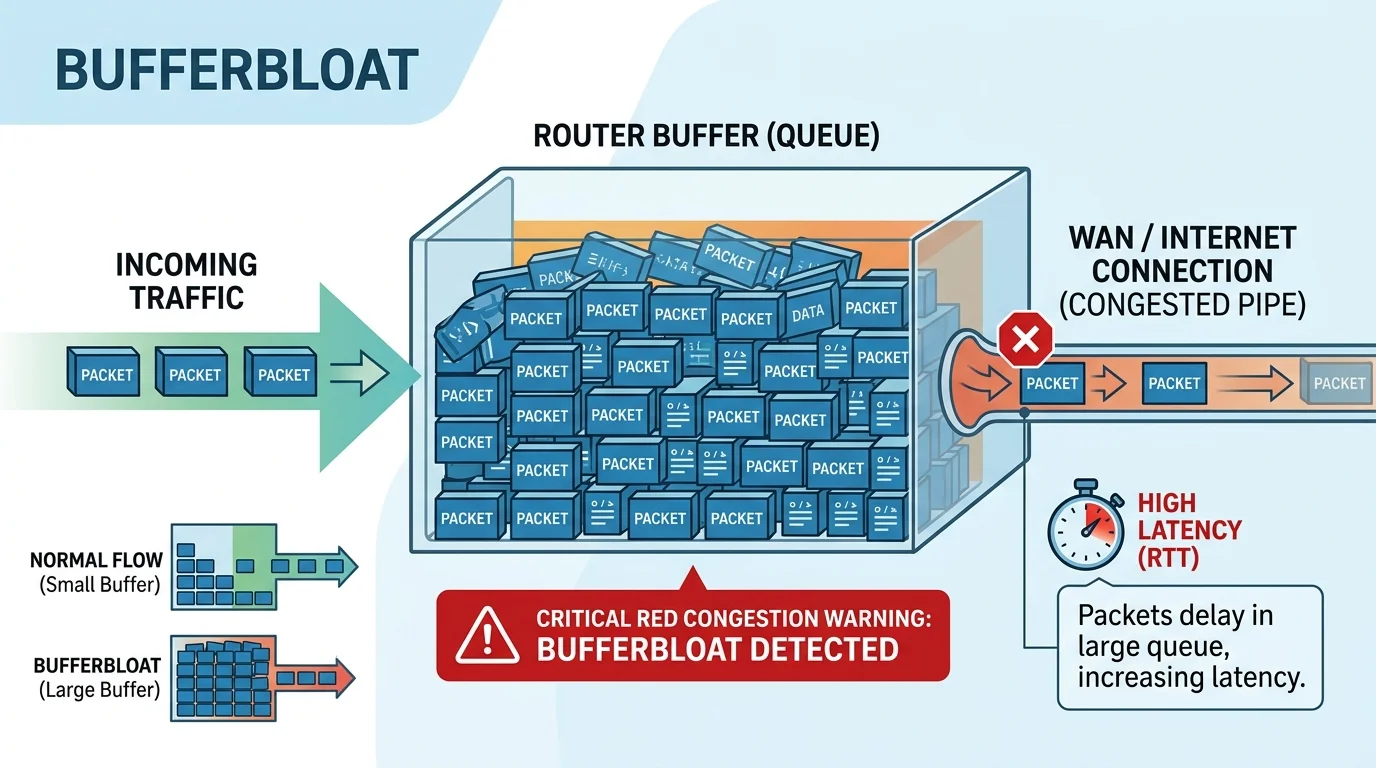
The Problem: The "Netflix Lag Spike"
You're playing a competitive game with 15ms ping. Someone in the living room starts downloading a file or opens Netflix. Suddenly, your ping spikes to 300ms for ten seconds, then rubber-bands wildly. You upgrade to a 500 Mbps plan, but the problem still happens. Why?
You are experiencing Bufferbloat.
What is Bufferbloat?
Modern routers are designed with large memory buffers. When too much data arrives too quickly, the router stores the extra data in its buffer to prevent dropping the packets. However, if the buffer gets too full, new packets (like your crucial gaming movement data) get stuck at the back of a very long line of Netflix video packets.
To the game server, from the moment you clicked your mouse to the moment the packet finally cleared the buffer queue, 400ms passed. You lagged out.
How to Test for Bufferbloat
Run a DCSpeedTest and watch the "Loaded Ping" or "Ping under load" metric. If your unloaded ping is 20ms, but your loaded ping jumps to 150ms+, your router is suffering from severe bufferbloat.
The Fix: Smart Queue Management (SQM)
You cannot fix bufferbloat by buying faster internet. It is a router management problem. You fix it by enabling QoS (Quality of Service) or SQM on your router.
- Log into your router's admin panel (usually 192.168.1.1).
- Find settings labeled QoS, SQM, or Bandwidth Control.
- Enable the feature and input your connection's MAXIMUM reliable speed (test via DCSpeedTest).
- Crucial Step: Set the QoS upload/download limits to 85% to 90% of your actual speed. (e.g., if you get 100 Mbps, enter 85 Mbps).
By artificially capping the router at 85% capacity, you ensure the connection never fully saturates, meaning the router never has to queue packets. The backlog never forms, and your gaming packets skip straight through, keeping ping at a stable 20ms even while others download.