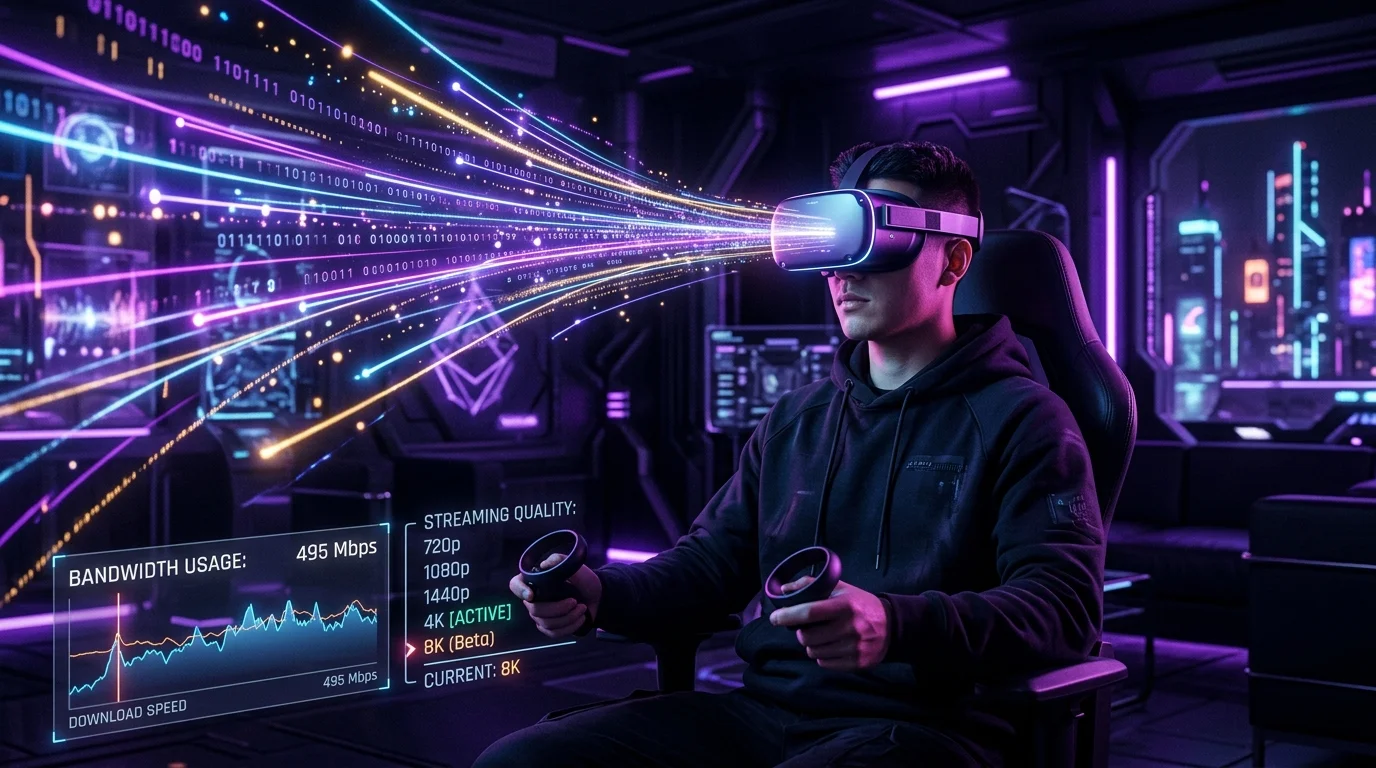
The Bandwidth Beast: VR Streaming
Cloud gaming (Xbox Cloud, GeForce Now) typically needs 15-25 Mbps for a 1080p stream. VR is a different animal.
Why VR Demands More
To prevent motion sickness, VR headsets need:
- Resolution: 4K per eye (8K total) to avoid the "screen door effect".
- Frame Rate: Minimum 90fps, ideally 120fps.
- Latency: Sub-20ms Motion-to-Photon latency.
The Real Requirement
For a crisp H.265 stream on a Quest 3 or Vision Pro 2, you need a stable 150 Mbps to 200 Mbps connection solely for the headset. This saturates most WiFi 5 routers instantly.
The Solution (Air Link / Virtual Desktop)
You absolutely need a WiFi 6E or WiFi 7 router in the same room as your play area. The 6GHz band is mandatory to support the wider 160MHz channels required for this throughput.
Wired vs Wireless VR: The Bandwidth Tradeoff
PC VR headsets like the Meta Quest 3 (via Air Link or Virtual Desktop) and Valve Index use compression to fit high-resolution, high-framerate video into your local WiFi bandwidth. Air Link targets 200+ Mbps on 5 GHz WiFi, while a dedicated WiFi 6 router can push this to 400+ Mbps — enough for 90Hz at near-native resolution. Wired USB/DisplayPort connections bypass compression entirely and deliver raw GPU output, which is why wired setups still look noticeably sharper in text and fine detail. For high-intensity gaming in cloud gaming scenarios, the compression artifacts of wireless VR become particularly visible in fast-moving scenes.
Frequently Asked Questions
What internet speed do I need for VR streaming?
For local wireless VR (PC to headset on your home network), your internet speed is irrelevant — the video streams entirely within your local WiFi. You need a fast local network, not a fast internet plan. For cloud VR (streaming rendered frames from a remote server), you need at minimum 50 Mbps with under 20ms latency, and ideally 100+ Mbps with under 10ms — currently achievable only on the best fiber connections in major cities near game streaming infrastructure.
Does 5G internet support VR gaming?
For cloud VR, 5G's throughput is usually sufficient (200+ Mbps) but the latency is often on the edge — 20-40ms for 5G versus 5-10ms for fiber. The result is occasional motion sickness-inducing judder that doesn't occur on lower-latency connections. Local wireless VR (headset streaming from your PC on your home network) is entirely unaffected by your internet connection; it uses your local WiFi router, not your internet plan.