
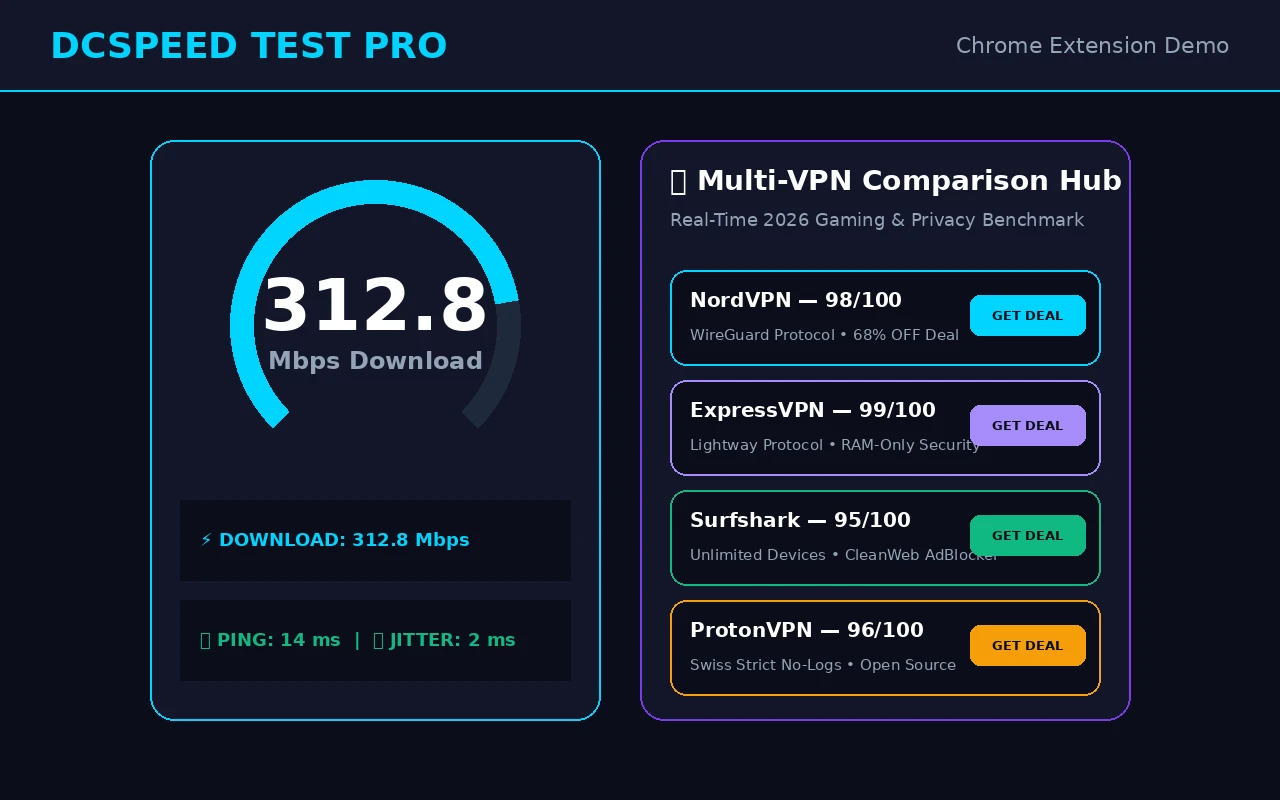
What It Does
DCSpeed provides a separate speed test implementation using the Cloudflare network, packaged as a Chrome side-panel extension you can open in one click without leaving your current tab. It measures download, upload, ping, jitter, and bufferbloat (latency under load), and includes an active-tab load-time analyzer and a public IP/ISP detector.
Free vs Pro
The extension is free to install and includes one free speed test per day. DCSpeed Pro removes the daily cap and unlocks the full toolkit:
- Unlimited speed tests, no daily cap
- Bufferbloat / gaming latency-under-load test
- Full test history with CSV export
- Active tab load-time analyzer
- Restore on another device using a one-time code sent to your purchase email
Pricing
| Plan | Price |
|---|---|
| Free | $0 — 1 speed test per day |
| Pro Monthly | $1.99 / month |
| Pro Annual | $19.90 / year (save ~17%) |
| Pro Lifetime | $39.90 one-time |
Payment processed securely by Stripe. Card details never touch DCSpeed servers.
VPN Comparison Hub
The extension also includes a built-in comparison of NordVPN, ExpressVPN, Surfshark, and Proton VPN — for exploring providers. A VPN may improve or worsen a route; compare it on your own connection before purchasing.
Permissions & Privacy
DCSpeed requests only the browser permissions it actually uses: tabs (for the active-tab analyzer), storage (to save your local test history), alarms, downloads, and side panel display. It connects to Cloudflare's speed test network, a public IP lookup service, dcspeedtest.com, and the DC SPEED Cloudflare backend. Purchase and restoration requests use your purchase email and a generated device identifier.