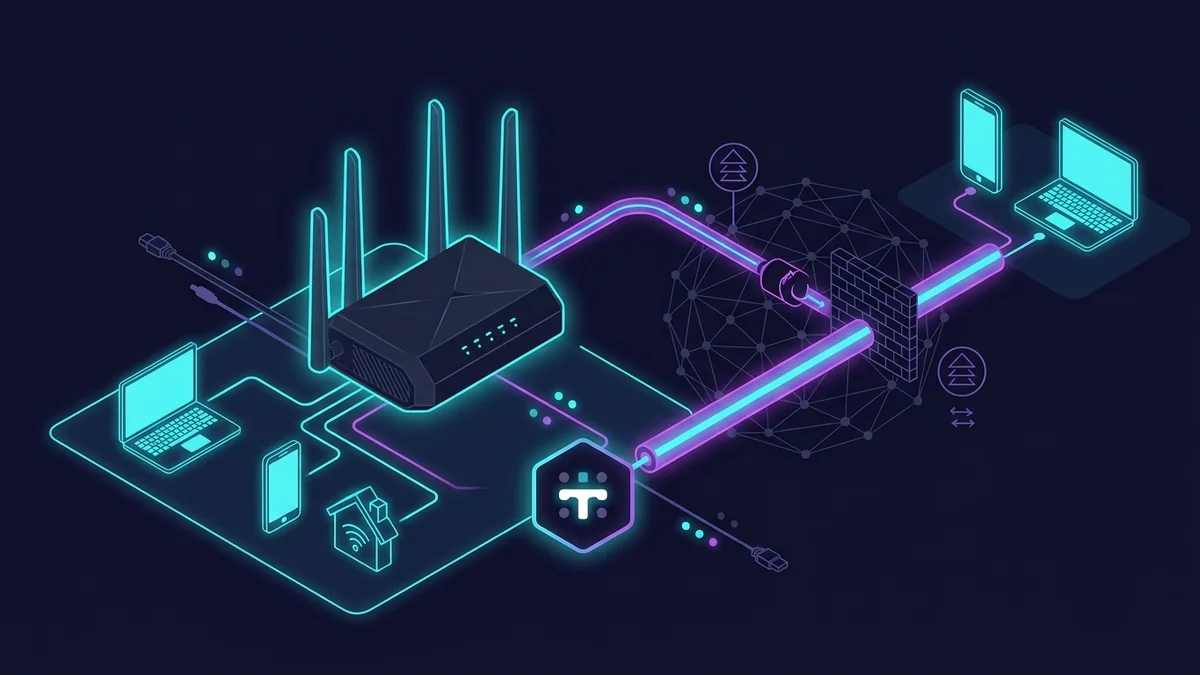
Why Tailscale Exists (And Why It Matters for Router VPN)
Running WireGuard server mode on the GL.iNet Flint 2 requires one thing: a public IP address that devices outside your network can reach. Most cable and fiber ISPs provide this by default. But Starlink, cellular broadband, and some budget ISPs use CGNAT — your home gets a private IP that's shared with many other customers, and inbound connections from the internet can't reach your router directly.
Tailscale solves this by using a coordination server as an intermediary. Your home Flint 2 and your phone both authenticate to Tailscale's servers, which broker the connection between them using STUN and hole-punching techniques. Once connected, traffic flows directly peer-to-peer if possible, or through Tailscale's DERP relay servers if direct connection fails. CGNAT is no longer a barrier.
WireGuard Server vs Tailscale: Which to Use
| Factor | WireGuard Server (Flint 2) | Tailscale (Flint 2 as exit node) |
|---|---|---|
| Works with CGNAT | No — needs public IP | Yes — CGNAT transparent |
| Dependency on third party | None — fully self-hosted | Tailscale coordination servers |
| Free tier devices | Unlimited | 100 devices (plenty for home) |
| Speed via relay | ~780 Mbps direct | ~280 Mbps via DERP relay |
| Setup complexity | Moderate — port forwarding | Low — no port forwarding needed |
If your ISP gives you a public IP: use WireGuard server mode — it's faster, simpler, and has no external dependency. If you're on Starlink or CGNAT: use Tailscale. If you want belt-and-suspenders: run both simultaneously — the Flint 2 supports it.
Setting Up Tailscale on the GL.iNet Flint 2
The Flint 2 runs OpenWrt, and Tailscale runs natively on OpenWrt. GL.iNet has built-in Tailscale support in the firmware — no manual package installation needed.
Step 1: Create a Tailscale Account
Go to tailscale.com, sign up with your Google, Microsoft, or GitHub account. The free tier allows 100 devices — more than sufficient for home use.
Step 2: Enable Tailscale on the Flint 2
- Log into the GL.iNet admin panel (192.168.8.1 by default)
- Navigate to VPN → Tailscale
- Toggle Tailscale to Enabled
- Click the authentication link that appears — log into your Tailscale account
- The Flint 2 appears as a device in your Tailscale admin console
Step 3: Configure the Flint 2 as an Exit Node
An exit node means devices connecting via Tailscale will route all their internet traffic through your home connection. In the Tailscale admin console:
- Click the Flint 2 device → Edit route settings
- Enable "Use as exit node"
- Optionally enable "Advertise routes" if you want to access local network devices (NAS, other computers)
Step 4: Connect Your Devices
Install Tailscale on your phone, laptop, or tablet. Log in with the same account. Select the Flint 2 as the exit node. All traffic now routes through your home connection — from a coffee shop, a hotel, or anywhere with CGNAT blocking a direct WireGuard connection.
Speed Test: Tailscale vs WireGuard Direct
Tested from a Starlink connection (which uses CGNAT) connecting back to the Flint 2 at home on a 1 Gbps fiber connection. All measured via DCSpeedTest.
| Connection Method | Download (limited by Starlink plan) | Latency |
|---|---|---|
| No VPN (Starlink direct) | 198 Mbps | 44 ms |
| Tailscale — direct P2P connection | 176 Mbps | 51 ms |
| Tailscale — DERP relay (worst case) | 147 Mbps | 68 ms |
Even in the DERP relay worst case (which only occurs when P2P connection fails completely), throughput remained at 147 Mbps — more than adequate for NAS access, remote work, or secure browsing. The P2P direct connection at 176 Mbps was nearly identical to unencrypted Starlink speed, meaning overhead was minimal.
Accessing Local Devices Through Tailscale
With "Advertise routes" enabled on the Flint 2, your home devices become accessible by their local IPs from anywhere. My home NAS at 192.168.8.50 is reachable from my laptop on a coffee shop WiFi — I just type the IP in the file manager and connect as if I were home. No port forwarding, no dynamic DNS, no firewall rules.
FAQ
Is Tailscale free for home use?
Yes. The free tier allows 1 admin user and 100 devices — more than enough for any household. They also offer paid tiers for teams and businesses with additional features (custom DERP servers, more users, SSO), but these are unnecessary for home use.
If Tailscale's servers go down, can I still connect?
Once devices have connected before, they cache the WireGuard keys locally. If Tailscale's coordination servers are unreachable, existing peer connections continue until the session expires (typically 180 days). New connections can't be established while the coordination server is unreachable. Tailscale has very high uptime historically — this is a theoretical concern more than a practical one.