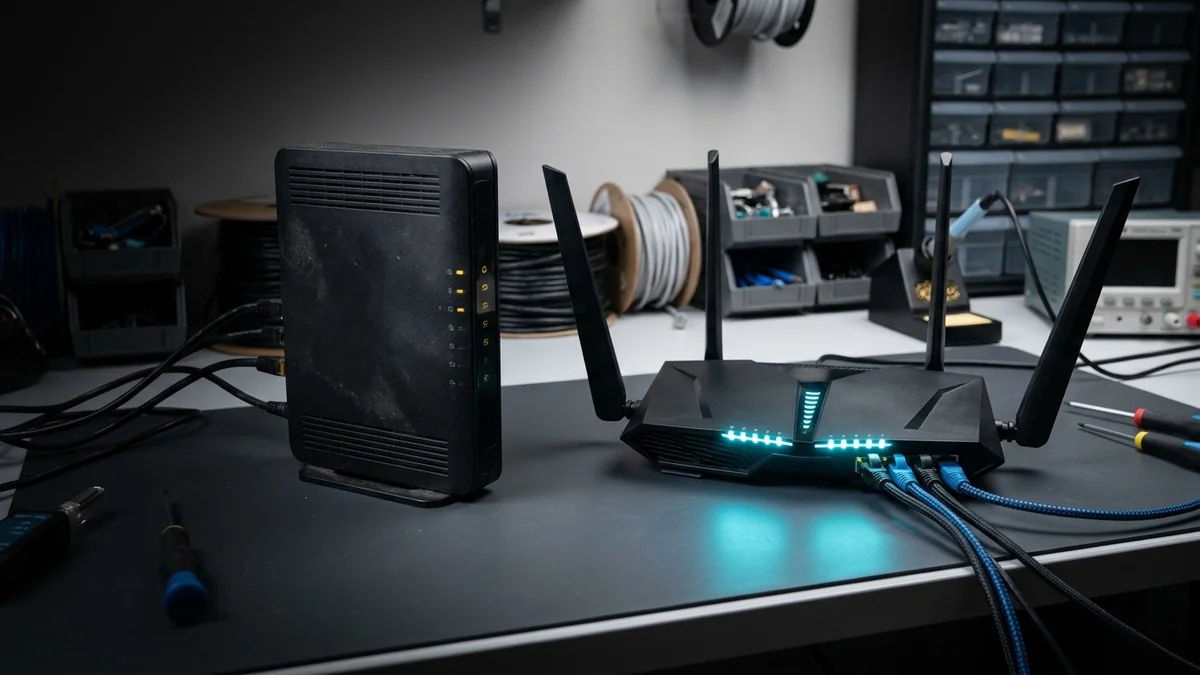
Wi-Fi 7 routers carry a premium price tag. We test Wi-Fi 7 vs Wi-Fi 6E on 1G and 2.5G fiber to determine who should upgrade and who should save their money.
In the networking hardware market, generational marketing moves fast. Just as consumers were getting comfortable with Wi-Fi 6E and its newly unlocked 6 GHz radio spectrum, manufacturers saturated retail shelves with Wi-Fi 7 routers boasting staggering 19 Gbps composite speed labels and price tags ranging from $250 to over $700. For households with existing Wi-Fi 6 or Wi-Fi 6E setups, the marketing bombardment creates genuine confusion: is Wi-Fi 7 an essential technological leap that warrants an immediate upgrade, or is Wi-Fi 6E the sweet-spot bargain of 2026? Here is the real-world engineering verdict.
Understanding the Shared Foundation: The 6 GHz Superhighway
To evaluate these two standards fairly, you must first recognize what they share. Both Wi-Fi 6E and Wi-Fi 7 operate across three distinct radio frequency bands: 2.4 GHz, 5 GHz, and the pristine 6 GHz spectrum.
The introduction of 6 GHz was the biggest wireless regulatory breakthrough in two decades, opening up 1,200 MHz of clean, un-congested radio spectrum completely free from legacy interference (older Wi-Fi 4/5 devices cannot even see 6 GHz broadcasts). If you are upgrading from legacy Wi-Fi 5 (802.11ac), moving to either Wi-Fi 6E or Wi-Fi 7 will feel like moving from a congested city street onto an empty private highway.
Feature Matrix: Wi-Fi 6E vs Wi-Fi 7 Technical Specs
If your ISP delivers high speeds but your connection drops or suffers from bufferbloat during multi-device use, upgrading these verified components eliminates the bottleneck:
Below is the direct architectural comparison between the flagship implementations of both wireless standards:
| Technical Specification | Wi-Fi 6E (802.11ax) | Wi-Fi 7 (802.11be) | Practical Real-World Impact |
|---|---|---|---|
| Maximum Channel Bandwidth | 160 MHz | 320 MHz | 2x throughput ceiling on 6 GHz |
| Modulation Scheme | 1024-QAM (10 bits/symbol) | 4096-QAM (12 bits/symbol) | 20% higher data density close to router |
| Multi-Link Operation (MLO) | No (Single band active at a time) | Yes (Simultaneous 5G + 6G links) | Eliminates micro-stutter & drops latency |
| Preamble Puncturing | Limited / Optional | Mandatory & Dynamic | Prevents channel collapse from interference |
| Average Router Price (2026) | $120 - $220 (Great Value) | $280 - $650 (Early Adopter Premium) | Wi-Fi 6E offers 2.5x better price-to-performance |
When Wi-Fi 7 Is Worth Every Penny
Investing in a premium Wi-Fi 7 router in 2026 is mathematically justified for three specific user profiles:
- Multi-Gigabit Fiber Subscribers (2G - 5G Plans): If you pay for a 2 Gbps or 5 Gbps symmetrical fiber plan, a Wi-Fi 6E router will cap your single-device wireless speed at roughly 1.4-1.6 Gbps. Wi-Fi 7 with 320 MHz channels easily delivers real-world wireless throughput exceeding 2.8 Gbps on compatible client devices.
- VR and Low-Latency Wireless Gaming: For wireless PC-VR streaming (Meta Quest 3, Apple Vision Pro, Steam VR), Wi-Fi 7's MLO reduces transmission latency variance to sub-3ms, completely eliminating motion-sickness-inducing frame drops.
- Dense Apartment Living: If your laptop detects dozens of neighboring networks, Wi-Fi 7's dynamic preamble puncturing and MLO maintain clean packet pacing where Wi-Fi 6E channels get squeezed.
When Wi-Fi 6E Is the Smarter Purchase
For the vast majority of households, Wi-Fi 6E represents the absolute best value on the market today:
- Standard Gigabit Broadband (300M - 1G Plans): If your home internet connection is 1 Gigabit or less, a quality Wi-Fi 6E router will fully saturate your entire internet connection over the 6 GHz band without breaking a sweat.
- Mature, Budget-Friendly Mesh Systems: Premium Wi-Fi 6E mesh systems (like the eero Pro 6E or TP-Link Deco XE75) have matured in price, delivering whole-home 6 GHz coverage for less than the cost of a single standalone Wi-Fi 7 flagship router.
- Client Compatibility Realities: Most household smart TVs, tablets, and gaming consoles are still Wi-Fi 6. A Wi-Fi 7 router cannot force a Wi-Fi 6 device to use 320 MHz channels or MLO.
The Final Buying Recommendation
Experiencing packet loss, jitter spikes, or evening ISP throttling? Connect directly to dedicated gaming routes or bypass traffic shaping:
If you have multi-gigabit fiber (2G+) and modern Wi-Fi 7 smartphones or laptops, buy Wi-Fi 7 to future-proof your infrastructure for the next five years. For everyone else with standard 500 Mbps to 1 Gbps broadband, save hundreds of dollars and purchase a discounted Wi-Fi 6E router — you will enjoy pristine 6 GHz speeds at a fraction of the cost.
Client Device Adoption Realities: What Hardware Do You Actually Own?
Before spending $400 on a Wi-Fi 7 router, it is critical to perform an inventory of your household client devices. To benefit from Wi-Fi 7's flagship features (320 MHz channels, 4096-QAM, and MLO), your client device must contain a compatible Wi-Fi 7 modem chipset (such as Qualcomm FastConnect 7800, Intel BE200, or Broadcom BCM4398).
In 2026, Wi-Fi 7 client silicon is standard in flagship smartphones (iPhone 16/17 series, Samsung Galaxy S24/S25 Ultra, Google Pixel 9/10), high-end gaming laptops, and high-tier motherboard motherboards. However, the vast majority of existing household electronics — including Apple TV 4K, PlayStation 5, Xbox Series X, Nintendo Switch, and smart appliances — operate on Wi-Fi 6 or Wi-Fi 5.
If your household primarily uses Wi-Fi 6 client hardware, upgrading to a discounted Wi-Fi 6E mesh system delivers 100% of the practical speed and stability benefits at half the financial cost.
Future-Proofing vs Economic Prudence: The Final Math
If you plan to keep your next router for the next 5 to 7 years, purchasing an entry-level Wi-Fi 7 router (like the TP-Link Archer BE550 or ASUS RT-BE88U) ensures that every new smartphone, laptop, and tablet you purchase over the next half-decade will automatically take advantage of multi-gigabit wireless MLO speeds as your fleet upgrades naturally.
Thermal Performance and Energy Consumption in Wi-Fi 7 Silicon
Wi-Fi 7's immense processing capabilities — managing 320 MHz channels, 4K-QAM modulation, and simultaneous multi-band MLO — require substantial computational power. Leading Wi-Fi 7 flagship routers incorporate quad-core 2.6 GHz ARM processors, dedicated network processing units (NPUs), and robust aluminum heat sinks with active cooling fans.
By comparison, mature Wi-Fi 6E routers run significantly cooler and consume roughly 35% less idle electrical power. If energy efficiency and silent, fan-less operation in a quiet bedroom or home office are your priorities, a compact Wi-Fi 6E access point remains a compelling, practical hardware choice.
Detailed Protocol Differences: 802.11ax vs 802.11be Frame Formats
At the physical packet layer, Wi-Fi 7 introduces a completely redesigned frame header structure. In legacy 802.11ax (Wi-Fi 6/6E), frame aggregation was limited to 64 A-MPDUs (Aggregated MAC Protocol Data Units). Wi-Fi 7 expands frame aggregation to 1024 A-MPDUs, dramatically reducing packet header overhead during massive multi-gigabit bulk data transfers.
Furthermore, Wi-Fi 7 introduces Non-Contiguous 320 MHz Channels (160+160 MHz). If a full 320 MHz contiguous block is unavailable in your region, the router can bond two completely separate 160 MHz channels across different parts of the 6 GHz spectrum, delivering maximum throughput even in heavily regulated regional spectrums.
The Impact of Wi-Fi 7 on Smart Home Automation and IoT
While smart light bulbs, security cameras, and smart thermostats operate on simple low-bandwidth telemetry, having 80+ IoT devices on a legacy Wi-Fi router creates severe airtime congestion. Wi-Fi 7's advanced OFDMA scheduling and Restricted Target Wake Time allow the router to service dozens of IoT sensors in single microsecond bursts, keeping primary 5 GHz and 6 GHz wireless channels 100% clean for high-speed streaming and gaming.
Whether you choose the unmatched future-proof headroom of Wi-Fi 7 or the unbeatable value of Wi-Fi 6E, upgrading from legacy Wi-Fi 5 will instantly transform your home networking experience.