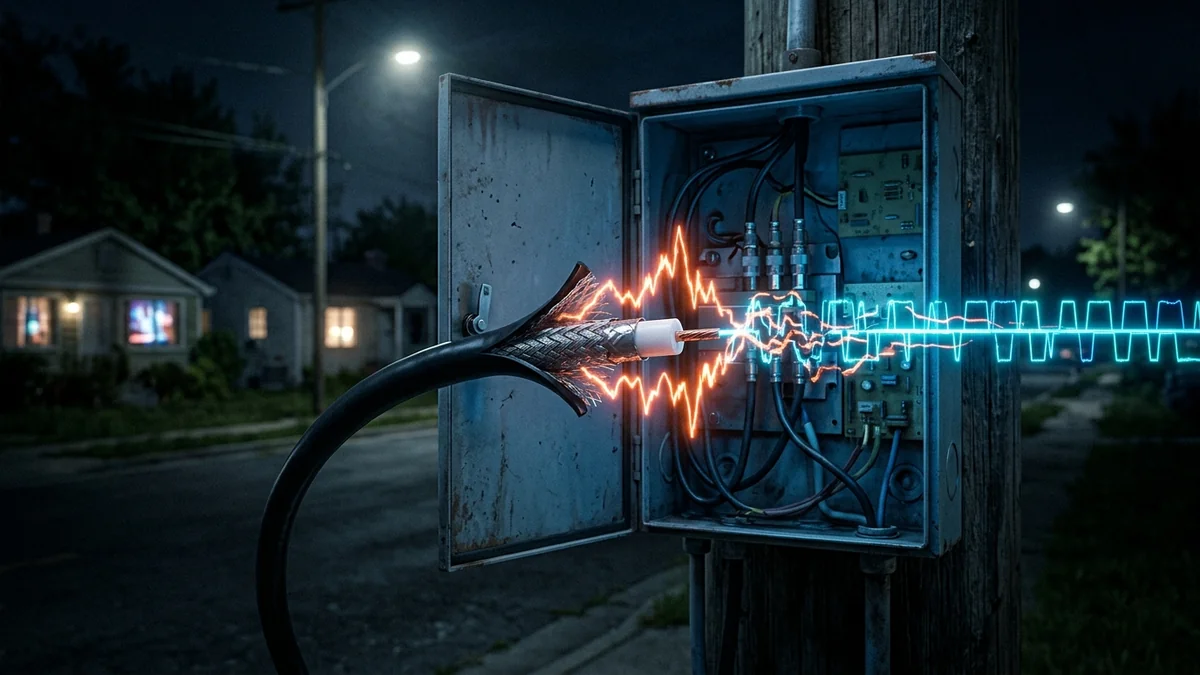
Spectrum (Charter Communications) is one of the largest broadband providers in the United States, delivering internet to tens of millions of homes. However, a widespread complaint among subscribers is consistent: every evening between 7 PM and 11 PM, download speeds plunge, Discord voice disconnects, and gaming ping fluctuates wildly from 25ms to 200ms+. Why is Spectrum uniquely prone to evening performance degradation, and what technical steps can you take to resolve it in 2026?
1. The Architectural Root of Spectrum Evening Slowdowns
1. Coaxial DOCSIS Neighborhood Tree-and-Branch Topology
Unlike pure fiber-to-the-home (FTTH) networks, Spectrum predominantly operates on a Hybrid Fiber-Coaxial (HFC) network. Fiber carries data to a neighborhood optical node, but the final connection from the street node into individual homes uses shared coaxial copper cabling. Because all homes on your block share the same physical coaxial RF spectrum, evening streaming concurrency creates intense bandwidth and time-slot competition.
2. Spectrum High-Split Upstream Upgrades & Ingress Noise
As Spectrum rolls out symmetrical 'High-Split' DOCSIS upgrades to compete with fiber providers, older coaxial amplifiers and corroded street taps become vulnerable to RF Ingress Noise. When unshielded cables inside a neighbor's home leak electromagnetic interference back into the street line, the entire neighborhood node experiences packet drops and high jitter.
3. The Dreaded Puma 6/7 Chipset Modem Flaw
Millions of older Spectrum-issued modems (and some newer provider-issued combo gateways) feature Intel Puma chipsets known for unfixable hardware-level latency spikes and jitter. If your Spectrum gateway model is affected, no amount of plan upgrades will stabilize your evening gaming latency.
2. ⚙️ Diagnostic Checklist for Spectrum Subscribers
| Diagnostic Step | Target Value / Benchmark | Problem Indication |
|---|---|---|
| Downstream Power Level | -7 dBmV to +7 dBmV | < -10 dBmV or > +10 dBmV (Signal too weak/strong) |
| Downstream SNR (MER) | > 35 dB (Ideally > 38 dB) | < 33 dB (Severe RF line noise) |
| Upstream Power Level | +38 dBmV to +48 dBmV | > +51 dBmV (Modem shouting to reach CMTS) |
| Uncorrectable Codewords | 0 (Zero) | Thousands per hour (Physical packet loss) |
3. 🛠️ Actionable Solutions to Fix Spectrum Nighttime Lag
- Swap Your Spectrum Gateway for a Dedicated DOCSIS 3.1 Modem: Return the bundled combo unit and request a standalone DOCSIS 3.1 eMTA modem (like the EU2251/ET2251 with a Broadcom chipset), paired with your own high-performance Wi-Fi 6E/7 router.
- Replace Internal Coaxial Splitters: Remove cheap, unrated splitters between your wall jack and modem. Install a high-frequency 5–1218 MHz MoCA-compatible splitter or run a clean, direct coaxial line from the street ground block.
- Enable SQM QoS on Your Router: Mitigate evening bufferbloat by capping bandwidth at 90% of your evening baseline in router settings.
- Escalate for a 'Maintenance Truck Roll': Request a senior line technician to test the street tap with a TDR meter to locate local ingress noise and schedule an optical node split.
4. ⚡ Understanding DOCSIS OFDMA Upstream Channels on Spectrum
Under Spectrum's modernized DOCSIS 3.1 network architecture, upstream traffic is transitioned from legacy Single-Carrier QAM (SC-QAM) channels to Orthogonal Frequency Division Multiple Access (OFDMA) blocks spanning 5 MHz to 42 MHz (Low-Split) or up to 204 MHz (High-Split). While OFDMA offers superior efficiency, it is extraordinarily sensitive to ingress noise caused by loose coaxial screw connectors, damaged drop cables, and faulty home splitters.
During evening peak hours, when household electrical loads increase across the neighborhood, stray electromagnetic noise couples into the shared coaxial plant. The Spectrum CMTS detects this noise floor elevation and dynamically drops upstream modulation from 1024-QAM down to QPSK (4-QAM). This instantaneously slashes upstream bandwidth, resulting in severe packet loss and sudden voice lag spikes in gaming and conferencing applications.
5. 📡 The Importance of Spectrum-Approved Standalone Modems
If you are using a Spectrum-provided all-in-one combo unit (such as the SAC2V1K, SAX1V1K, or older Arris/Hitron gateways), you are operating with a locked ecosystem that prevents you from viewing your modem's diagnostic signal page at 192.168.100.1.
By switching to a customer-owned DOCSIS 3.1 standalone modem (such as the Arris SURFboard S33 or Motorola MB8611), you gain direct access to real-time channel status logs. You can instantly monitor Correctable and Uncorrectable Codewords, downstream power levels across all 32 SC-QAM channels plus the OFDM channel, and prove whether evening lag is caused by external street line noise.
6. 🛠️ Step-by-Step Optimization Guide for Spectrum Users
- Bypass In-House Coaxial Splitters: Locate the primary coaxial drop entering your home. Connect your modem directly to the primary ground block port, removing splitters that power unused TV outlets.
- Use 75-Ohm RG6 Quad-Shield Cabling: Replace ancient RG59 coaxial patch cables with high-frequency RG6 Quad-Shield cables with compression F-connectors to shield against LTE/5G cell tower ingress noise.
- Configure Independent DNS Resolvers: Spectrum's internal DNS resolvers frequently experience resolution timeouts under evening load. Configure your router with Cloudflare DNS (
1.1.1.1) or Quad9 (9.9.9.9).