T-Mobile Internet Speed Test: How to Check Your Real Speed in 2026
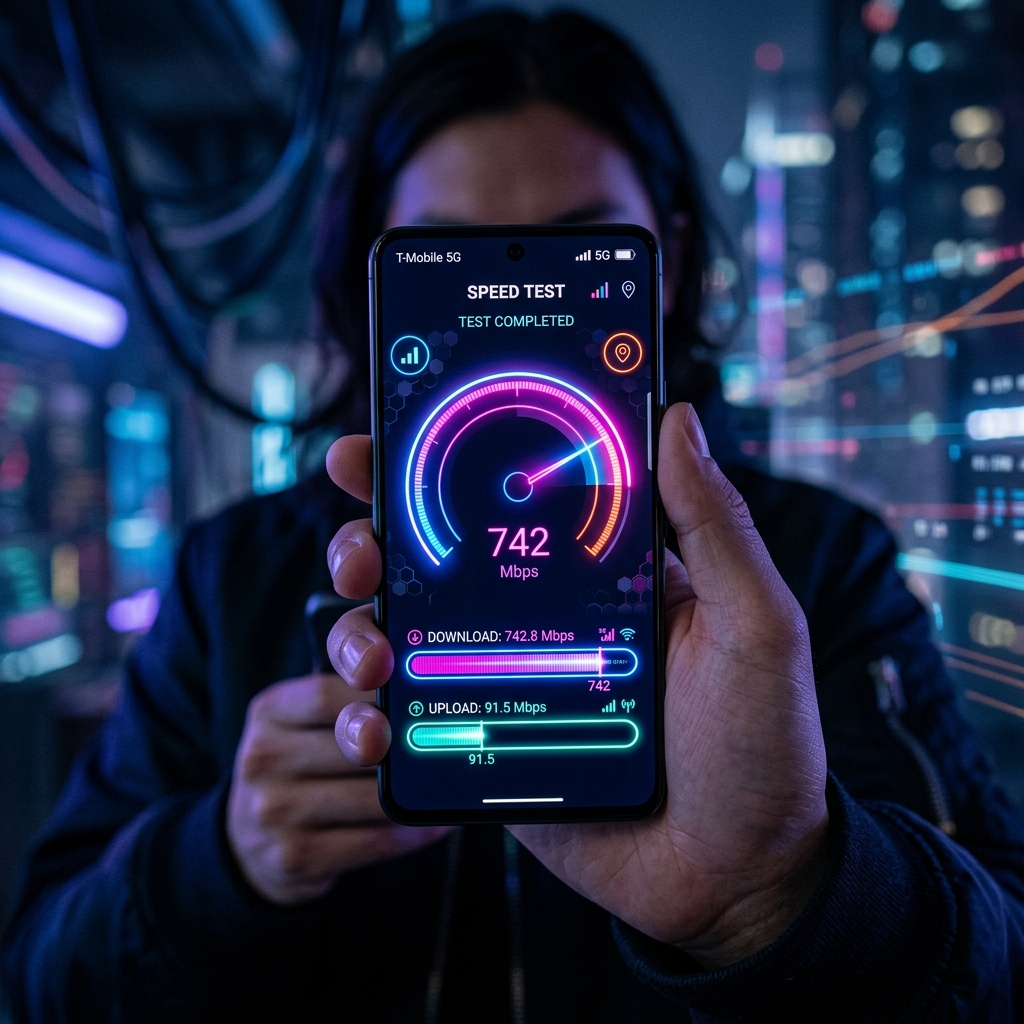
How to Run a T-Mobile Internet Speed Test
Running an accurate T-Mobile speed test takes under 10 seconds. Here's the correct way to do it:
- Go to DCSpeedTest.com — use Cloudflare's global network for neutral, ISP-independent results
- Connect directly — for home internet, use the T-Mobile gateway's WiFi (or Ethernet if possible)
- Close background apps — streaming, downloads, and cloud sync will skew your results
- Click Start — the test runs automatically and shows download, upload, ping and jitter
- Run 3 tests — average the results for the most accurate measurement
What Speed Should I Get on T-Mobile Internet?
Expected speeds vary significantly depending on whether you have T-Mobile 5G Home Internet or a T-Mobile mobile data plan.
T-Mobile 5G Home Internet (Gateway Device)
- Download: 100–400 Mbps (typical), up to 1 Gbps in elite coverage zones
- Upload: 15–65 Mbps
- Ping: 25–55ms
T-Mobile 5G Mobile (Smartphone or Hotspot)
- Mid-band 5G (n41): 200–800 Mbps download, 25–80 Mbps upload
- Low-band 5G: 30–150 Mbps download
- LTE (4G): 15–100 Mbps download
Why Is My T-Mobile Speed Lower Than Expected?
If your T-Mobile speed test results are below the ranges above, here are the most common causes and fixes:
1. Network Congestion (Most Common)
T-Mobile uses network management policies during peak hours (5–9pm). If your area is congested, speeds can drop 30–60%. Solution: test at off-peak times (morning or late night) to see your true network speed.
2. Gateway Placement (Home Internet)
The T-Mobile gateway device needs line-of-sight to a cell tower for best performance. Place it near a window facing the direction of the strongest signal. Use the T-Mobile app to find the optimal placement position.
3. Too Many Devices Connected
If 10+ devices are connected to your gateway, each one competes for bandwidth. Test with all other devices disconnected to see your true maximum speed.
4. Low-band vs Mid-band 5G Coverage
T-Mobile's fastest speeds come from mid-band 5G (2.5GHz, band n41). If your location only gets low-band 5G or LTE, speeds will be considerably lower. Check coverage on T-Mobile's coverage map.
5. Deprioritization After Data Threshold
On some plans, T-Mobile may deprioritize your data after 50–100GB during congested periods. This typically results in speeds of 3–8 Mbps during busy hours.
T-Mobile Speed Test: Good vs. Bad Results
| Metric | Excellent | Good | Needs Attention |
|---|---|---|---|
| Download | 200+ Mbps | 50–200 Mbps | Under 25 Mbps |
| Upload | 30+ Mbps | 10–30 Mbps | Under 5 Mbps |
| Ping | Under 30ms | 30–60ms | Over 100ms |
| Jitter | Under 5ms | 5–20ms | Over 30ms |
T-Mobile vs. Other ISPs: Speed Test Comparison
Based on millions of speed tests aggregated by DCSpeedTest and independent benchmarking firms:
- T-Mobile 5G Home: 182 Mbps avg download (2026)
- Verizon 5G Home: 210 Mbps avg download
- Comcast Xfinity: 285 Mbps avg download
- AT&T Fiber: 420 Mbps avg download
- Starlink: 145 Mbps avg download
How to Improve Your T-Mobile Internet Speed
- Reposition your gateway near a window for stronger 5G signal
- Use 5GHz WiFi band instead of 2.4GHz for faster local speeds
- Connect gaming consoles and smart TVs via Ethernet to the gateway
- Restart your gateway weekly (or set scheduled reboots)
- Check the T-Mobile app for signal strength and optimal gateway placement
- Contact T-Mobile if speeds are consistently under 25 Mbps — SLA help is available
Run Your T-Mobile Speed Test Now
Get your accurate T-Mobile speed results in 10 seconds — completely free, no login required. DCSpeedTest uses Cloudflare's independent server network to measure your real connection speed, not T-Mobile's internal test servers (which often show inflated results).
SpeedDemon
Senior network performance analyst at DCSpeedTest. Has conducted over 10,000 speed tests across major US carriers to benchmark real-world mobile and home internet performance.
Sources & References
👉 Test your connection now: Test Your Internet Speed in 10 Seconds