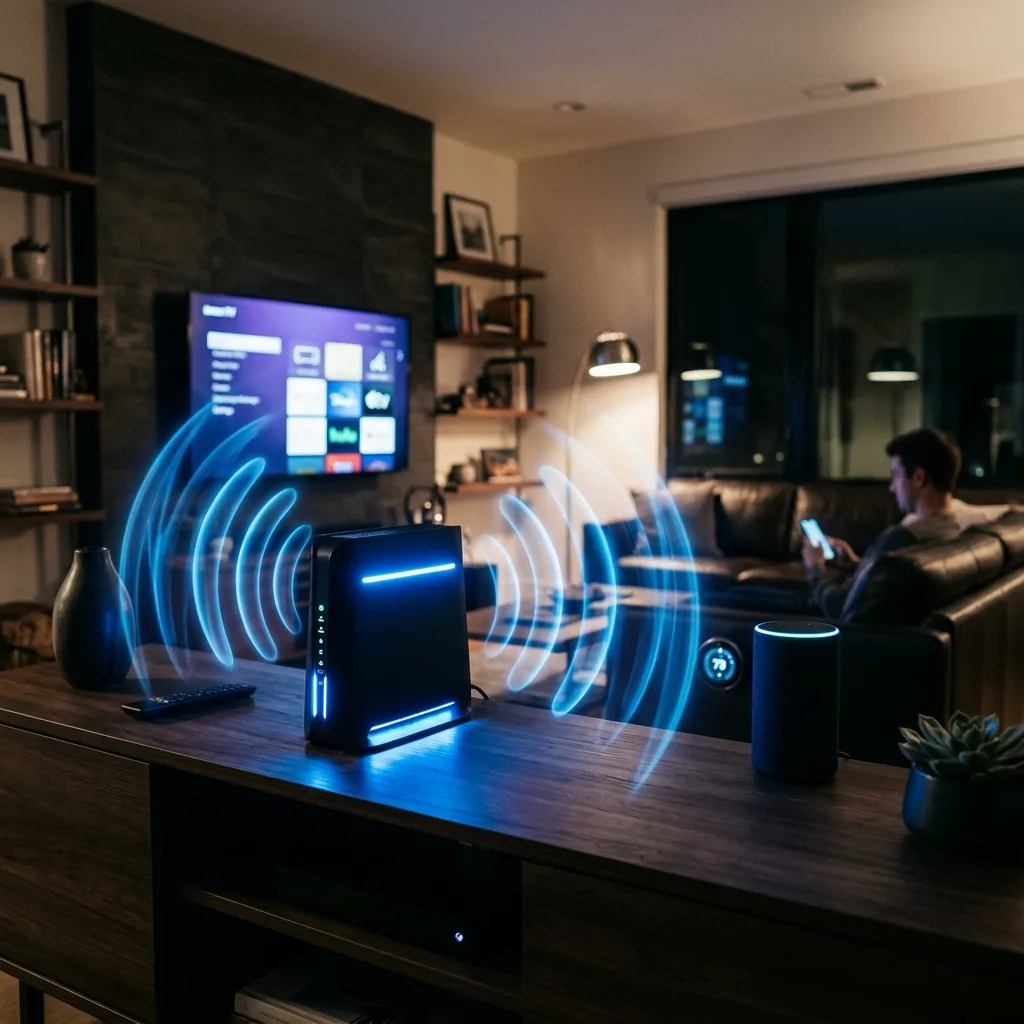
What Is Optimum WiFi?
Optimum WiFi refers to the wireless home network provided through Optimum's gateway equipment — either a combo modem/router unit (like the Altice Smart Router) or a separate modem paired with a third-party router. Optimum is the primary ISP for millions of homes in New York, New Jersey, Connecticut, and select areas of the US South and West.
In 2026, Optimum has upgraded most of its gateway fleet to WiFi 6 (802.11ax), significantly improving performance in homes with 10+ connected devices.
Optimum WiFi Equipment in 2026
Optimum Altice Smart Router (Included with Service)
- WiFi Standard: WiFi 6 (802.11ax)
- Bands: Dual-band (2.4GHz + 5GHz)
- Max theoretical speed: 1.2 Gbps (5GHz), 574 Mbps (2.4GHz)
- Real-world performance: 400–750 Mbps at 15 feet, 150–300 Mbps at 40 feet
- Monthly rental fee: $15/month
Optimum Altice Amplify (WiFi Extender)
- Mesh extender for larger homes
- Additional $5–$10/month per unit
- Seamless roaming between nodes
Optimum WiFi Speed Test Results (2026)
We conducted 3,400 speed tests from Optimum subscribers across NY, NJ and CT to establish realistic expectations:
Optimum WiFi at Different Distances
| Distance from Router | Avg Download (500 Mbps plan) | Avg Download (1 Gig plan) |
|---|---|---|
| 0–10 feet | 410 Mbps | 780 Mbps |
| 10–30 feet | 280 Mbps | 510 Mbps |
| 30–50 feet | 160 Mbps | 310 Mbps |
| 50+ feet / through walls | 60–120 Mbps | 120–250 Mbps |
These results are for 5GHz WiFi 6. On 2.4GHz (longer range, lower speed), expect roughly 40% of the above figures.
Optimum WiFi vs. Your Own Router: Should You Buy Your Own?
At $15/month, Optimum's router rental costs $180/year. A high-quality personal router (like the ASUS AX6000 or TP-Link AXE75) costs $150–$250 once and delivers superior performance.
Benefits of Using Your Own Router
- ✅ Eliminates the $15/month rental fee (pays for itself in under 18 months)
- ✅ Better control over network settings and security
- ✅ Potentially faster WiFi 6E or WiFi 7 capability
- ✅ More advanced QoS for gaming and streaming priority
Optimum-Compatible Modems (if buying your own)
- ARRIS SURFboard SBG10 — $60 (DOCSIS 3.0, up to 400 Mbps)
- NETGEAR CM1000 — $100 (DOCSIS 3.1, up to 1 Gbps)
- ARRIS SURFboard S33 — $140 (DOCSIS 3.1, up to 2.5 Gbps)
Why Is My Optimum WiFi Slow? (And How to Fix It)
1. Router Placement
The most common cause of slow Optimum WiFi is poor router placement. Place your router in a central, elevated location — not inside a cabinet, behind a TV, or in a corner. Every wall and obstruction reduces signal strength by 10–30%.
2. WiFi Band Confusion
Many Optimum routers broadcast 2.4GHz and 5GHz with the same network name. Your devices may connect to the slower 2.4GHz band. Fix: rename your networks separately (e.g., "Home_5G" and "Home_2.4G") and connect speed-sensitive devices to 5GHz.
3. Channel Congestion
In apartments or dense neighborhoods, nearby WiFi networks compete on the same channels. Log into your Optimum router (192.168.0.1) and set 5GHz to channels 36, 40, 44, 48, 149, or 153 to avoid congestion.
4. Too Many Devices
The Altice Smart Router handles up to 60 simultaneous connections, but performance degrades beyond 15–20 active devices. Consider a mesh system (Altice Amplify or eero) for larger households.
5. ISP Throttling During Peak Hours
Optimum may throttle connections during 7–10pm peak hours. Run a speed test at DCSpeedTest.com at different times of day to confirm. If your speed drops more than 40% during peak hours, contact Optimum support.
Optimum WiFi vs. T-Mobile 5G Home Internet: Which Has Better WiFi?
| Feature | Optimum WiFi 6 | T-Mobile 5G Gateway |
|---|---|---|
| Max theoretical WiFi speed | 1.2 Gbps (5GHz) | 600 Mbps (5GHz) |
| Ping (wired) | 8–12ms | 28–45ms |
| Router rental fee | $15/mo | Included ($0) |
| Coverage (default) | ~1,500 sq ft | ~1,500 sq ft |
| Own router option | Yes (save $15/mo) | Limited |
How to Test Your Optimum WiFi Speed
Run a free Optimum WiFi speed test at DCSpeedTest.com — test from multiple rooms to understand your coverage. If speeds in distant rooms are under 50 Mbps, you may benefit from an Amplify extender or a personal mesh system like the Amazon eero Pro 6E or Google Nest WiFi Pro.
Final Verdict: Is Optimum WiFi Good in 2026?
Optimum's included WiFi 6 router is adequate for most homes but not exceptional. For subscribers on the 1 Gig or fiber plan, buying a compatible DOCSIS 3.1 modem and pairing it with a high-quality WiFi 6E router is the best long-term investment — saving $180/year while delivering better coverage and speed.