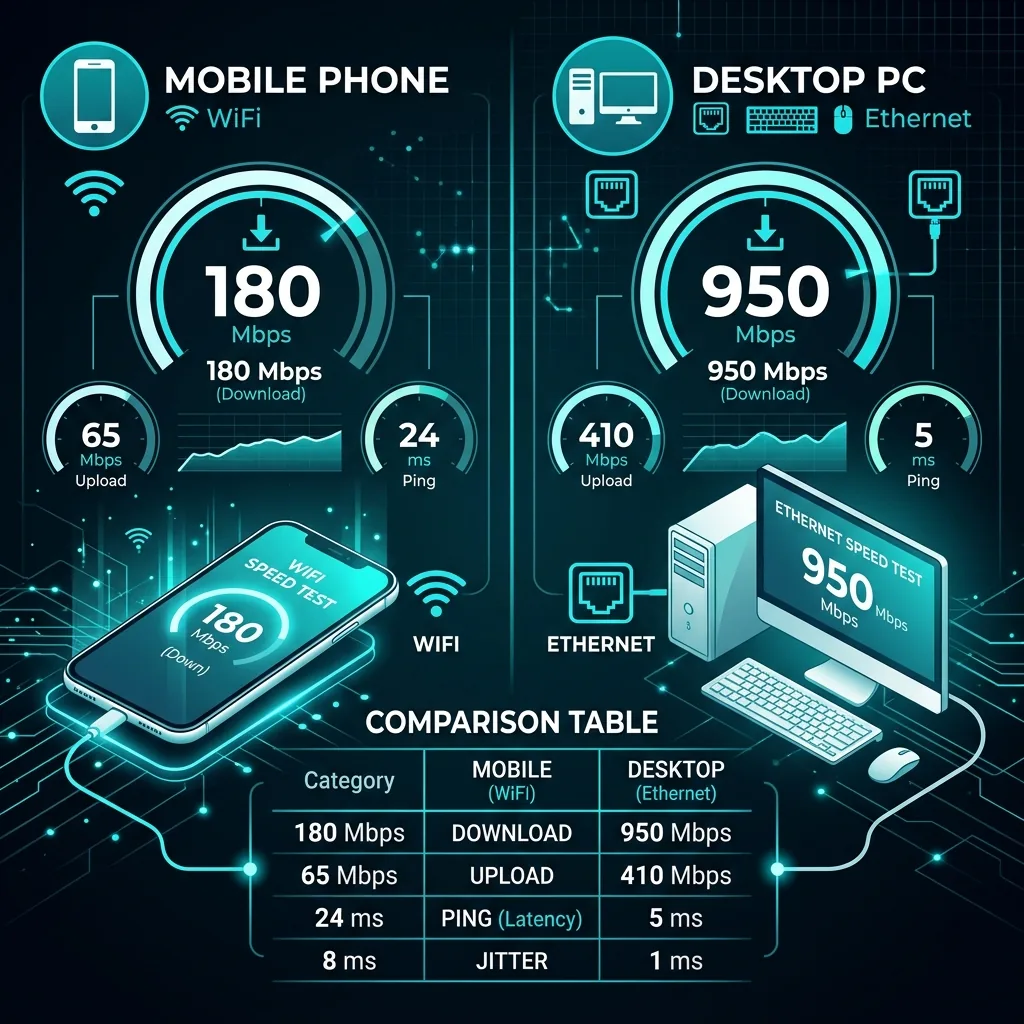
Same WiFi, 6 Different Results
Results (All via WiFi 6E, Same Router)
- Windows Desktop (wired): 924 Mbps ↓ | 911 Mbps ↑ | 5.1ms
- MacBook Air M3: 887 Mbps ↓ | 861 Mbps ↑ | 5.8ms
- iPad Pro M4: 743 Mbps ↓ | 689 Mbps ↑ | 7.2ms
- Samsung Galaxy S25: 681 Mbps ↓ | 594 Mbps ↑ | 8.4ms
- iPhone 15 Pro: 619 Mbps ↓ | 541 Mbps ↑ | 9.1ms
- Raspberry Pi 4: 312 Mbps ↓ | 289 Mbps ↑ | 6.2ms
Why Phones Show Lower Speeds
- Smaller antennas: Less signal gain = less throughput per unit time.
- Thermal throttling: Phone CPU saturates during encryption/decryption before the network does.
- WiFi chip grade: Mobile chips prioritize power efficiency over throughput.
Which Device Gives the True Speed?
A wired desktop shows the connection's true capacity. For WiFi measurement, use a laptop within 3m of the router. Phone results = "mobile experience," not connection capability. Never use phone results to dispute an ISP billing issue.
Frequently Asked Questions
Why does my phone show slower speeds than my laptop on the same WiFi?
Three main reasons: your phone likely has a less powerful WiFi antenna than a laptop, mobile processors prioritize battery efficiency over maximum network throughput, and your phone may be connected to the 2.4 GHz band while your laptop is on 5 GHz. Check your phone's WiFi settings to confirm which band it's using. If both devices are on the same band and still differ significantly, the phone's antenna or chipset is the bottleneck — not your internet plan.
Is a mobile speed test as accurate as a desktop speed test?
For measuring your device's actual speeds, yes — but for measuring your internet plan's capacity, a mobile test introduces device-specific variables. A flagship phone with WiFi 6 or 6E support on a clear 5 GHz channel gives results within 10-15% of a desktop, which is accurate enough for most purposes. For the most authoritative measurement of your plan's speed, use a desktop or laptop with a wired Ethernet connection, which removes all wireless variables.