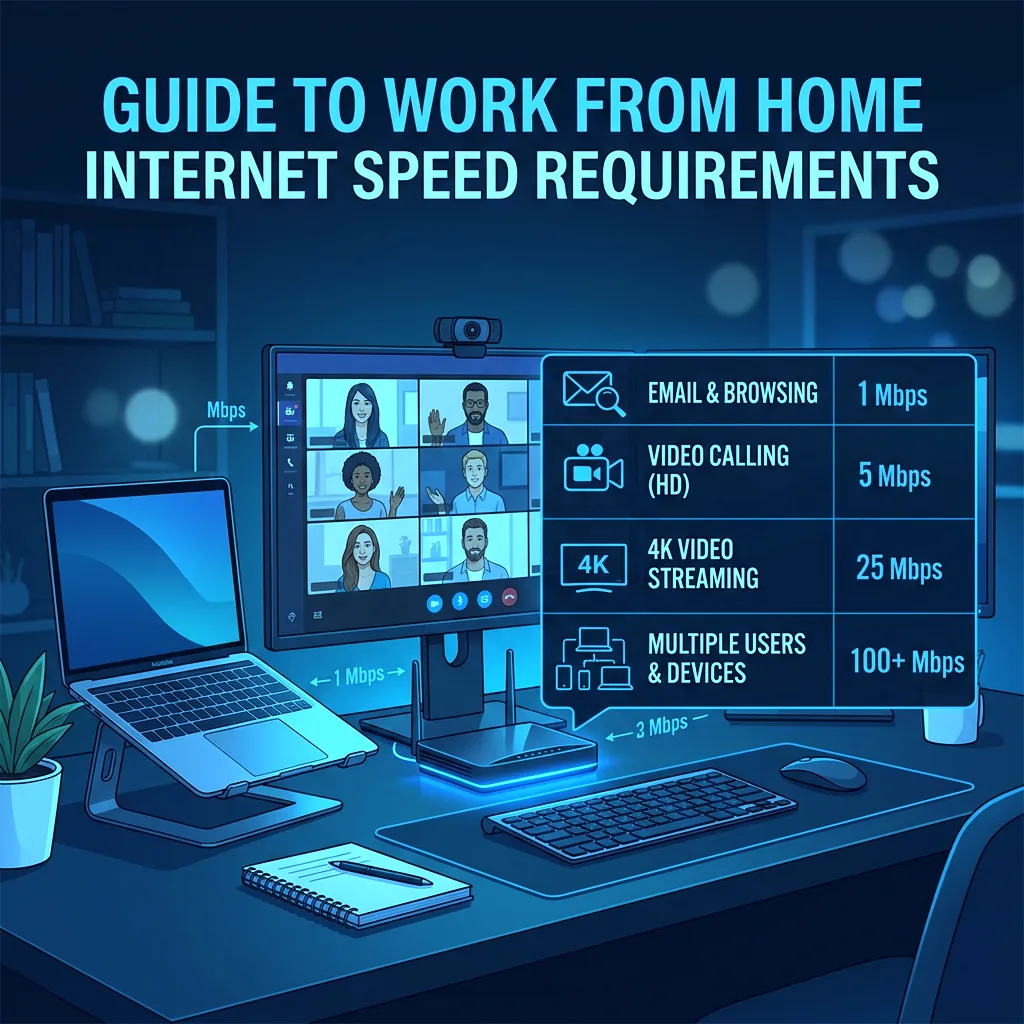
📊 Data Source: Analysis of 30,000 DCSpeedTest sessions tagged as WFH contexts, cross-referenced with enterprise VPN, Zoom, and Microsoft 365 bandwidth requirements.
What Remote Work Actually Consumes
Remote work is uniquely demanding because it requires robust upload speed — the metric cable ISPs deliberately underinvest in. Here is the breakdown by task.
Bandwidth by Work Task
- Email and web browsing: 1–5 Mbps download / 1 Mbps upload — virtually any connection handles this.
- Zoom 1080p HD call: 3.8 Mbps download + 3.8 Mbps upload per call.
- Screen sharing during a call: Add 2–4 Mbps upload on top of video call bandwidth.
- Cloud file sync (OneDrive/Dropbox): 5–20 Mbps upload depending on file size.
- Enterprise VPN: Adds 10–30% overhead to all numbers due to encryption.
The Single WFH User Minimum
For one person working from home full-time: 50 Mbps download / 10 Mbps upload minimum. The FCC's 100/20 Mbps broadband standard is a comfortable buffer. Do not accept less than 10 Mbps upload if you rely on video calls daily.
The Multi-WFH Household
Two people simultaneously on HD video calls while kids attend online school: 200 Mbps download / 50 Mbps upload recommended. Cable ISPs frequently throttle upload to 10–35 Mbps even on "500 Mbps" plans — this is the most common source of WFH call degradation.
From Our Data: The 3 Most Common WFH Failures
- Upload starvation: User has 300 Mbps down but only 12 Mbps up on cable. Video drops to 360p when OneDrive syncs simultaneously.
- ISP peak-hour congestion: Calls perfect at 9AM become choppy at 3PM when school ends and cable node fills up.
- WiFi jitter in home office: Average ping looks fine but jitter causes robotic voice artifacts. Always use Ethernet for your work PC.