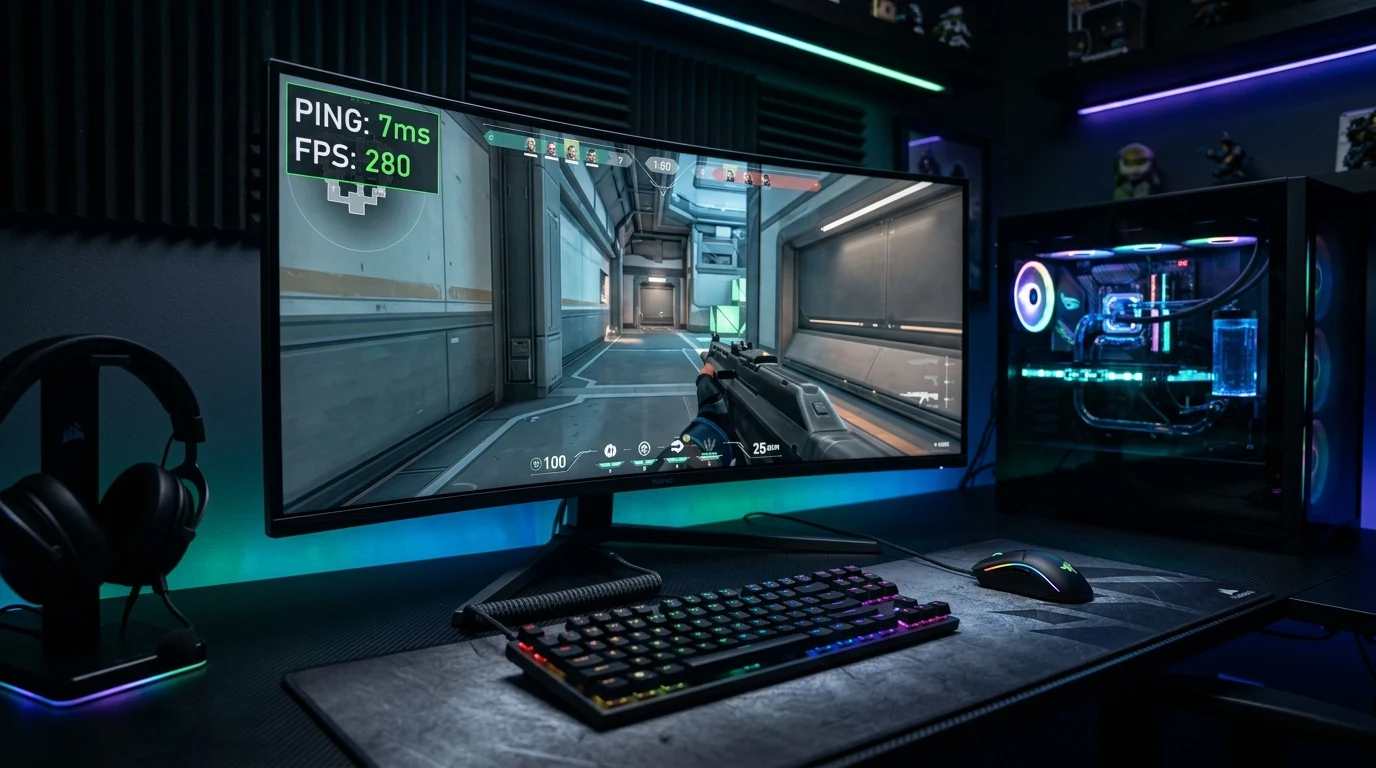
Walk into any electronics retailer or visit an ISP website, and you will be bombarded with aggressive marketing: 'Upgrade to our Extreme 2.5 Gigabit Gamer Tier for Ultra-Low Latency Esports Performance!' Millions of gamers spend an extra $50 to $100 per month upgrading their download bandwidth, expecting their in-game ping to drop from 50ms to 10ms. But what is the actual ideal internet speed for gaming according to telecommunications physics? Here is the unfiltered truth.
Real-World Bandwidth Consumption of Top Online Games
Multiplayer games do not stream video; they only transmit lightweight mathematical coordinate vectors, player inputs, and state numbers over UDP packets. Here is the measured, real-world active bandwidth consumption across major 2026 competitive titles:
| Competitive Game Title | Server Tickrate | Active Download Speed | Active Upload Speed |
|---|---|---|---|
| Valorant | 128-Tick | 0.75 Mbps | 0.40 Mbps |
| Counter-Strike 2 | 64-Tick (Sub-Tick) | 0.85 Mbps | 0.45 Mbps |
| Fortnite Chapter 5 | 30-Tick | 1.20 Mbps | 0.50 Mbps |
| Call of Duty: Warzone | 20-Tick | 1.50 Mbps | 0.80 Mbps |
| Rocket League | 120-Tick (Physics) | 0.60 Mbps | 0.35 Mbps |
In total, an intense 128-tick tactical shooter consumes less than 1.5 Megabits per second. A standard 50 Mbps broadband connection possesses more than 30 times the required bandwidth for professional esports play.
The Real Telecommunications Hierarchy for Gaming
If download bandwidth is virtually irrelevant to in-game responsiveness, what network characteristics actually dictate whether you win or lose gunfights? Here is the real-world hierarchy of importance:
- Packet Loss (Target: 0.00%): Dropping even 1% of packets results in unregistered shots, rubber-banding, and delayed damage notifications.
- Network Jitter (Target: < 2.0 ms): Consistency of packet delivery. Flat timing allows muscle memory and client interpolation to remain perfectly synchronized.
- Loaded Latency / Bufferbloat (Target: < 15 ms under load): The ability of your router to maintain low ping when someone else in the house streams video.
- Base Ping (Target: < 30 ms): The physical transit time between your PC and the regional game datacenter.
- Download Bandwidth (Target: > 25 Mbps): The absolute last priority for real-time multiplayer performance.
Summary Recommendation: How Much Speed Should You Pay For?
- Solo Gamer Household: 50 Mbps download / 10 Mbps upload fiber or cable.
- Family Household (2 Gamers + 4K Netflix Streaming): 200 Mbps download / 20 Mbps upload with an SQM QoS router.
- Content Creator / Streamer: 300 Mbps to 500 Mbps symmetrical fiber (for unthrottled 4K video uploads).
Why Game Downloads Demand Speed (The Real Use Case)
While active multiplayer matches consume less than 1.5 Mbps, modern AAA games (such as Call of Duty: Black Ops 6, GTA 6, or Cyberpunk 2077) require massive 80GB to 150GB downloads. The table below illustrates the real-world value of download bandwidth for installation time:
| Broadband Download Speed Tier | 100 GB Game Download Time | 50 GB Season Patch Download Time |
|---|---|---|
| 1,000 Mbps (1 Gbps Fiber) | ~14 Minutes | ~7 Minutes |
| 500 Mbps Broadband | ~28 Minutes | ~14 Minutes |
| 100 Mbps Standard | ~2 Hours 15 Minutes | ~1 Hour 8 Minutes |
| 25 Mbps Basic DSL | ~9 Hours 10 Minutes | ~4 Hours 35 Minutes |
If you play multiple games and download large weekly patches, a 300 Mbps to 500 Mbps plan offers the ideal balance of fast downloads without paying an unnecessary premium for 2+ Gigabit tiers.
Understanding Asymmetric Cable vs Symmetrical Fiber for Gaming
Many cable internet providers (like Spectrum, Xfinity, and Cox) advertise plans with 500 Mbps download but only 20 Mbps upload. On an asymmetric connection, if someone in your house uploads a 4K video to Instagram or backs up photos to Google Drive, the 20 Mbps upload pipe saturates instantly, causing in-game ping to jump by 200ms.
Symmetrical Fiber Broadband (like AT&T Fiber or Google Fiber) provides identical download and upload speeds (e.g. 500 Mbps up and down), completely preventing upload bufferbloat during intense gaming sessions.
Actionable Steps to Optimize Your Current Internet Plan
- Hardwire your PC or console with a Cat6 Ethernet cable.
- Enable SQM (Smart Queue Management) with CAKE or FQ-CoDel on your router.
- Set DNS to Cloudflare (
1.1.1.1) and Google (8.8.8.8). - Test your real-time jitter on the DCSpeedTest Live Testing Engine.
The Math of Packet Serialization Delay in Esports
To understand why bandwidth does not reduce in-game ping, consider the mathematical formula for serialization delay:
Serialization Delay = Packet Size (Bits) / Bandwidth (Bits per Second)A standard 64-byte gaming packet equals 512 bits. Let's calculate serialization time across different speed tiers:
- At 50 Mbps: 512 bits / 50,000,000 bps = 0.00001024 seconds (0.010 ms)
- At 1,000 Mbps (1 Gbps): 512 bits / 1,000,000,000 bps = 0.000000512 seconds (0.0005 ms)
Upgrading from 50 Mbps to 1 Gigabit reduces packet serialization time by just 0.0097 milliseconds (less than one-hundredth of a millisecond). In contrast, switching from Wi-Fi to a Cat6 Ethernet cable reduces packet transit time by 10.0 to 25.0 milliseconds — over 1,000 times more impactful than paying for faster download bandwidth.
In summary, stop overpaying for excessive Gigabit bandwidth tiers you will never utilize in gaming. Invest in a quality Cat6 Ethernet cable and an SQM QoS router to enjoy rock-solid, tournament-grade low ping in every match.
Why Wi-Fi Interference Destroys Low-Speed and High-Speed Connections Equally
Whether you subscribe to a 25 Mbps DSL plan or a 2,000 Mbps fiber line, playing over Wi-Fi introduces radio packet collisions. When radio frames collide in the air, the wireless adapter must execute an exponential backoff algorithm before retransmitting, causing in-game ping to fluctuate wildly from 15ms to 95ms.
Connecting your gaming PC or console directly with a shielded Cat6 Ethernet cable eliminates 100% of airwave collisions, delivering rock-solid sub-millisecond local latency regardless of your broadband speed tier.
Why Multi-Gigabit Plans Are Overkill for Solo Gamers
Internet service providers heavily market 2.5 Gbps and 5 Gbps residential broadband tiers. While multi-gigabit connections are beneficial for large creative agencies transferring terabytes of uncompressed video files daily, a solo competitive gamer will never utilize more than 2 Mbps during active gameplay. Allocating your budget toward quality networking hardware (like a low-latency router and certified Cat6 cables) will yield far superior gaming results than overpaying for multi-gigabit download speeds.