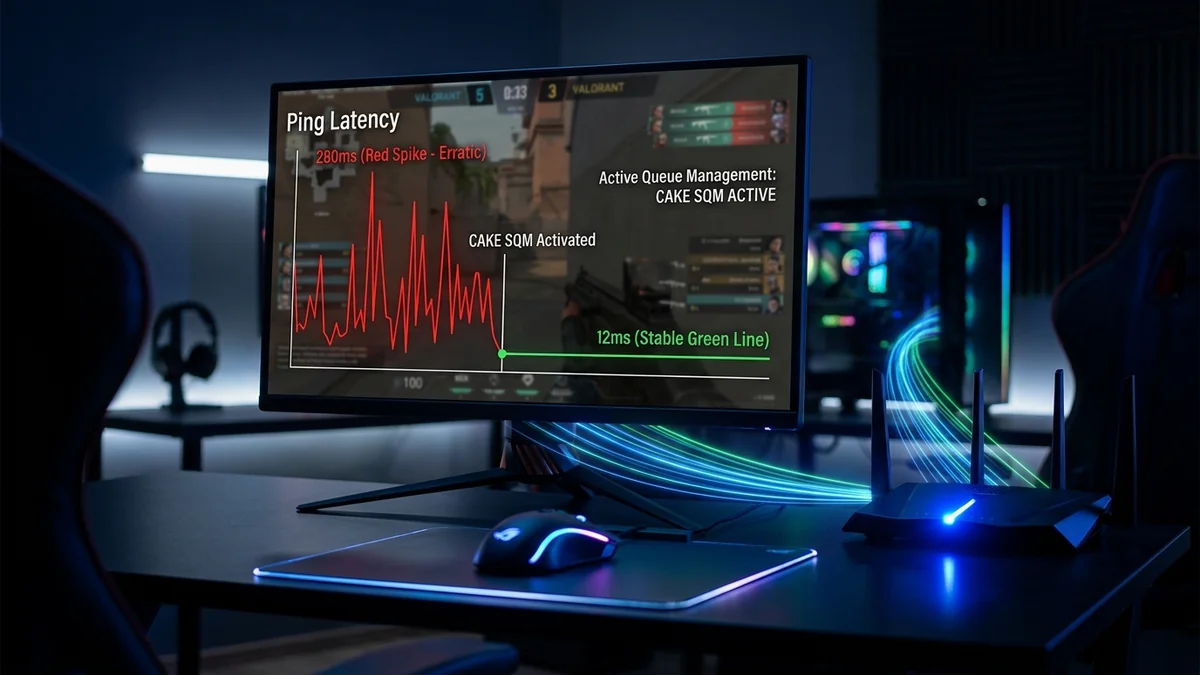
If games lag when another device uploads or downloads, compare idle and loaded latency. A repeatable increase is more useful evidence than the download speed alone.
Separate the game from the test route
The browser test measures its configured test network. Your game can use a different server, region and route. Record the game region and its own network statistics. A good browser result does not rule out a game-specific problem, and a bad result should be repeated before changing equipment.
A repeatable procedure
- Run a baseline and label the connection conditions.
- Pause cloud backup or a large transfer and repeat the same test.
- Try Ethernet or a location nearer the router, changing only one condition each time.
Choose the next step from the evidence
If the issue persists over cable during transfers, check documented SQM support or ask the router vendor about queue management. If only one game is affected, investigate that game and route separately. Avoid buying a faster plan or VPN solely because a single result looked poor.
Use the result without overstating it
Start with the DC SPEED connection test, choose the same mode for comparable runs and label the connection conditions yourself. The result panel separates idle latency from latency during download and upload. Its before-and-after view reports differences between compatible runs; it does not identify the cause automatically. History and CSV export let you keep a record without creating an account.
For a problem in a specific game, use the gaming diagnostic guide and the game own network statistics. Read the measurement methodology before comparing this tool with another service. These instructions are a troubleshooting workflow, not a report of laboratory experiments performed by the author.