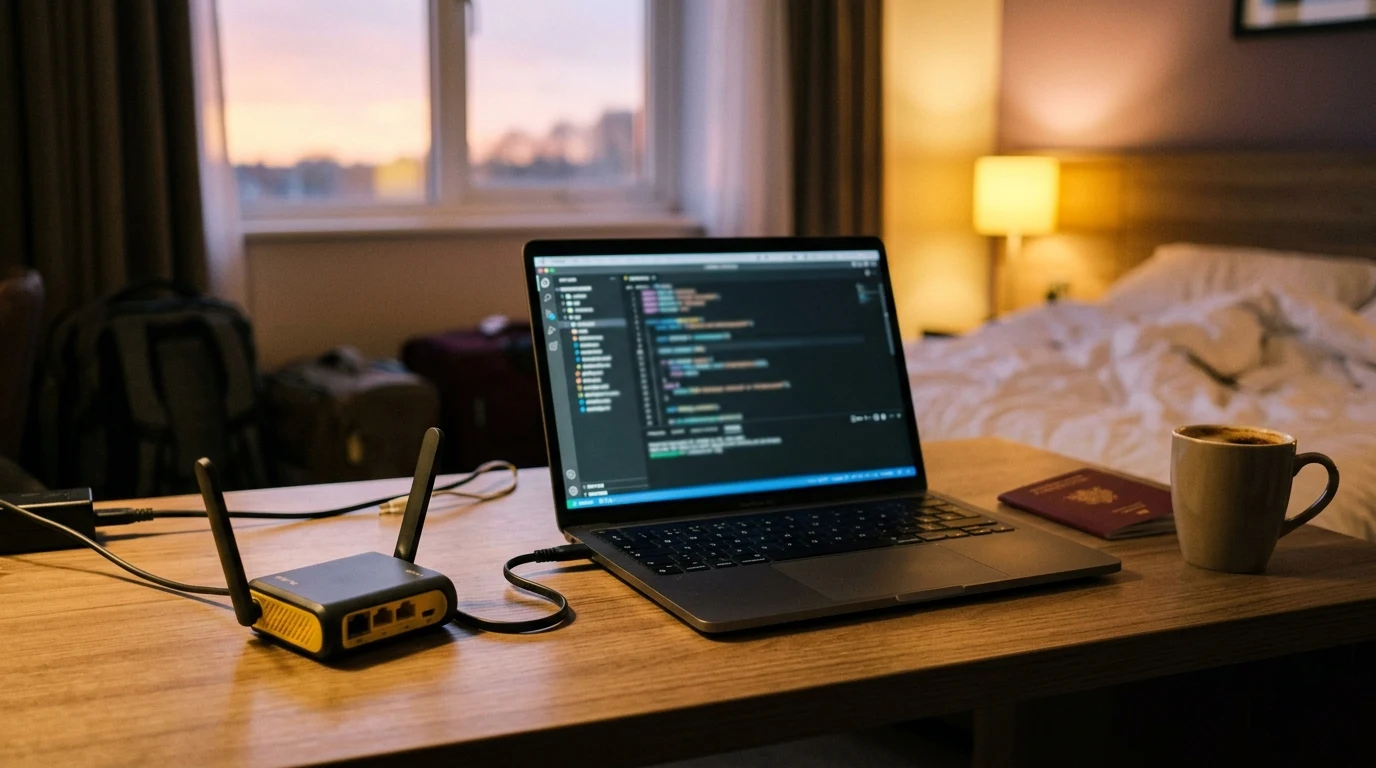
Anyone who travels frequently for business or leisure knows the sheer frustration of hotel Wi-Fi: every time you return to your room, you are forced to re-enter your last name and room number on an annoying captive portal webpage; streaming sticks (Chromecast, Fire TV, Apple TV) and gaming consoles refuse to connect because they lack web browsers; and the hotel artificially caps download speeds to a sluggish 5 Mbps per device. How can you connect all your laptops, phones, and streaming devices with one single login, bypass per-device speed caps, and secure your data? Here is the ultimate travel router guide.
How Hotel Captive Portals Work (MAC Address Tracking)
When you connect to an open hotel Wi-Fi network, the gateway uses DNS Redirection (RFC 7710) and firewall rules to intercept all outbound web requests until you authenticate on the splash page:
- Once you submit your room number, the hotel gateway records your device's Media Access Control (MAC) address in its authorized client database.
- The gateway applies a strict per-MAC bandwidth limiter (e.g. 5 Mbps down / 1 Mbps up) and starts a 24-hour lease timer.
- Devices without interactive web browsers cannot load the portal page and are permanently blocked from internet access.
The Solution: The GL.iNet Travel Router MAC Cloning Method
By carrying a compact Wi-Fi 6 travel router (such as the GL.iNet Beryl AX), you can create your own private, encrypted hotspot in your room in under 2 minutes:
- Authenticate on Your Smartphone First: Connect your smartphone directly to the hotel Wi-Fi and complete the splash page login.
- Check Your Phone's MAC Address: In phone settings under About Phone → Status → Wi-Fi MAC Address, write down your phone's 12-character MAC.
- Log into Your Travel Router Admin Panel: Connect your laptop to your travel router Wi-Fi and navigate to
192.168.8.1. - Enable MAC Address Cloning: Go to Network → MAC Clone, select Clone MAC, and enter your smartphone's authenticated MAC address.
- Connect Router in Repeater Mode: Under Internet, connect the travel router in Repeater (WISP) mode to the hotel Wi-Fi.
The hotel network now believes your travel router is simply your phone. All your laptops, iPads, Kindles, and gaming consoles connect seamlessly to your private travel router network with zero portal logins.
Summary Comparison: Direct Hotel Wi-Fi vs Travel Router Hotspot
| Feature & Security Metric | Connecting Directly to Hotel Wi-Fi | Using a Travel Router (GL.iNet Beryl AX) |
|---|---|---|
| Captive Portal Logins | Required on every individual device | Authenticate once; all devices connect automatically |
| Streaming Stick Compatibility | Blocked (No browser on Apple TV / Roku) | 100% Compatible (Private WPA3 Network) |
| Local Network Security | Exposed to other hotel guests on open subnet | Private Hardware Firewall + WireGuard VPN |
| Per-Device Speed Limits | Throttled per device | Aggregated bandwidth across private network |
Why WireGuard VPN on a Travel Router Protects Remote Workers
Public hotel Wi-Fi networks operate without internal client isolation, allowing malicious actors on the same subnet to run packet capture tools (like Wireshark) and attempt man-in-the-middle attacks. Pocket travel routers (like the GL.iNet Beryl AX) include native hardware WireGuard VPN encryption (delivering over 300 Mbps VPN throughput), ensuring all your work traffic, Zoom calls, and banking sessions are securely tunneled inside unbreakable 256-bit encryption.
Summary Checklist for Hotel Wi-Fi Optimization
- Authenticate your smartphone on the hotel splash page first.
- Clone your phone's MAC address into your GL.iNet travel router.
- Connect the travel router in Repeater (WISP) mode to the hotel network.
- Enable the travel router's built-in WireGuard VPN toggle.
- Connect all your laptops, tablets, and streaming sticks to your private Wi-Fi.
How Travel Routers Keep Your Streaming Sticks Active on the Road
When traveling with an Apple TV, Roku, or Chromecast, hotel captive portals make streaming impossible because the devices cannot open a web browser to accept terms of service. By connecting a GL.iNet travel router to the hotel network and cloning your phone's MAC address, your streaming stick connects to your travel router's private Wi-Fi network instantly, allowing you to watch Netflix, YouTube, and Disney+ just like you do at home.
Why Travel Routers Bypass Hotel Per-Device Connection Fees
Many luxury hotels and cruise ships charge steep daily fees (e.g. $15 to $30/day) for each additional device connected to their Wi-Fi. By using a GL.iNet travel router with MAC address cloning, the hotel network only ever sees one single authenticated client (your travel router), allowing you to connect 10+ laptops, tablets, and phones under one single room login, saving hundreds of dollars on extended business trips.
Verifying Your Travel Router Connection on DCSpeedTest
Before starting remote work Zoom calls from a hotel room, run a line stability check on DCSpeedTest to measure your real-time packet loss and VPN throughput.
By deploying a GL.iNet travel router with MAC cloning and WireGuard encryption, travelers enjoy fast, secure, and unrestricted Wi-Fi in every hotel room worldwide.
Why Travel Routers Bypass Hotel Device Limits on Cruise Ships
On modern cruise ships (like Royal Caribbean or Carnival), satellite Starlink internet packages are sold per single device at astronomical prices ($20 to $35/day per device). By using a GL.iNet travel router with MAC address cloning, your entire family can share a single premium satellite internet plan across all laptops, phones, and tablets with zero extra charges.
By deploying a GL.iNet travel router with MAC cloning and WireGuard encryption, travelers enjoy fast, secure, and unrestricted Wi-Fi in every hotel room worldwide.
Why Powering Travel Routers via USB-C Power Banks Adds Portability
Modern travel routers (like the GL.iNet Beryl AX) operate on standard 5V/3A USB-C power. This allows you to power the router directly from a portable power bank, enabling you to create a secure, encrypted personal Wi-Fi hotspot in airport lounges, train stations, and coffee shops without needing an AC wall outlet.
Why Travel Routers Create a Safe Haven for Remote Workers
Public hotel Wi-Fi networks expose connected devices to local subnet sniffing and ARP spoofing attacks. By deploying a GL.iNet travel router with MAC cloning and hardware WireGuard encryption, you establish a private, encrypted digital perimeter that protects your work laptops, passwords, and sensitive company data anywhere you travel in the world.