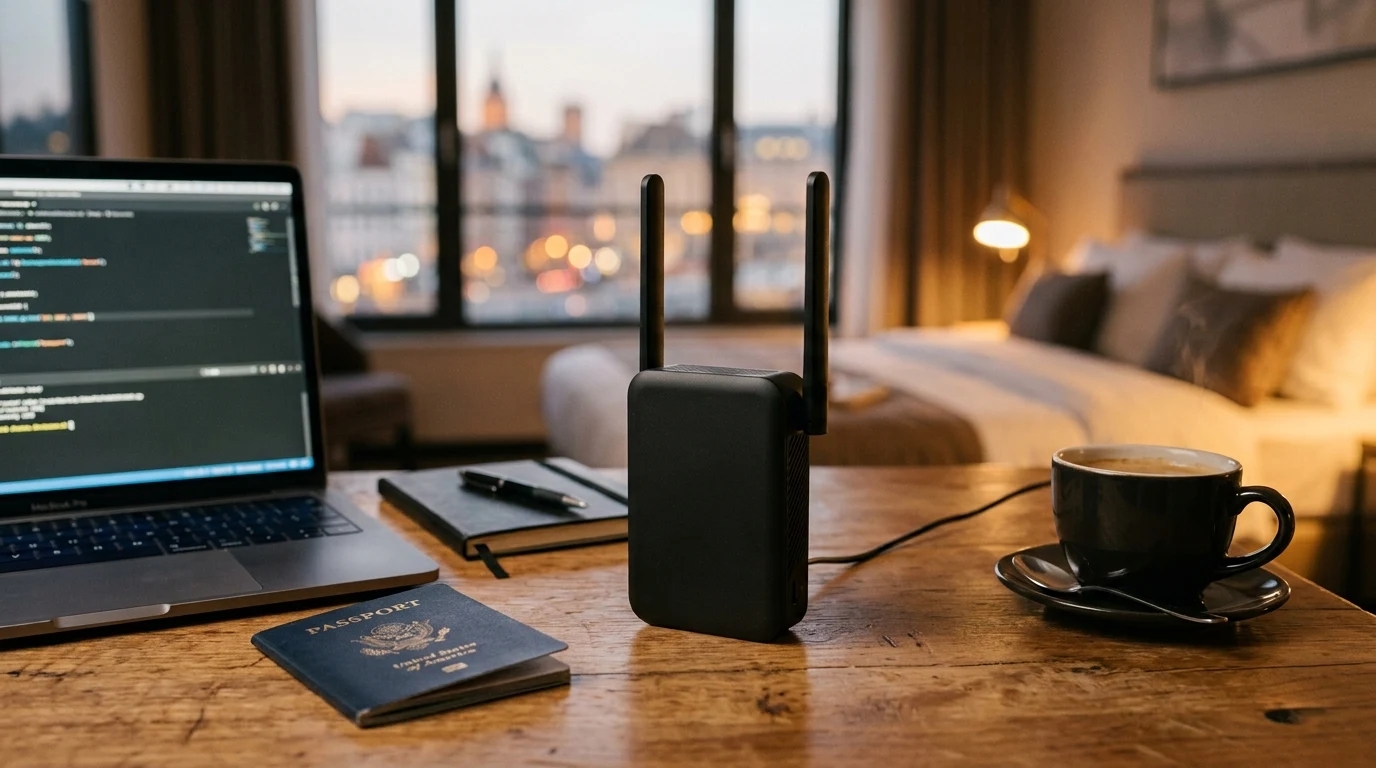
A travel router solves a specific annoyance: hotel and Airbnb WiFi networks that require a captive-portal login, which most streaming devices, smart speakers, and game consoles can't complete on their own. The GL.iNet Opal is built around exactly that use case — connect once, and every device behind it treats the hotel's WiFi as a single upstream connection.
Hardware Specifications & Port Layout
Weighing just 145 grams and fitting comfortably in a jacket pocket, the GL.iNet Opal is packed with full router functionality:
- Processor & Memory: Siflower SF19A28 dual-core 1.0 GHz CPU with 128 MB DDR3 RAM and 128 MB NAND Flash.
- Dual-Band Wireless (AC1200): 867 Mbps on 5 GHz + 300 Mbps on 2.4 GHz with two foldable external antennas.
- 3x Gigabit Ethernet Ports: 1x Gigabit WAN port + 2x Gigabit LAN ports for hardwiring laptops or connecting to in-room hotel Ethernet jacks.
- 1x USB 2.0 Port: Connects 4G/5G cellular USB dongles or smartphone USB tethering for instant cellular backup.
- Physical Configurable Toggle Switch: Instantly enable/disable WireGuard VPN with a physical slide switch on the side of the casing.
- USB-C Power Input: Standard 5V/2A input that runs effortlessly off a portable power bank for over 12 hours.
Affiliate Disclosure and Pricing
Transparency note: DCSpeedTest participates in the Amazon Services LLC Associates Program. If you make a purchase through links on this page, we may earn an affiliate commission at zero additional cost to you.
The Ultimate Portable Travel & VPN Router
Compact, lightweight, and powered via USB-C. Connect all your devices to hotel Wi-Fi under a single secure, encrypted hotspot with the GL.iNet Opal.
OpenWrt Firmware & Advanced Network Customization
At the heart of the GL.iNet Opal is a customized build of OpenWrt, the world's most powerful open-source Linux router operating system. While the clean GL.iNet web interface allows one-click setup for beginners, clicking Advanced → LuCI unlocks complete root-level control over the entire networking stack:
- Custom DNS over HTTPS (DoH) via Cloudflare & NextDNS: Encrypts all DNS lookup requests to bypass ISP censorship and prevent hotel networks from logging your browsing history.
- Multi-WAN Failover & Load Balancing: Dynamically route traffic between hotel Wi-Fi and a connected 5G smartphone tether with automated sub-second failover if the hotel Wi-Fi drops.
- Hardware WireGuard Server: Configure the Opal as a standalone WireGuard server before leaving home, allowing you to dial back into your home network from abroad with a dedicated residential IP address.
Step-by-Step Hotel Captive Portal Login Guide
- Power the Opal: Plug the Opal into any standard 5V/2A USB-C phone charger or power bank.
- Connect to Opal Wi-Fi: Connect your smartphone or laptop to the private GL-SFT1200-xxx Wi-Fi network.
- Scan and Join Hotel Wi-Fi: Open browser to
192.168.8.1, go to Internet → Repeater, select the hotel's public SSID, and click Connect. - Complete Captive Portal Once: Open any web page on your phone (such as
http://captive.apple.com) and accept the hotel terms. All your other devices (laptops, iPads, smart TVs) are instantly online under your private encrypted bubble!
DNS Leak Protection & Cloudflare 1.1.1.1 Encryption
Public Wi-Fi networks in airports, cafes, and hotels often hijack unencrypted DNS queries to redirect users to landing pages or inject tracking cookies. The GL.iNet Opal features built-in DNS leak protection: under Network → DNS, enabling DNS over HTTPS (DoH) via Cloudflare (1.1.1.1) or Quad9 (9.9.9.9) encrypts all domain lookups inside an HTTPS tunnel, making your browsing completely invisible to hotel network administrators.
Detailed Hardware Specifications Matrix
| Specification Parameter | GL.iNet Opal (GL-SFT1200) Metric |
|---|---|
| SoC / Processor | Siflower SF19A28 Dual-Core 1.0 GHz MIPS CPU |
| Memory & Flash Storage | 128 MB DDR3 RAM + 128 MB SPI NAND Flash |
| Ethernet Ports | 3x 10/100/1000 Mbps Gigabit RJ45 (1 WAN + 2 LAN) |
| Wireless Speeds | AC1200 (867 Mbps on 5GHz + 300 Mbps on 2.4GHz) |
| VPN Performance | WireGuard (up to 65 Mbps) / OpenVPN (up to 12 Mbps) |
| Dimensions & Weight | 4.6 × 2.8 × 1.0 inches (118 × 72 × 27 mm) / 145 grams |
Tor Anonymity & Network Kill Switch Protection
For journalists, privacy advocates, and security-conscious remote workers, the GL.iNet Opal includes native integration with the Tor (The Onion Router) network. With a single toggle in the web administration interface, all connected client traffic is routed through three encrypted Tor relay nodes, completely anonymizing your physical IP address and location. Additionally, the integrated VPN Kill Switch automatically severs all internet traffic if the VPN tunnel ever drops, preventing IP leaks.
Comparative Analysis: GL.iNet Opal vs Beryl AX vs Slate AX
| Feature / Specification | GL.iNet Opal (GL-SFT1200) | GL.iNet Beryl AX (GL-MT3000) | GL.iNet Slate AX (GL-AXT1800) |
|---|---|---|---|
| Wireless Class | Wi-Fi 5 (AC1200) | Wi-Fi 6 (AX3000) | Wi-Fi 6 (AX1800) |
| WireGuard VPN Speed | Up to 65 Mbps | Up to 300 Mbps | Up to 190 Mbps |
| WAN / LAN Ports | 3x 1GbE Gigabit | 1x 2.5GbE + 1x 1GbE | 3x 1GbE Gigabit |
| Price Range | $39 – $49 (Best Budget) | $99 – $119 | $129 – $149 |
For budget-conscious travelers and students who need essential VPN protection and hotel Wi-Fi sharing without spending $100+, the Opal remains the undisputed value champion.
Final Verdict
Verdict: An indispensable travel gadget for anyone who stays in hotels, Airbnbs, or uses public Wi-Fi. It pays for itself on the first trip by eliminating multi-device hotel Wi-Fi fees.
Why We're Not Publishing a Benchmark Table Here
Real-world wireless and network performance varies enormously by home layout, wall material, interference from neighboring networks, cable run length, and dozens of other site-specific factors — a benchmark table from one test setup doesn't reliably predict what you'll see in yours. Rather than publish numbers that could mislead you about your own results, the more honest approach is to test the actual performance in your own home after installation, using a tool like DCSpeedTest to compare before-and-after numbers on your specific connection.