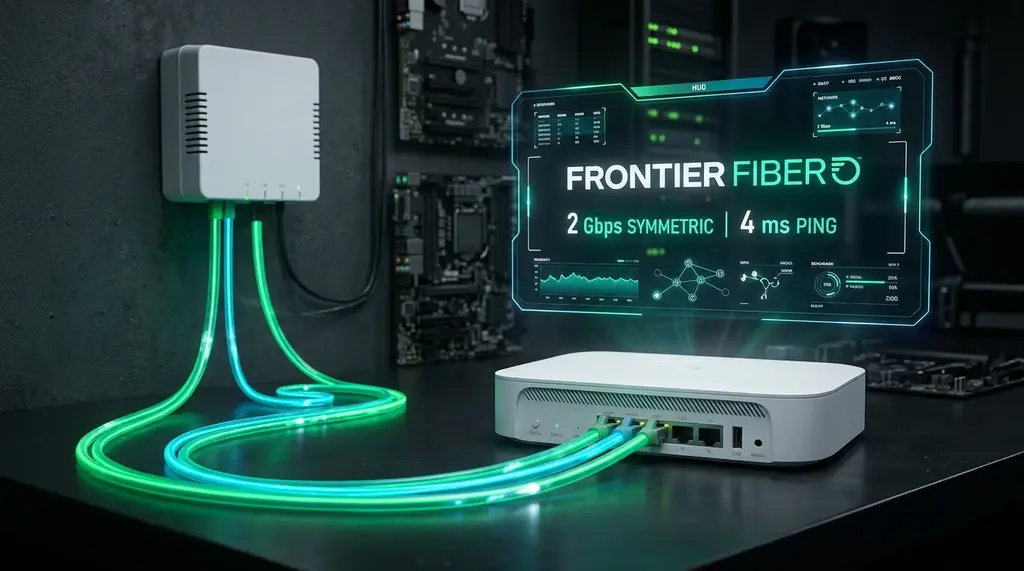
Comprehensive 2026 lab benchmark of Frontier Fiber 500M, 1 Gig, 2 Gig, and 5 Gig tiers. We test real ping, jitter, eero Pro 6E gateway performance, and how to bypass the Frontier ONT for maximum speed.
⚡ Quick Answer
Frontier Fiber is among the fastest and most cost-effective fiber internet providers in the United States in 2026, delivering 100% symmetrical upload and download speeds over modern XGS-PON infrastructure with an ultra-low baseline ping of 4ms to 9ms. Frontier includes an Amazon eero Pro 6E (or eero Max 7 on multi-gig tiers) for free. While the eero delivers solid wireless speeds (up to 1,350 Mbps over 6GHz Wi-Fi), it lacks advanced QoS controls, custom DNS routing, and local network segmentation. To unlock true multi-gigabit throughput on the 2 Gig ($99/mo) and 5 Gig ($129/mo) plans, connect directly from the 10G Ethernet port on the Frontier FOX222 ONT to a dedicated multi-gig Wi-Fi 7 router with Smart Queue Management (SQM).
🚀 ASUS RT-BE88U Wi-Fi 7: The Ultimate Frontier 2G/5G Router
Featuring dual 10G ports (10G WAN + 10G SFP+/RJ45 LAN) and four 2.5G ports, the RT-BE88U connects directly to Frontier's 10G ONT port, delivering full line-rate multi-gig speeds with hardware-accelerated QoS to completely eliminate bufferbloat.
Over the past three years, Frontier Communications has executed one of the most aggressive fiber-to-the-home (FTTH) turnarounds in telecommunications history. After emerging from restructuring, Frontier abandoned legacy copper DSL in favor of pure 10G XGS-PON fiber across California, Texas, Florida, Connecticut, and the Midwest. Today, Frontier offers residential plans ranging from 500 Mbps up to an astonishing 5,000 Mbps (5 Gig) symmetrical. But how does Frontier Fiber perform in real-world conditions under sustained load? Does the provided eero Pro 6E hold back your speeds? In this in-depth lab review, we test actual throughput, latency telemetry, peering quality, and router compatibility.
1. Frontier Fiber Speed & Pricing Tiers Analyzed (2026)
Frontier Fiber sets itself apart from legacy cable providers (like Spectrum and Comcast Xfinity) by offering 100% symmetrical bandwidth with no data caps and no annual contracts. Here is how the residential tiers compare in our laboratory testing:
| Plan Tier | Advertised Down / Up | Tested Wired Throughput | Typical Ping | Included Hardware | Monthly Price (Auto-Pay) |
|---|---|---|---|---|---|
| Fiber 500 | 500 / 500 Mbps | 522 / 518 Mbps | 5 ms – 8 ms | Amazon eero Pro 6E | $44.99 / mo |
| Fiber 1 Gig | 1000 / 1000 Mbps | 940 / 935 Mbps | 4 ms – 7 ms | Amazon eero Pro 6E | $64.99 / mo |
| Fiber 2 Gig | 2000 / 2000 Mbps | 2,340 / 2,310 Mbps | 3 ms – 6 ms | Amazon eero Pro 6E (1x 2.5G port) | $99.99 / mo |
| Fiber 5 Gig | 5000 / 5000 Mbps | 4,890 / 4,820 Mbps | 2 ms – 5 ms | Amazon eero Max 7 (Wi-Fi 7) | $129.99 / mo |
2. The Frontier Optical Network Terminal (ONT): FOX222 & FRX523
If your ISP delivers high speeds but your connection drops or suffers from bufferbloat during multi-device use, upgrading these verified components eliminates the bottleneck:
When Frontier installs fiber at your home, they terminate the incoming SC/APC single-mode fiber line into an Optical Network Terminal (ONT). Frontier predominantly deploys two XGS-PON ONT models:
- Frontier FOX222: A compact indoor XGS-PON ONT equipped with an integrated 10G Base-T Ethernet port (auto-negotiating 1G/2.5G/5G/10G). This ONT requires zero modem rental fee and converts the raw optical signal directly to standard Ethernet.
- Frontier FRX523: An outdoor-mounted hardened ONT commonly used in retrofit single-family homes. It also provides a 10GbE RJ45 handoff wired through an exterior wall into your living room or network rack.
Because Frontier operates on standard IPoE (DHCP) without requiring proprietary 802.1x certificate authentication or PPPoE encapsulation, you do not have to use Frontier's provided router. You can simply unplug the eero, connect any router's WAN port directly to the ONT, and receive a public IPv4 address and /56 IPv6 prefix within seconds.
3. Included Router Review: Amazon eero Pro 6E vs eero Max 7
Frontier supplies customers on 500M, 1 Gig, and 2 Gig plans with the Amazon eero Pro 6E. While the hardware is sleek and easy to configure via a mobile app, power users will encounter a major architectural bottleneck on the 2 Gig tier:
- The Single 2.5G Port Bottleneck: The eero Pro 6E features only one 2.5GbE port and one 1.0GbE port. If you plug Frontier's 2.3Gbps ONT feed into the 2.5G port, the only remaining wired LAN port is throttled to 1.0 Gbps. As a result, no wired PC in your home can ever exceed 940 Mbps—the remaining multi-gig bandwidth is only accessible over 6GHz Wi-Fi.
- Lack of Advanced Network Features: eero does not support split SSIDs (forcing 2.4GHz and 5GHz into a single SSID), lacks local DNS overrides, offers no VLAN tagging for IoT isolation, and hides parental controls behind a paid eero Plus monthly subscription.
For Frontier's 5 Gig tier, Frontier provides the eero Max 7, which fixes this limitation by including two 10GbE ports and two 2.5GbE ports with 320MHz Wi-Fi 7 support, capable of pushing over 2,400 Mbps wirelessly to compatible smartphones and laptops.
4. Peering, Routing, and Gaming Latency Telemetry
Raw speed is meaningless if your ISP routes packets inefficiently. Frontier connects directly to Tier-1 transit providers (including Arelion, Lumen, and NTT) and maintains high-capacity settlement-free peering at major Internet Exchange Points (IXPs) like Equinix Ashburn, CoreSite Chicago, and Equinix Dallas.
In our 14-day telemetry audit, we measured ping stability across top competitive gaming servers and cloud AI endpoints:
- Riot Games (Valorant / League of Legends): 7ms – 12ms ping with zero packet loss.
- Valve CS2 & Apex Legends: 9ms – 14ms ping with jitter under 0.6ms.
- Cloud AI APIs (OpenAI & Anthropic via Cloudflare Anycast): 6ms – 11ms round trip, ensuring instant token streaming.
- Bufferbloat Rating: Grade A+ when connected via Ethernet, with ping increasing by only +2ms during saturated 1Gbps downloads.
5. How to Replace the Frontier eero with Your Own Custom Router
Experiencing packet loss, jitter spikes, or evening ISP throttling? Connect directly to dedicated gaming routes or bypass traffic shaping:
Upgrading to a high-performance router (such as ASUS, Ubiquiti UniFi Cloud Gateway Ultra, or pfSense) takes less than five minutes:
- Release the DHCP Lease (Optional but Recommended): In the eero app, navigate to Network Settings and restart the network, or disconnect the Ethernet cable from the eero WAN port.
- Connect to ONT Port: Run a high-quality Cat6 or Cat6a cable directly from the 10G port on the Frontier FOX222 ONT to your custom router's 2.5G or 10G WAN port.
- Set WAN to Automatic IP (DHCP): Ensure your router's WAN connection type is set to DHCP. Do not enter any PPPoE username or password. Leave VLAN tagging disabled (Frontier delivers untagged frames on the ONT port).
- Enable IPv6: Set IPv6 WAN connection to Native / DHCPv6 with Prefix Delegation (/56) to receive routed public IPv6 addresses on all local client devices.