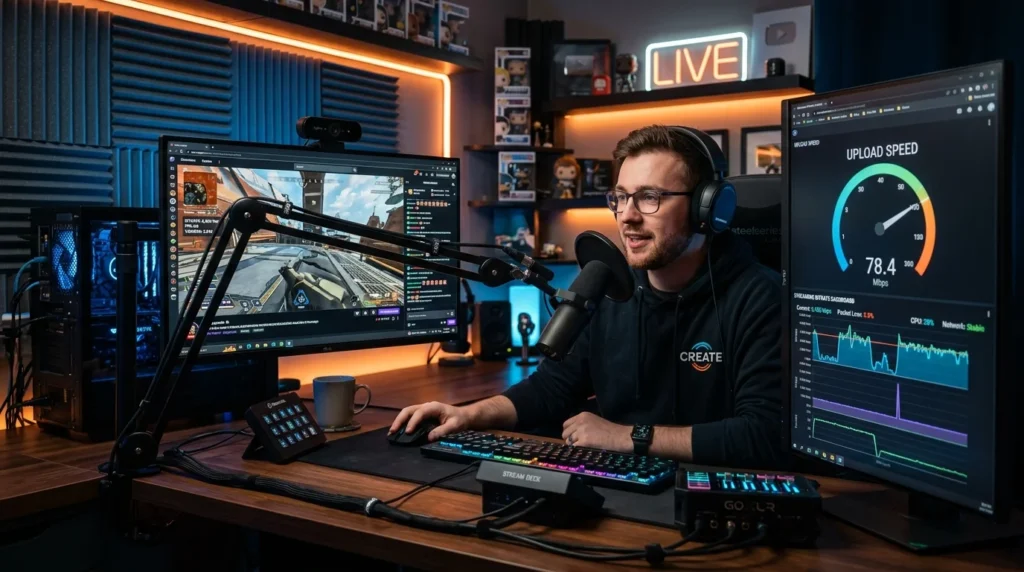
It’s Not Just About Download Speed
You can have Gigabit download speed and still lag on Zoom or Twitch. Why? Because the internet is a two-way street. Upload speed is crucial for sending your video and inputs to the world.
Twitch Bitrate Requirements
Twitch caps non-partner bitrate around 6000 kbps (6 Mbps). However, you need overhead for audio, game packets, and fluctuation.
- 1080p 60fps (Fast Paced): Recommended 6000-8000 kbps. Required Upload: 10-15 Mbps.
- 1440p / 4K / YouTube: YouTube allows up to 50 Mbps bitrate. Required Upload: 60+ Mbps.
The Bufferbloat link
If you max out your upload connection (e.g., uploading a video while gaming), your ping will skyrocket. This is called Bufferbloat. Always cap your streaming bitrate to 75% of your actual upload speed test result to keep your line clear.
The Numbers You Actually Need
Streaming platform requirements in 2026: Twitch recommends 6-8 Mbps upload for 1080p60, OBS recommends 8-12 Mbps for 1080p60 with x264 encoding, and 4K streaming to YouTube Live requires 15-51 Mbps depending on frame rate and HDR. These are sustained upload requirements — meaning your connection must maintain these speeds continuously, not just hit them in a burst. The safe rule: your streaming bitrate should never exceed 80% of your tested upload speed, leaving headroom for other background traffic and the natural variance in your connection.
If your upload is borderline, OBS encoder settings can make a significant difference — NVENC (Nvidia) and AMF (AMD) hardware encoders produce acceptable quality at lower bitrates than x264 software encoding, effectively stretching your available upload further.
Frequently Asked Questions
Why does my stream look bad even though my upload speed is fast?
Upload speed is only one factor. Encoding quality (CPU/GPU encoder settings), bitrate allocation (too low = compression artifacts), frame rate consistency (drops cause visual stuttering), and keyframe interval (affects how quickly the stream recovers from errors) all affect stream quality independently of raw upload speed. A 6 Mbps upload with proper NVENC encoding will look better than 12 Mbps with poor x264 settings.
Can I stream and game simultaneously with 10 Mbps upload?
Yes, comfortably for 1080p60 streaming. Allocate 6-8 Mbps to your stream encoder and the remaining 2-4 Mbps covers game traffic, voice chat, and background uploads. The key is to test your actual upload during peak hours (not just at 2 AM) since most residential connections — especially cable — have upload speeds that vary significantly based on neighborhood congestion.