Breaking the Plateau
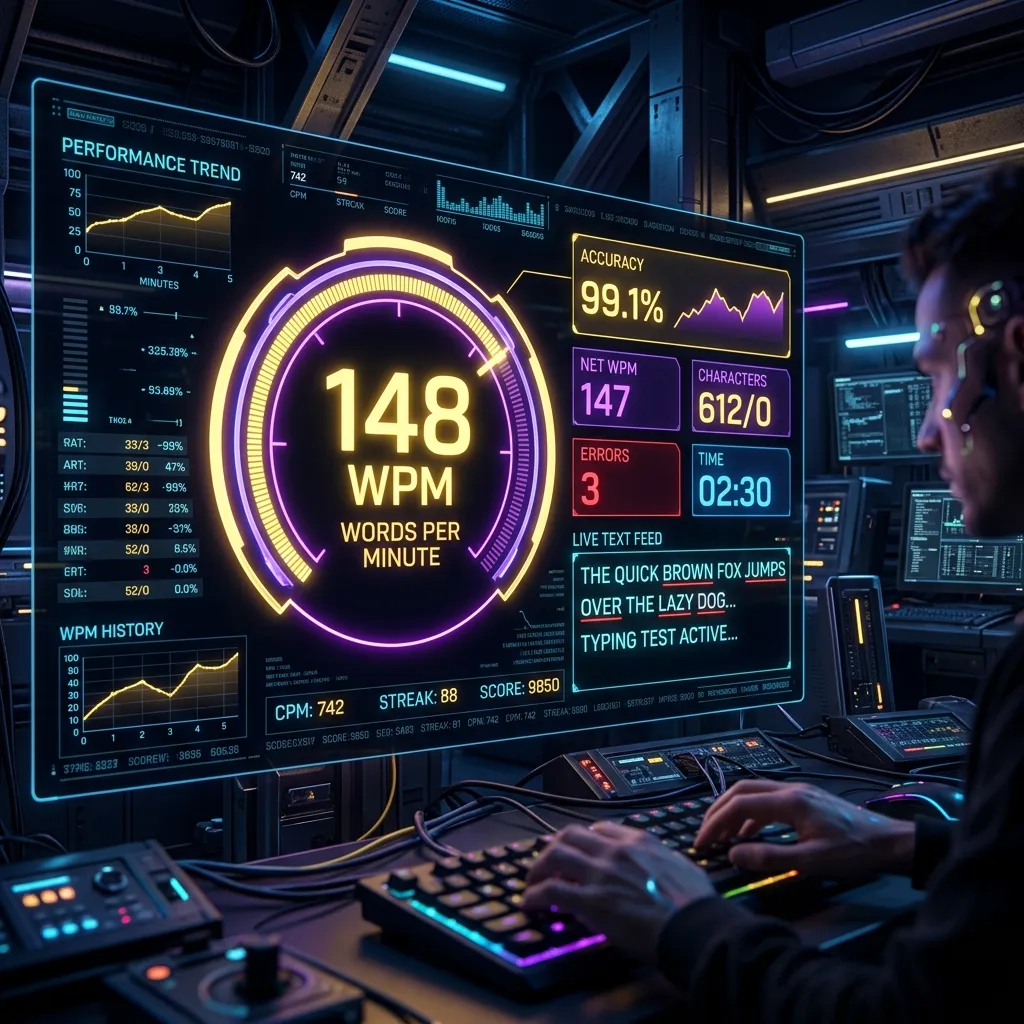
Reaching 100 WPM on a wpm typing speed test isn’t about hitting keys harder; it’s about rhythm and rollover.
1. Mechanical Switches
Laptop membrane keyboards are mushy. Competitive typists use mechanical switches (Cherry MX Blue or Brown) for tactile feedback. You need to feel the actuation point to build muscle memory.
2. Look at the Screen, Not Hands
It sounds obvious, but many look down. Touch typing is mandatory for high speeds.
3. Type in Chunks, Not Letters
Slow typists process one letter at a time. Fast typists recognize entire word-shapes and finger-sequences as single units — the same way fluent readers don’t sound out each letter. This comes from repetition: typing the same common words (the, and, that, with) thousands of times until your fingers execute them as one motion rather than four separate decisions.
4. Practice With Real Text, Not Random Words
Random word generators train your fingers on patterns that never occur in real writing. Practicing with actual sentences — articles, code, or book passages — builds muscle memory for natural letter sequences, punctuation rhythm, and the spacing patterns you’ll actually encounter, which transfers far better to real-world typing than abstract drills.
Frequently Asked Questions
What is considered a good WPM typing speed test score in 2026?
40-60 WPM is average for casual typists, 60-80 WPM is considered good for most office and creative work, and 100+ WPM puts you in the top tier alongside transcriptionists and competitive typists. Accuracy matters as much as raw speed — a 100 WPM result with 90% accuracy is functionally slower than an 80 WPM result at 99%, once you account for correction time.
Does typing speed test input lag relate to internet speed?
Generally no — typing tests process keystrokes locally in your browser. The exception is multiplayer or competitive typing platforms that sync your progress in real time; on those, a connection with high latency or jitter can cause your displayed position to lag behind your actual typing.