What Is a Web Speed Check? (Two Very Different Things)
When people search for “web speed check,” they mean one of two completely different things — and confusing them leads to the wrong tools and misleading results:
| Type | What It Checks | Who Needs It | Best Tool |
|---|---|---|---|
| Internet Speed Check (your connection) | How fast your ISP delivers data to your device — download Mbps, upload Mbps, ping ms | Home users, remote workers, gamers — anyone wanting to know if their internet is fast enough for web browsing, streaming, calls | DCSpeedTest.com |
| Website Speed Check (a specific website’s performance) | How fast a specific website loads — LCP, FCP, CLS, TBT — regardless of the visitor’s internet speed | Website owners, developers, SEOs — anyone wanting to know if their website is slow for visitors | Google PageSpeed Insights (pagespeed.web.dev), GTmetrix, WebPageTest |
This guide primarily covers internet speed checks for web browsing — how fast your connection delivers web pages to your browser. If you’re a website owner checking your site’s performance, there’s a section below covering the right tools for that.
How Fast Does Your Internet Need to Be for Web Browsing?
Web browsing is the least bandwidth-intensive activity you do online — it’s far less demanding than streaming video or video calling. A web speed check that shows 5 Mbps is technically sufficient to load most web pages. However, the speed that actually determines how “snappy” web browsing feels is not your download bandwidth — it’s your connection’s latency (ping) and DNS response time.
| Metric | Impact on Web Browsing | Good Value | Noticeable Problem |
|---|---|---|---|
| Download Speed | Determines how fast page content (images, scripts, CSS) loads after the connection is established | Any speed above 5 Mbps is adequate for text/images; 25+ Mbps for image-heavy sites | Below 1 Mbps — noticeable delays loading images |
| Ping / Latency | Determines how quickly your browser gets an initial response from a web server — affects every tap, click, and page transition | Under 30ms feels instant; under 80ms is acceptable | Over 150ms — noticeable sluggishness between clicks |
| DNS Response Time | Every website visit starts with a DNS lookup. Slow DNS adds delay before ANY data even starts to load | Under 20ms (with 1.1.1.1 or 8.8.8.8) | Over 100ms — websites feel slow to “start” even on fast connections |
| Jitter | High jitter causes inconsistent page load times — pages sometimes load fast, sometimes slow, unpredictably | Under 10ms | Over 30ms — erratic page loading behavior |
The key insight: Most people assume they need faster internet to browse faster. In reality, going from 100 Mbps to 1 Gbps makes virtually no difference to perceived web browsing speed — because pages rarely use more than 10-15 Mbps of bandwidth. What actually makes web browsing feel faster is lower ping and faster DNS — which is why a 100 Mbps fiber connection (8ms ping) feels much snappier than a 500 Mbps cable connection (30ms ping).
Web Speed Check: Step-by-Step (Free, No Download)
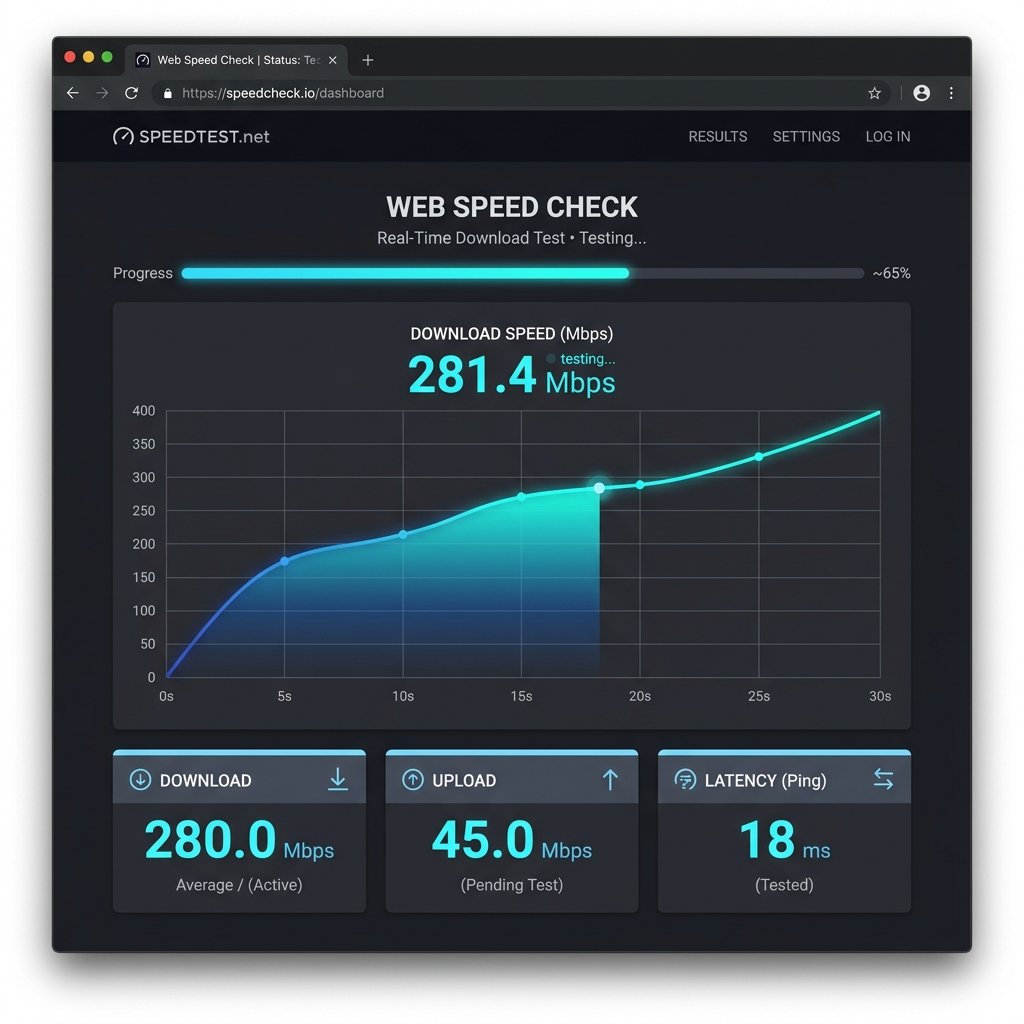
Run a complete web speed check in 15 seconds:
- Open your browser (Chrome, Safari, Firefox, Edge — any browser works)
- Go to DCSpeedTest.com
- Click Start Test
- Watch:
— Download speed result (Mbps) appears after 10-12 seconds
— Upload speed (Mbps) appears next
— Ping (ms) and Jitter (ms) appear in the results panel - Interpret: for web browsing specifically, focus on the ping result — if it’s under 30ms, your connection will feel responsive regardless of your download speed.
What Your Web Speed Check Results Mean for Browsing
Download Speed and Web Browsing
Here’s a web speed check download result vs. web browsing performance guide:
| Download Speed | Web Browsing Experience | Typical Use Case |
|---|---|---|
| 0.5-1 Mbps | Text loads; images load slowly; JavaScript-heavy sites struggle | Emergency/low data mode |
| 1-5 Mbps | Most pages load in 3-8 seconds; manageable but slow for image-heavy sites | Basic DSL/weak cellular |
| 5-25 Mbps | Pages load in 1-3 seconds; adequate for all standard browsing | Adequate home internet |
| 25-100 Mbps | Near-instant page loads for typical sites; minimal waiting | Good home/work internet |
| 100+ Mbps | No meaningful improvement over 25 Mbps for browsing alone — web pages use very little bandwidth | Power users (multiple devices simultaneously) |
Ping and Web Browsing: Why It Matters More Than Speed
Every click, tap, form submission, and page navigation in your browser requires a round-trip to a web server. Your ping is how long that round-trip takes. Consider what happens across 20 page loads in a typical browsing session:
- 8ms ping (fiber): Each page navigation: 8ms of network delay. 20 navigations = 0.16 seconds total network delay
- 50ms ping (cable/4G): Each page navigation: 50ms delay. 20 navigations = 1 second total delay — noticeable over a whole session
- 150ms ping (satellite): Each navigation: 150ms delay. 20 navigations = 3 seconds of pure latency — very noticeable sluggishness
This is why satellite internet users with “25 Mbps” connections feel slower than fiber users with “25 Mbps” connections — the bandwidth is the same, but the 600ms satellite round-trip latency vs 10ms fiber latency creates dramatically different browsing experiences.
The Hidden Factor: DNS Speed and Web Browsing
Before your browser can connect to any website, it must resolve the domain name to an IP address via DNS. This DNS lookup happens on every first visit to a website (subsequent visits may use the cached result).
If your DNS resolver responds in 20ms vs 200ms, every page you visit loads 180ms faster at the start — before even one byte of actual content arrives. Over dozens of website visits per day, this compounds significantly.
Free fix for faster web browsing — change your DNS server:
- Most ISPs provide a DNS resolver that’s located further away and responds more slowly
- Cloudflare 1.1.1.1 responds in 10-15ms globally — the world’s fastest public DNS resolver
- Google 8.8.8.8 responds in 12-20ms globally
- Change DNS on your router (affects all devices) or on individual device settings
- Rerun your web speed check — if you use speed.cloudflare.com, you’ll see the DNS response time metric directly
Web Speed Check: Which Connection Technology Feels Fastest for Browsing?
| Connection Type | Typical Download | Typical Ping | Web Browsing Feel | Verdict |
|---|---|---|---|---|
| Fiber (FTTH) | 500-2,000 Mbps | 5-15ms | Instantaneous page loads, snappy navigation | ⭐⭐⭐⭐⭐ Best |
| Cable (DOCSIS) | 100-1,000 Mbps | 15-35ms | Very fast, slightly less responsive than fiber | ⭐⭐⭐⭐ |
| 5G Home Internet | 50-400 Mbps | 12-50ms | Fast, varies by tower load | ⭐⭐⭐⭐ |
| 4G LTE | 20-150 Mbps | 20-70ms | Good for browsing, occasional slowdown | ⭐⭐⭐ |
| DSL/VDSL | 10-50 Mbps | 20-60ms | Adequate for basic browsing, feels slower than cable | ⭐⭐⭐ |
| Satellite (LEO — Starlink) | 60-200 Mbps | 20-60ms | Surprisingly good — LEO latency is acceptable for browsing | ⭐⭐⭐ |
| Satellite (GEO — HughesNet) | 25-100 Mbps | 600-700ms | High latency makes browsing feel sluggish despite decent speed | ⭐⭐ |
Website Speed Check: If You Own a Website (Different Tool, Different Purpose)
If you’re a website owner asking “how fast is my website loading for visitors?” — that’s a different type of web speed check. These tools measure your website’s performance from Google’s perspective:
| Tool | URL | What It Measures | Best For |
|---|---|---|---|
| Google PageSpeed Insights | pagespeed.web.dev | Core Web Vitals: LCP, CLS, FCP, INP, TBT | SEO-critical performance — Google’s ranking signals |
| GTmetrix | gtmetrix.com | Waterfall load chart, TTFB, total page size | Identifying specific slow resources |
| WebPageTest | webpagetest.org | Multi-location loading, video recording, advanced diagnostics | Advanced developers needing granular data |
| Lighthouse (Chrome DevTools) | Built into Chrome — F12 → Lighthouse | Offline performance audit of any website | Developers testing while building |
Important distinction: A good Google PageSpeed score (90-100) does NOT guarantee a fast visitor experience if the visitor has slow internet. Similarly, a fast internet connection (1 Gbps) does not compensate for a poorly optimized website with heavy uncompressed images and render-blocking scripts. Website speed and internet speed are independent — you need both to be good for fast web browsing.
Improve Your Web Browsing Speed Without a New ISP Plan
After running your web speed check, if browsing feels slow despite adequate download speed, try these improvements before upgrading your plan:
- Switch DNS to 1.1.1.1: The single highest-impact, zero-cost improvement — reduces DNS lookup time from 100-200ms (ISP default) to 10-15ms (Cloudflare)
- Use Ethernet instead of WiFi: Reduces ping from 20-50ms (WiFi) to 5-15ms (Ethernet) — directly improves browsing responsiveness
- Enable HTTPS-Only mode in your browser: Chrome, Firefox, and Safari can enforce HTTPS, which reduces redirect delays on sites that redirect HTTP → HTTPS
- Enable DNS over HTTPS (DoH): Available in Chrome (Settings → Privacy → Use secure DNS) and Firefox — reduces DNS query exposure and often routes to faster resolvers
- Restart your router monthly: Router memory leaks accumulate over time, inserting processing delay into all traffic (including web browsing) — monthly restarts eliminate this
- Use a modern browser: Chrome, Firefox, and Edge all implement HTTP/3 and QUIC — newer protocols that reduce round-trip requirements for initial website connections, cutting load times on modern websites
Frequently Asked Questions: Web Speed Check
What is a web speed check?
A web speed check measures how fast your internet connection delivers web content. It tests download speed (how quickly data loads from web servers), upload speed (how quickly your data reaches servers), ping (how responsive your connection is to each click or page request), and jitter (consistency of that response time). Run a web speed check at DCSpeedTest.com — free, no download, 15 seconds in any browser.
How much internet speed do I need for web browsing?
25 Mbps download is more than sufficient for fast web browsing on a single device. Most web pages use far less than 5 Mbps of bandwidth. The metric that matters more for web browsing quality is ping (latency) — under 30ms feels snappy, over 100ms feels sluggish regardless of download speed. Switch DNS to 1.1.1.1 for a free upgrade that makes browsing feel faster without changing your internet plan.
What is the difference between a web speed check and a website speed check?
A web speed check (internet speed test) measures your connection speed — how fast data reaches your device from the internet. A website speed check (page speed test) measures how quickly a specific website loads — its performance score, loading time, and Core Web Vitals. Use DCSpeedTest.com for internet speed. Use Google PageSpeed Insights for website speed. These measure different things and are both important for a fast web browsing experience.
Why does my web browsing feel slow if my speed test shows fast speeds?
Common reasons web browsing feels slow despite high speed test results: (1) High ping — even 50-80ms makes browsing feel less snappy than 10ms fiber; your speed can be 500 Mbps but clicks still feel delayed if ping is high. (2) Slow DNS — if your ISP’s DNS resolver responds in 150-200ms, every new website visits adds this delay before content starts loading. Fix: switch to 1.1.1.1. (3) Testing on Ethernet but browsing on WiFi — WiFi adds latency inconsistency. (4) Browser cache issues — clearing browser cache and cookies often instantly improves sluggish browsing.
How do I check web speed on my phone?
Open Safari (iPhone) or Chrome (Android) and go to DCSpeedTest.com. Tap Start Test — your web speed check runs in 15 seconds and shows how fast your phone’s internet (WiFi or cellular) is for web browsing. For cellular speed: turn WiFi off before opening DCSpeedTest.com. For WiFi speed: keep WiFi enabled. Compare ping specifically — under 30ms for mobile means web browsing will feel responsive.
Run Your Free Web Speed Check Now
Open DCSpeedTest.com and click Start Test. In 15 seconds, get your download speed, upload speed, ping, and jitter — the four metrics that define your web browsing experience. Pay particular attention to your ping result: it tells you more about how snappy your web browsing will feel than any other single metric from a web speed check.