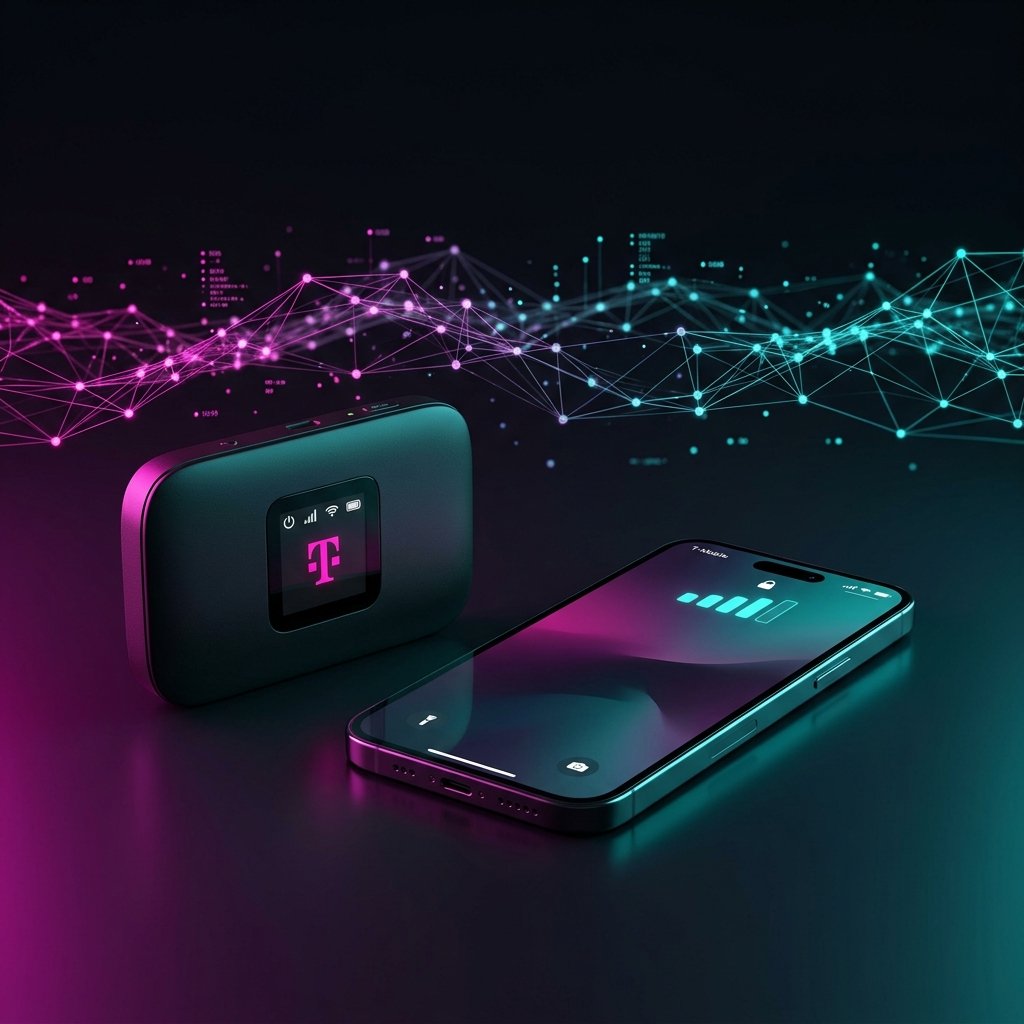
T-Mobile WiFi: What Are You Actually Testing?
When people search for “T-Mobile WiFi speed test,” they’re typically asking about one of three scenarios. Each delivers different performance characteristics:
- T-Mobile Home Internet WiFi — Gateway device broadcasting WiFi in your home
- T-Mobile Mobile Hotspot (MiFi) — Portable device for WiFi anywhere (NETGEAR Nighthawk M6, Inseego MiFi)
- T-Mobile Phone Personal Hotspot — Using your iPhone or Android as a hotspot
T-Mobile Home Internet WiFi Speed Test Results
The T-Mobile Home Internet gateway (Nokia FastMile 5G or Arcadyan KVD21) broadcasts dual-band WiFi 6 (2.4GHz + 5GHz). Here are our real-world measurements:
At Close Range (0–15 feet)
- 5GHz band: 150–320 Mbps download, 25–55 Mbps upload
- 2.4GHz band: 45–90 Mbps download, 10–20 Mbps upload
- Ping: 28–45ms
At Medium Range (15–40 feet)
- 5GHz band: 80–200 Mbps download
- 2.4GHz band: 25–60 Mbps download
- Signal begins to degrade through walls significantly
Long Range (40+ feet / multiple rooms)
- 5GHz: 20–80 Mbps — may be inconsistent
- 2.4GHz: 15–40 Mbps — more consistent at long range
T-Mobile Mobile Hotspot WiFi Speed Test
Mobile hotspots connect up to 32 WiFi devices simultaneously using T-Mobile’s cellular network as the backhaul. Performance depends entirely on the cellular signal quality at your location.
NETGEAR Nighthawk M6 Pro Speed Results
- Mid-band 5G (n41): 200–650 Mbps download, 30–80 Mbps upload, 30–50ms ping
- Low-band 5G (n71): 40–120 Mbps download, 10–25 Mbps upload
- LTE fallback: 20–80 Mbps download
- WiFi speed to devices: Up to 300 Mbps on 5GHz band (WiFi 6)
Inseego MiFi M2000 Speed Results
- 5G: 100–400 Mbps download in mid-band areas
- Battery life: ~8 hours of active hotspot use
- Max connected devices: 30
T-Mobile Phone Personal Hotspot Speed Test
Using your iPhone or Android phone as a T-Mobile WiFi hotspot is the most convenient option, but there are some important speed limitations to know:
- Go5G Plus: 50GB of full-speed hotspot, then throttled to 3G speeds
- Go5G Next: 100GB of full-speed hotspot data
- Max hotspot speed: Limited to 25 Mbps on some plans — check your plan details in the T-Mobile app
- Real-world hotspot speed on flagship phones: 80–250 Mbps on mid-band 5G
Why Is My T-Mobile WiFi Slow? Top 5 Causes
1. Weak 5G Signal
Both home internet and mobile hotspot performance depend on 5G signal strength. For home internet: reposition your gateway near a window facing the nearest tower. Check signal bars in the T-Mobile app. For hotspots: test in different locations — being 10 feet from a window vs. inside a building can make a 3x speed difference.
2. WiFi Band Selection
T-Mobile gateways broadcast 2.4GHz and 5GHz under the same name by default. Force your laptop or device to connect to the 5GHz band for the fastest local WiFi speeds. (Settings → WiFi → select the 5G variant)
3. Hotspot Data Deprioritization
After using your hotspot data allotment (50–100GB), T-Mobile throttles hotspot speeds to 600 kbps–3 Mbps. Monitor your usage in the T-Mobile app and upgrade your plan if needed.
4. Network Congestion
T-Mobile’s network management de-prioritizes data users during congestion. Peak hours (5–9pm) in dense areas can see speeds drop 30–60%. Test at off-peak times to see your true connection capability.
5. Outdated Gateway Firmware
T-Mobile pushes firmware updates to home internet gateways automatically, but the update may require a manual restart. Restarting your gateway monthly ensures you’re running the latest optimized firmware.
T-Mobile WiFi Speed Benchmarks: Good vs. Not Good
| Scenario | Expected Download | If Lower, Check… |
|---|---|---|
| Home gateway, close range | 150–320 Mbps | 5G signal, gateway placement |
| Home gateway, far range | 40–120 Mbps | Use 2.4GHz, consider extender |
| Mobile hotspot (mid-band 5G) | 150–500 Mbps | Move to stronger signal area |
| Mobile hotspot (low-band 5G) | 30–100 Mbps | Normal — low-band coverage only |
| Phone hotspot | 50–200 Mbps | Check plan’s hotspot data limit |
Run a T-Mobile WiFi Speed Test Right Now
Get your accurate T-Mobile WiFi speed results in 10 seconds at DCSpeedTest.com. Our test uses Cloudflare’s independent global network — not T-Mobile’s internal servers. This gives you unbiased results that reflect your actual internet experience, not the best-case scenario T-Mobile shows on their own speed test.