The Battle for the Dead Zone
So, your gaming PC is on the second floor, and your router is in the living room. You tried a WiFi extender (and realized they are terrible). Now you’re stuck between two options: Powerline Adapters or a high-end Mesh System.
Option A: Powerline (The Old Guard)
Powerline adapters send data through your home’s electrical wiring.
Pros: Lower latency than poorly set up WiFi. Dedicated physical medium.
Cons: Highly dependent on your home’s wiring quality. Turning on a vacuum cleaner on the same circuit can kill your connection speed.
Option B: Mesh WiFi 7 (The New Challenger)
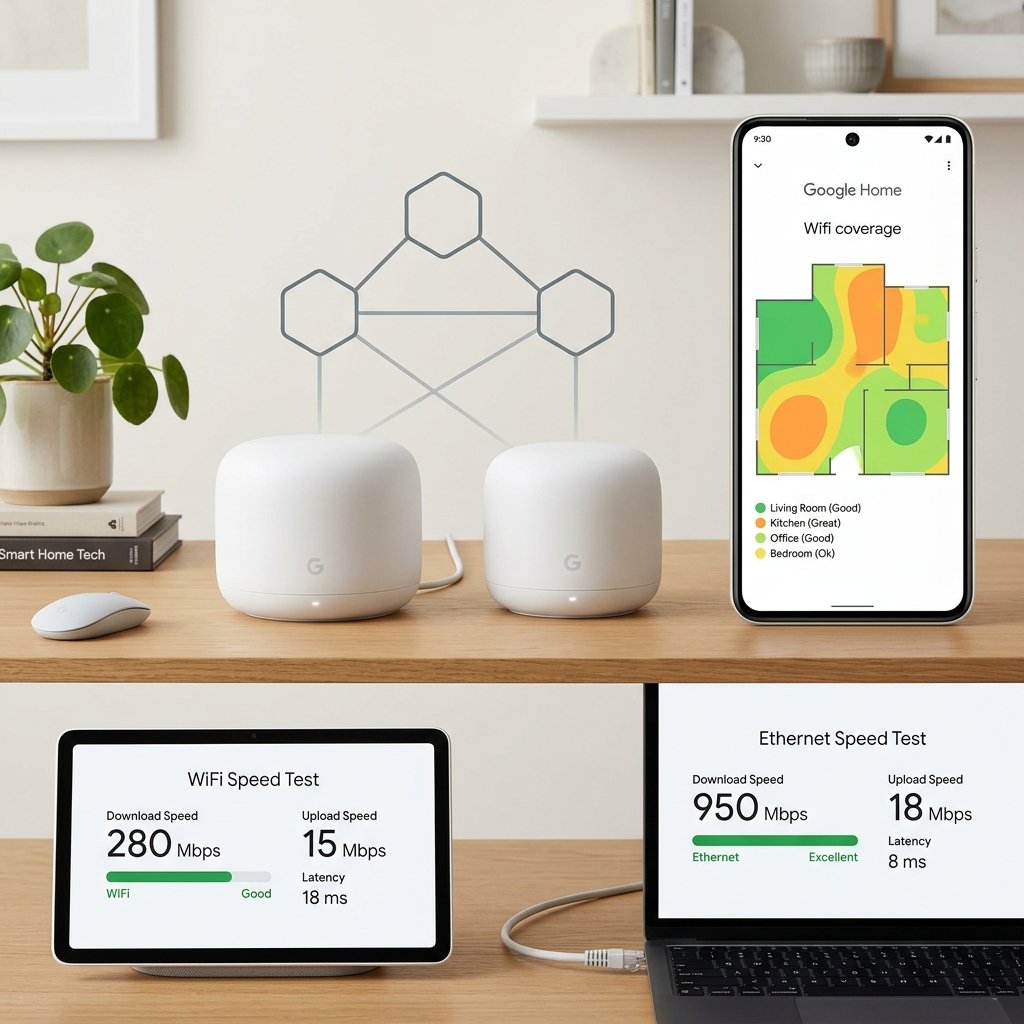
Modern Mesh systems with dedicated backhaul (a separate WiFi band just for the routers to talk to each other) have largely surpassed Powerline in raw speed and stability.
The Verdict
In 2026, unless you live in a bunker with thick concrete walls, a tri-band Mesh WiFi 7 system is superior. Powerline is a last resort for buildings where radio waves simply cannot penetrate.
The Performance Reality in 2026
Powerline adapters run ethernet over your home’s electrical wiring — convenient for avoiding cable runs but heavily dependent on your home’s wiring quality and age. Modern HomePlug AV2 adapters advertise 2000 Mbps but typically deliver 200-400 Mbps in real homes with typical electrical interference. Crucially, powerline performance degrades significantly across different circuit breaker branches, which is a common issue in larger homes. Mesh WiFi systems with wired backhaul consistently outperform powerline for most home layouts — mesh nodes can be connected via Ethernet through walls without requiring dedicated cable runs if you use powerline specifically for the backhaul between nodes, giving you the best of both approaches. For gaming, check your wired vs. wireless speed results to determine if powerline is your bottleneck.
Frequently Asked Questions
Is powerline ethernet good for gaming?
Acceptable but not ideal. Powerline can achieve consistent 10-20ms ping in games when the electrical path is clean — adequate for casual gaming. The problem is reliability: powerline performance fluctuates when high-draw appliances (HVAC, washing machines, refrigerators) cycle on and off, creating momentary interference spikes that cause micro-drops in game connections. If your gaming device is too far for a direct Ethernet run, a mesh system with a satellite node near your gaming setup gives more consistent results than powerline.
How can I tell if powerline is causing my slow speeds?
Test your powerline adapter’s throughput directly: connect a laptop to the powerline adapter via Ethernet and run a speed test, then compare to a device connected directly to your router via Ethernet. If the powerline result is more than 40% lower than the direct connection, powerline is your bottleneck. Also watch for correlation between slow speeds and appliance usage — if your connection degrades when the dryer runs, powerline interference is the cause.