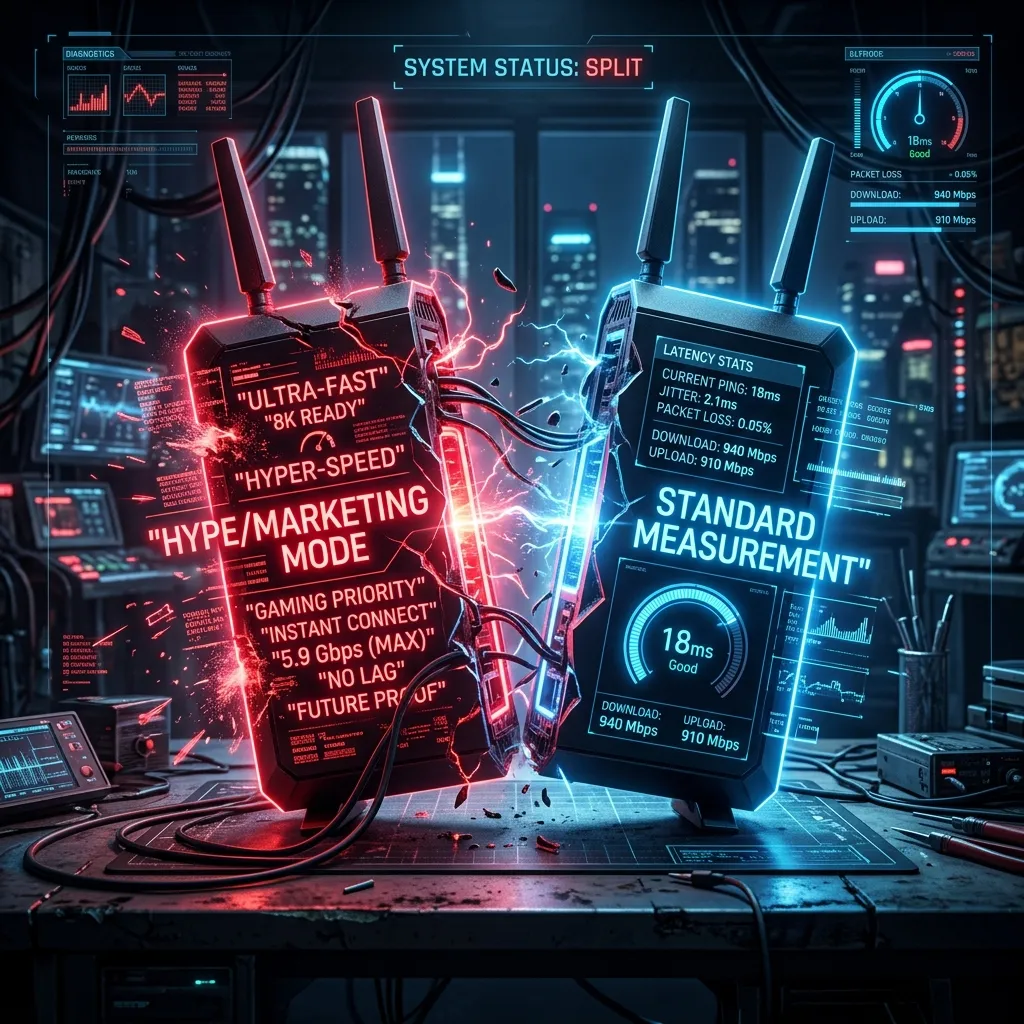
Marketing Hype vs. Packet Prioritization
You see it on every box: “Killer Intelligence,” “Game Boost,” “Lag Annihilator.” But what does “Gaming Mode” actually do inside the router?
How it Works (Theoretically)
Most “Gaming Modes” operate on a principle called QoS (Quality of Service). They identify packets coming from known game ports (like UDP 27015 for Source games) and move them to the front of the transmission queue.
The Reality
In our tests, enabling Gaming Mode on entry-level routers actually increased latency in 20% of cases due to poor CPU processing of the packet inspection. However, on high-end routers with quad-core CPUs, it effectively prevented lag during concurrent 4K streaming.
Conclusion
It helps if your network is congested. If you are the only one home, turn it off to save your router’s CPU cycles.
What Gaming Mode Actually Does (and Doesn’t)
Most router “Gaming Mode” features do one or more of the following: (a) enable QoS prioritization that deprioritizes background traffic, (b) enable geo-filter to connect you to nearby servers, or (c) disable traffic shaping that can add consistent latency. The QoS component is genuinely useful in a busy household — if someone is downloading a large file while you game, prioritizing gaming packets matters. The geo-filter is hit-or-miss depending on the game. The “remove traffic shaping” toggle can actually hurt performance on congested networks. A proper QoS configuration you set up manually will always outperform any auto “gaming mode.”
Frequently Asked Questions
Should I turn on Gaming Mode on my router?
If your router offers it: try it and run a ping test before and after. If latency decreases or becomes more consistent, keep it on. If results are identical or worse, turn it off. Gaming Mode is a marketing feature that sometimes implements genuinely useful QoS settings and sometimes does nothing meaningful — the only way to know for your specific setup is to test it empirically rather than trusting the label.
Is an expensive “gaming router” necessary for low ping?
No — your ping to a game server is almost entirely determined by your ISP’s routing quality and physical distance to the server, not by your router. A $50 router and a $500 gaming router will show virtually identical ping if connected to the same internet plan. Where gaming routers legitimately help is QoS in multi-device households (preventing downloads from spiking latency during matches) and better WiFi performance for wireless gaming.