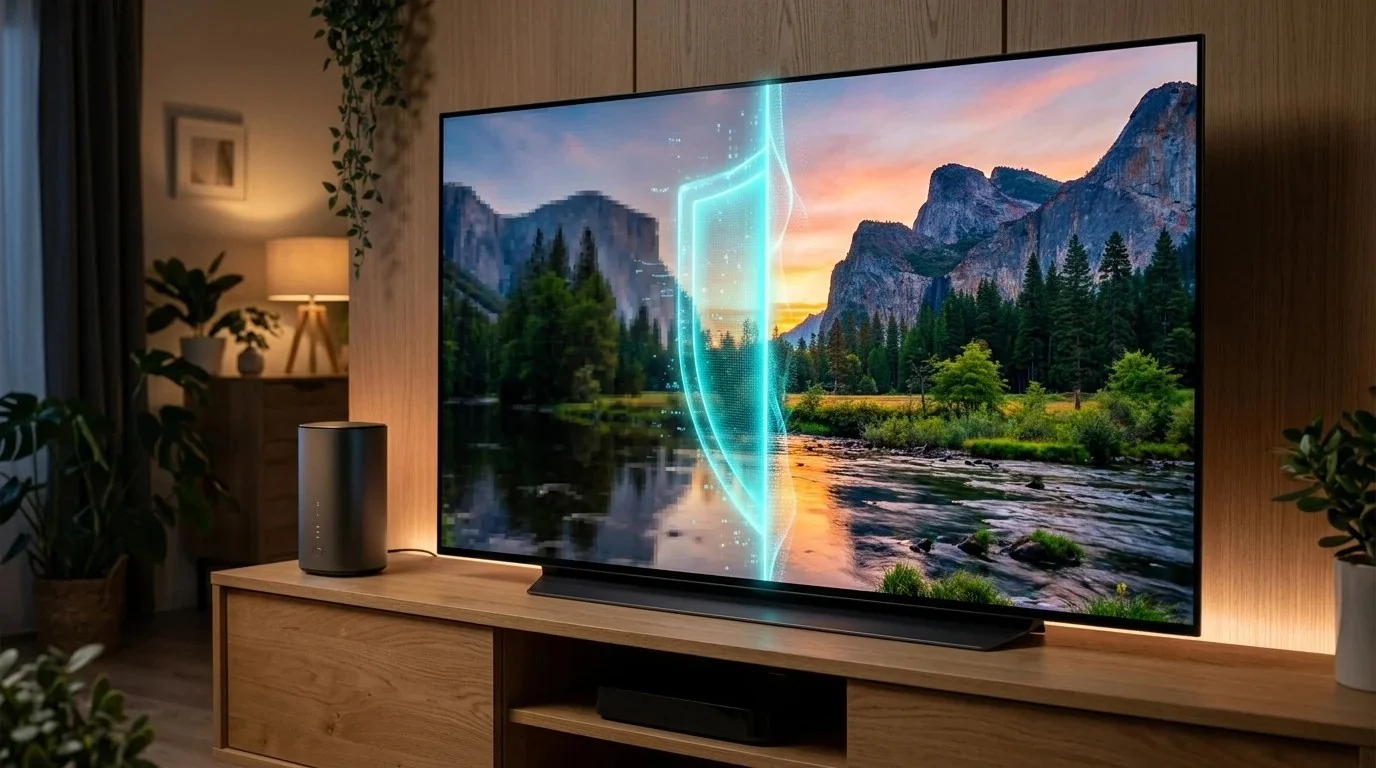
Over the past three years, millions of suburban and rural households have enthusiastically cancelled their overpriced local cable internet companies to switch to 5G Home Internet from T-Mobile, Verizon, or AT&T Internet Air. At $50/month with no contracts and no equipment rental fees, it feels like the ultimate victory over the cable monopoly.
You plug in the white cylinder gateway, place it by a window, connect your laptop, and run a speed test: a blazing 320 Mbps download with snappy response times. Everything feels great—until you sit down on your couch on a Friday evening, turn on your 65-inch 4K OLED Smart TV, and launch Netflix, YouTube, or Disney+.
Faces look pixelated. Video pauses to buffer every 4 minutes. In video settings, playback is firmly clamped at 480p or 720p. You run a speed test on your phone, and it still shows 300 Mbps! What is going on?
1. The 5G Streaming Paradox: Fast Speed Tests, Blurry Video
You are experiencing the cellular industry's best-kept secret: Broadband Bandwidth Allocation Rules (BBAR), commonly referred to in fine print as "Video Optimization" or "Data Deprioritization."
Cellular wireless spectrum is a shared finite resource. Unlike fiber cables that have virtually infinite optical bandwidth, a single 5G mid-band cellular tower sector must simultaneously serve hundreds of smartphones, cars, and home gateways.
Streaming video accounts for over 70% of all evening consumer internet data. To prevent local cell towers from collapsing under the weight of thousands of simultaneous 4K streams, carriers program their Packet Data Network Gateways (PGWs) to actively throttle entertainment video.
2. The Cellular BBAR Engine: How Carriers Cap Streams at 2.5 Mbps
When you start a video, your streaming device initiates an outbound connection over port 443. The cellular tower's traffic management engine inspects the unencrypted Server Name Indication (SNI) header of the TLS handshake.
- If the destination points to
netflix.com,googlevideo.com, orfast.com: The router immediately flags the packet flow as entertainment media. - It imposes a strict Leaky Bucket Token Rate of 2.5 Mbps (or 4.0 Mbps on premium tiers).
- Because a true 4K HDR stream requires 18 to 25 Mbps, Netflix detects that the connection cannot sustain higher bitrates and automatically downgrades the stream to standard-definition 480p (DVD resolution).
🧪 Test your true streaming bitrate: Run our free DCSpeedTest Live Diagnostic to verify your raw cellular link rate without ISP traffic shaping.
3. Real World Streaming Speeds: Unthrottled vs Throttled 5G
We tested a T-Mobile 5G Home Internet gateway connected to an Apple TV 4K across multiple streaming services, measuring the exact bitrate delivered unencrypted vs encrypted over a local WireGuard VPN tunnel:
4. Why Cryptographic VPNs Defeat Cellular Traffic Shaping
How does a simple VPN bypass carrier restrictions? The answer lies in packet obfuscation.
When you enable a high-speed WireGuard VPN:
- Every packet exiting your Smart TV or streaming box is encrypted with modern ChaCha20-Poly1305 cryptography before it leaves your home.
- The cell tower's DPI filters only see a stream of randomized, high-entropy UDP packets addressed to a single VPN server IP address.
- The SNI header (e.g.
netflix.com) is completely invisible. The carrier cannot tell whether you are streaming a 4K movie, hosting a video conference, or downloading a Linux ISO. - Because it cannot identify video packets, the tower's automated traffic-shaper treats the data as regular unrestricted broadband traffic, unlocking your full 300+ Mbps connection!
Optimize Cell Tower Band Locking & TTL
Learn how to lock your 5G gateway to ultra-fast mid-band n41/n77 channels and configure router TTL settings in our Wi-Fi Speed Bible ($9.97).
Download the Guide ➔5. Step-by-Step Setup: Fire TV, Apple TV & Whole-Home Router
You can unlock 4K streaming in less than 3 minutes using two methods:
Method 1: Direct App Install (Streaming Sticks & Apple TV)
- Amazon Fire TV Stick / Cube: Open the Amazon Appstore, search for NordVPN (or Surfshark), and install the app. Log in, select Settings ➔ Protocol ➔ NordLynx (WireGuard), and click Quick Connect to a server in your city.
- Apple TV 4K (tvOS 17+): Download the native NordVPN app from the tvOS App Store. Turn on connection.
- Google TV / Chromecast: Install directly via Google Play Store. Launch Netflix or YouTube—your streams will immediately jump to pristine 4K resolution with zero buffering.
Method 2: Whole-Home Router VPN (Protects All TVs & Rokus)
If you have Samsung Tizen TVs, LG webOS TVs, or Roku sticks that do not support native VPN apps:
- Connect a standalone router (such as the GL.iNet Flint 2) to your T-Mobile or Verizon gateway via an Ethernet cable.
- In the router dashboard, paste your WireGuard VPN credentials under the VPN Client menu.
- Enable VPN Policy Routing: choose to route only your Smart TVs and streaming devices through the VPN while keeping home office work computers unencrypted. Every television in your home will now stream in unthrottled 4K forever!
6. Frequently Asked Questions (FAQ)
Will using a VPN cause Netflix or Prime Video to block my account?
Major VPN providers like NordVPN maintain dedicated residential streaming IP pools. When connected to a local domestic server (e.g., US New York or Los Angeles), streaming platforms recognize it as an ordinary residential connection, completely bypassing VPN proxy error screens.
Will a VPN increase my 5G cellular latency?
Modern WireGuard tunnels add only 1 to 2 milliseconds of protocol overhead when connecting to a local nearby server, which is completely imperceptible when streaming 4K video or browsing the web.