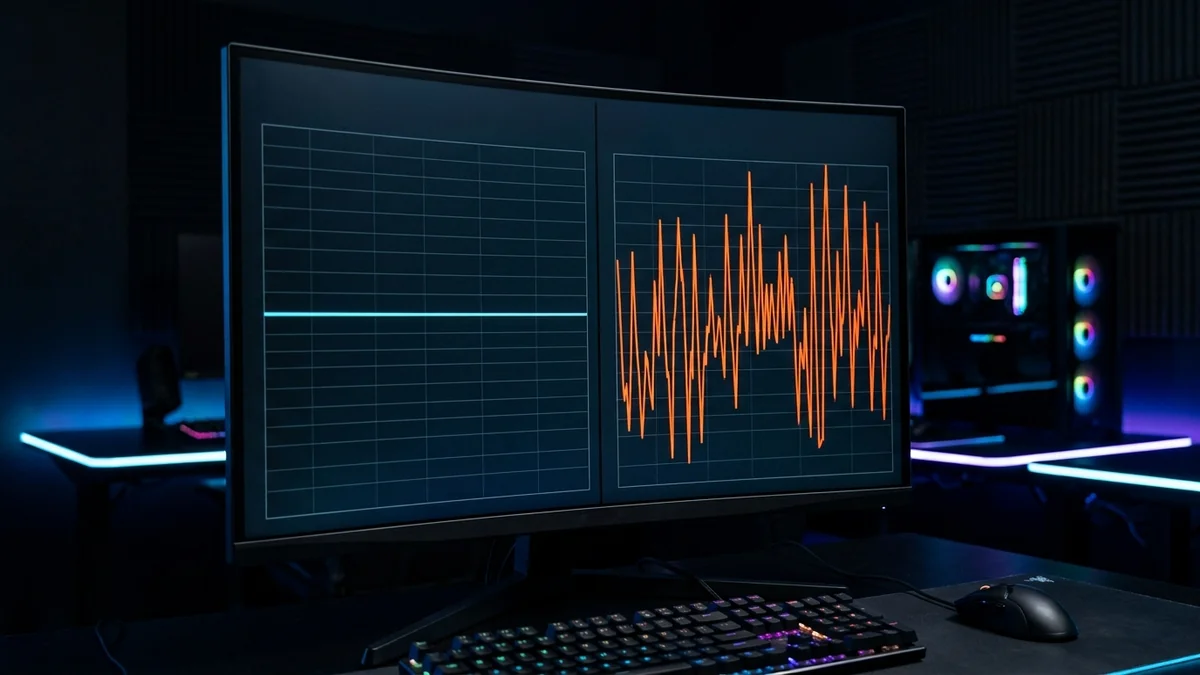
Latency describes response time; jitter describes variation in latency. Neither is universally more important, and jitter is not meaningfully described as always ten times worse.
Look beyond a single average
A steady delay and a series containing occasional spikes can have similar averages but feel different in an interactive application. The aggregation used by a test matters. DC SPEED uses the measurement engine jitter for the main test, while its lightweight stability check explicitly reports variation between HTTP response times.
A repeatable procedure
- Record the measurement method and idle conditions.
- Repeat while the activity that causes trouble is running.
- Use the actual application network statistics to compare its separate route.
Be careful with missing information
No jitter sample is different from zero jitter. Request failures are not automatically packet-loss measurements, and HTTP timing includes browser and server behavior. The earlier ten-times-worse headline was removed because it was not a supported quantitative comparison.
Use the result without overstating it
Start with the DC SPEED connection test, choose the same mode for comparable runs and label the connection conditions yourself. The result panel separates idle latency from latency during download and upload. Its before-and-after view reports differences between compatible runs; it does not identify the cause automatically. History and CSV export let you keep a record without creating an account.
For a problem in a specific game, use the gaming diagnostic guide and the game own network statistics. Read the measurement methodology before comparing this tool with another service. These instructions are a troubleshooting workflow, not a report of laboratory experiments performed by the author.