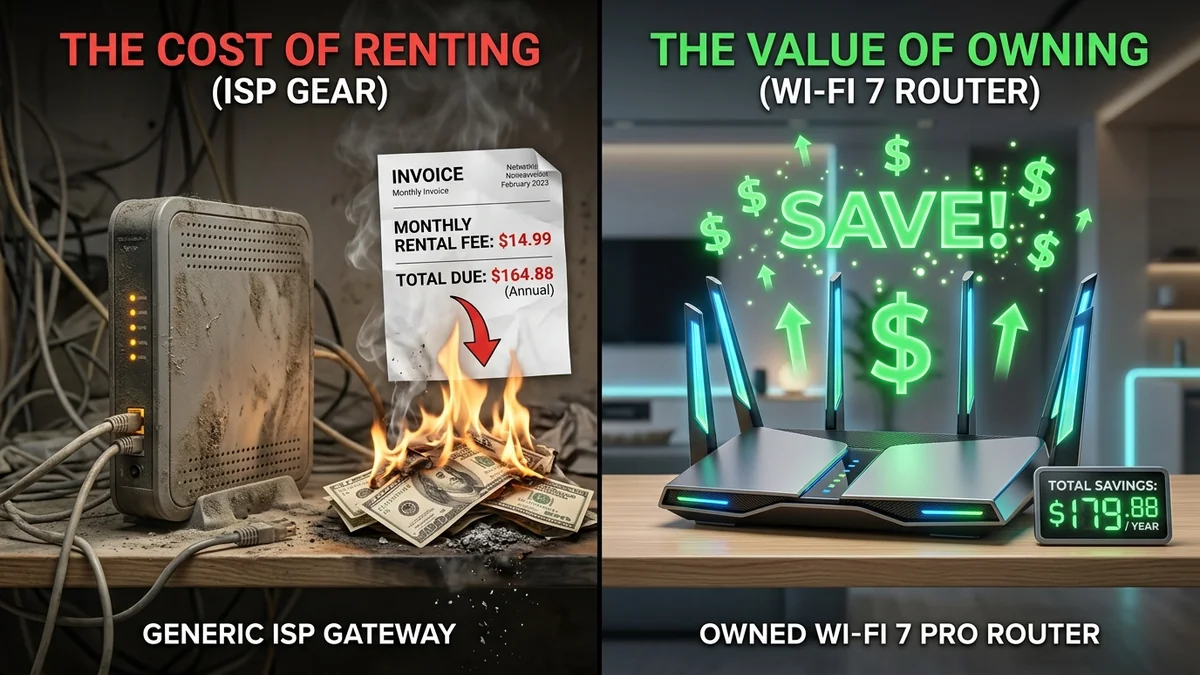
Look at your monthly internet statement. Hidden among the regional fees and taxes is almost certainly a line item: 'Equipment Rental Fee: $14.99/mo' (or $10 to $20 depending on your provider). Over three years, you will pay over $540 USD in rental fees for a locked-down, refurbished combo unit worth less than $70 on the open market. Purchasing your own modem and router is one of the easiest, highest-ROI tech upgrades you can make. Here is the financial math and engineering reality behind ditching carrier-rented gear in 2026.
1. The Financial Breakdown: Buying vs. Renting
| Timeline | Renting from ISP ($15/mo) | Buying Own Hardware (~$140) | Net Money Saved |
|---|---|---|---|
| Year 1 (12 Months) | $180.00 | $140.00 (One-time cost) | +$40.00 saved |
| Year 2 (24 Months) | $360.00 | $140.00 | +$220.00 saved |
| Year 3 (36 Months) | $540.00 | $140.00 | +$400.00 saved |
| Year 5 (60 Months) | $900.00 | $140.00 | +$760.00 saved |
2. 5 Engineering Reasons to Own Your Router
- Superior Wi-Fi Coverage & Radios: Retail routers (Asus, Netgear, TP-Link, Ubiquiti) feature external high-gain antennas and powerful power amplifiers that deliver significantly better range than carrier combo boxes.
- Full Control Over DNS & Security: Configure encrypted DNS-over-HTTPS (DoH), block ads network-wide via AdGuard/Pi-hole, and disable carrier remote telemetry.
- Advanced QoS & Bufferbloat Mitigation: Carrier routers lack Smart Queue Management (SQM). Your own router with CAKE/FQ-CoDel keeps gaming latency low regardless of household activity.
- Carrier Independence: When switching providers (e.g., from Cable to Fiber), you keep all your home Wi-Fi device connections, passwords, and port forwarding rules untouched.
3. How to Return Carrier Gear Cleanly (Avoid 'Unreturned Equipment' Fees)
- Purchase a compatible standalone DOCSIS 3.1 modem (if on cable) or high-performance Wi-Fi 6E/7 router (if on fiber ONT).
- Call your ISP to activate the MAC address of your new hardware.
- Return the provider gateway in person to an official store or via trackable shipping (UPS/FedEx).
- Crucial Step: Always request and save a physical paper receipt showing the serial number of the returned equipment. ISPs frequently bill $200+ 'unreturned hardware fees' months later due to inventory errors.
4. ⚙️ Top 3 Recommended Router Upgrades to Replace ISP Gateways in 2026
When selecting your own hardware to eliminate carrier rental fees, choose a router suited to your bandwidth tier and household device count:
- Best Overall Budget Wi-Fi 6 Router: TP-Link Archer AX55 (~$90 USD): Features dual-band Wi-Fi 6, Gigabit ports, robust parental controls, and a reliable Qualcomm chipset capable of handling 40+ simultaneous connected devices with zero memory leaks.
- Best for Competitive Gaming & Bufferbloat: GL.iNet GL-MT6000 Flint 2 (~$140 USD): Built on open-source OpenWrt with dual 2.5Gbps ports and native hardware-accelerated CAKE SQM QoS. It completely eradicates evening bufferbloat and gaming lag spikes.
- Best for Multi-Story Homes & Mesh: ASUS RT-AX86U Pro or ZenWiFi (~$220 USD): Exceptional 5GHz range, 2.5G WAN/LAN port, free AiProtection network security (powered by Trend Micro), and AiMesh support for adding wireless nodes as your home expands.
5. 📋 The Complete Checklist for Switching to Your Own Router
- Confirm Connection Medium: If on Fiber, locate the Optical Network Terminal (ONT). Connect your new router’s WAN port to the ONT Ethernet jack. If on Cable, purchase a standalone DOCSIS 3.1 modem (e.g. Arris S33) or put the ISP gateway in Bridge Mode.
- Clone or Match Your Old Wi-Fi SSID & Password: Give your new router the exact same network name (SSID) and passphrase as your previous ISP router. All 30+ smart plugs, TVs, and phones in your home will reconnect instantly without requiring manual reconfiguration.
- Return the ISP Equipment Promptly: Hand-deliver the rented unit to the provider's retail center. Demand an itemized return receipt showing the model number, serial number, and date. Store this receipt in a safe place for at least 12 months.
6. 🔌 Detailed Setup Guide: Configuring Standalone Modems and Bridge Mode
To successfully replace an ISP rental unit without downtime, follow these exact networking steps:
- For Cable Internet (DOCSIS 3.1): Connect your coaxial cable to your newly purchased standalone modem (e.g. Arris S33). Connect an Ethernet cable from the modem's 2.5G port to your personal router's WAN port. Call your ISP's automated automated activation line or open their web registration portal to register the modem's HFC MAC Address and Serial Number.
- For Fiber Internet (ONT Gateways): Do not remove the fiber ONT box. If your fiber provider uses a combo ONT/Router, log into the gateway's web admin page (usually
192.168.1.1), navigate to WAN Settings, and enable Bridge Mode / IP Passthrough. This disables the gateway's internal router and Wi-Fi radios, passing the public IP address directly to your own high-performance router. - Verify IPv6 and Port Forwarding: Once connected, test that your personal router successfully acquires a public WAN IP address and that all connected devices receive clean DNS resolution without double-NAT conflicts.