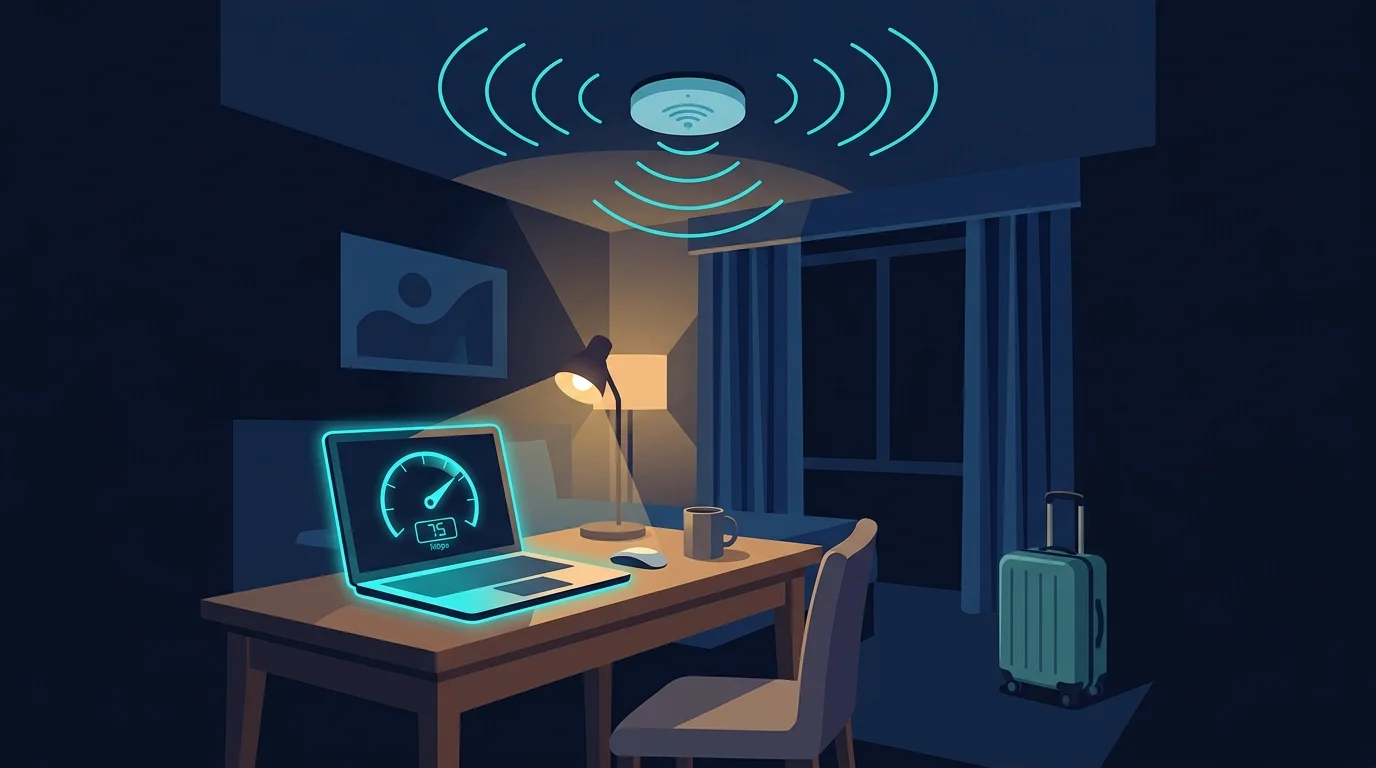
As someone who has worked remotely from hotels and short-term stays across multiple countries while running client VPS infrastructure that needs a genuinely reliable connection, "free WiFi" on a booking listing has taught me to trust it exactly as much as it deserves — which is not very much. It's a marketing checkbox, not a speed guarantee. Here's what actually works to check before booking.
Why Booking Sites Are the Wrong Source
"Free WiFi" or even "high-speed WiFi" on a hotel listing is a binary amenity checkbox, not a measured speed claim — there's no verification behind it, and no distinction between a hotel with genuinely solid fiber-backed WiFi and one running an old DSL line struggling to serve a full building of guests. Star rating and price also correlate only loosely with actual WiFi quality — plenty of budget properties have surprisingly solid connections, and plenty of expensive ones have mediocre WiFi because their guests historically haven't prioritized it enough to complain.
What Actually Works: Recent, Specific Reviews
Search the hotel's name alongside terms like "wifi speed" or "internet for work" on review sites and forums specifically aimed at remote workers and digital nomads — these communities routinely test and report actual numbers, unlike general travel reviews that mention WiFi only in passing ("wifi was fine"). A specific number reported by a recent guest is far more useful than a star rating or a vague comment.
Ask the Hotel Directly Before Booking
Emailing or messaging the property directly and asking a specific question — "what is the actual upload and download speed of your guest WiFi, and is a wired Ethernet option available in rooms?" — gets more useful information than any listing. A property with genuinely good WiFi will usually answer with real numbers or confidently point to their setup; vague or evasive answers are themselves a useful signal.
What to Actually Check Once You Arrive
- Test immediately upon check-in, before unpacking, while you can still reasonably change rooms or properties if it's genuinely unusable for what you need.
- Test at the time of day you'll actually need it — hotel WiFi is frequently oversubscribed during peak evening hours when most guests are in their rooms streaming, even if it tests fine mid-afternoon.
- Check for a wired Ethernet port in the room — many business-oriented hotels still include one, and it's almost always more stable than the shared WiFi network, especially in an older building with thick walls or a large guest count.
A Practical Backup Plan
For any trip where connectivity genuinely matters — a work deadline, a scheduled video call, hosting infrastructure that needs to stay reachable — treat hotel WiFi as a convenience, not a guarantee, and have a real backup: a local SIM with a solid data plan, or a portable hotspot, tested in advance to confirm it has decent coverage at the destination. Relying entirely on an unverified hotel connection for something time-sensitive is avoidable risk with a five-minute backup plan in place.
Frequently Asked Questions
Is hotel WiFi speed usually consistent throughout a stay?
Not reliably — it commonly varies significantly by time of day and overall hotel occupancy, which is why testing once at check-in doesn't guarantee the same performance during peak hours later.
Do business or "work-friendly" branded hotels actually have better WiFi?
Often, but not universally — the branding is a reasonable positive signal, not a guarantee, and it's still worth verifying with a specific question or a recent review rather than assuming based on marketing positioning alone.
Is paid "premium" hotel WiFi actually faster than the free tier?
Sometimes genuinely, sometimes just a pricing tier with limited real difference — testing both, or asking directly what technical difference exists, is the only way to know for a specific property.
A Note From Working This Way Long-Term
Having relied on hotel and short-term rental WiFi across multiple countries while keeping client infrastructure reachable, the single most reliable pattern I've found is that direct, specific communication with the property beats any review site or booking platform badge — a property confident in its connectivity will answer a specific technical question quickly and specifically, while a vague or slow response is itself useful information before you commit.
It's also worth checking whether the property's WiFi is genuinely in-room or limited to common areas like the lobby — some smaller or older properties advertise "free WiFi" that's technically accurate but only strong in a specific communal area, which is a meaningfully different experience from reliable in-room connectivity for actual work.
Finally, for stays longer than a few nights, it's worth testing again a day or two into your stay rather than relying solely on the check-in test — occupancy and network load can shift meaningfully as a hotel fills up or empties out over the course of a week, and a connection that tested well on a quiet Tuesday might behave differently over a fully booked weekend.