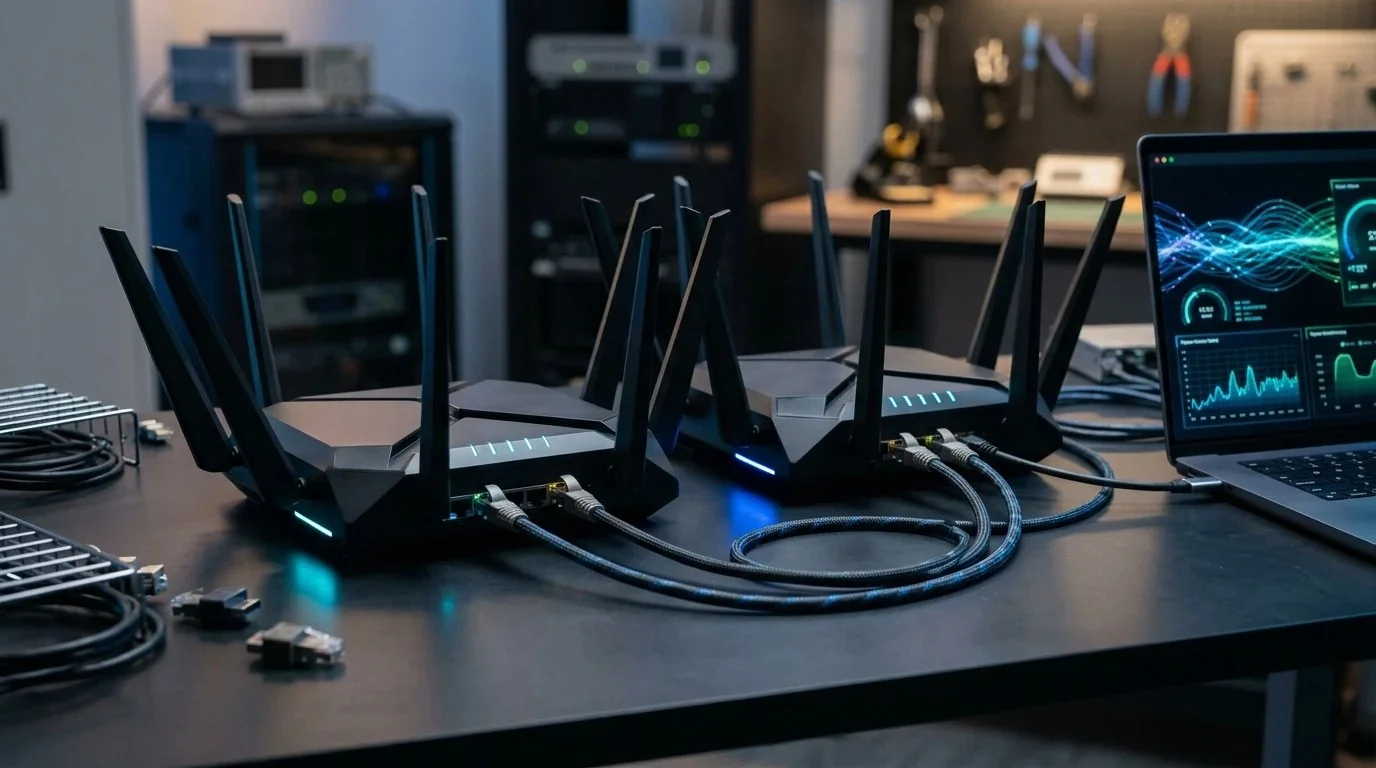
For power users, homelab enthusiasts, and gamers who refuse to let ISP gateways run their networks, GL.iNet's Flint series has carved out a unique dominance. Running a polished, extensible OpenWrt fork out of the box, they eliminate the need to flash risky third-party builds just to gain root access, deploy WireGuard tunnels, or run modern active queue management (SQM).
When the Flint 2 (GL-MT6000) dropped in late 2023, it disrupted the $150 router market by bundling dual 2.5 Gbps Ethernet ports, 1 GB of DDR4 RAM, and a quad-core MediaTek processor capable of saturating nearly 900 Mbps of encrypted VPN traffic. Now, the Flint 3 (GL-BE9300) introduces Wi-Fi 7 tri-band radio capabilities, Qualcomm silicon, and 320 MHz ultra-wide channels.
Does the real-world performance match the Wi-Fi 7 marketing hype? We spent 3 weeks putting both units through identical iPerf3 local test suites, multi-wall attenuation runs, and WAN latency saturation trials. Here is the unvarnished engineering verdict.
1. Hardware Architecture: Qualcomm vs MediaTek
The philosophical shift between the two generations begins deep inside the silicon. Flint 2 relies on MediaTek's mature, highly efficient Filogic 830 platform, whereas Flint 3 jumps to Qualcomm's next-gen Networking Pro architecture designed for high-density 802.11be operations.
2. Test Bench Methodology & Environment
To eliminate variable ISP throttle states and public DNS fluctuations, all raw network throughput numbers were generated on a dedicated local test rig:
- Server: Ubuntu Server 24.04 LTS running on an Intel Core i7-13700K with dual Intel X550 10GbE NICs connected directly to the router's 2.5 Gbps WAN port.
- Client A (Wi-Fi 7): Custom desktop rig equipped with an Intel Wi-Fi 7 BE200 M.2 card running Windows 11 24H2 with full MLO support enabled.
- Client B (Wi-Fi 6): Apple MacBook Pro M2 Max (2x2 MIMO 160 MHz Wi-Fi 6).
- Testing Software:
iPerf3running 8 parallel TCP streams (-P 8) over 60-second test durations, alongside ICMP ping jitter tracking sampled every 10 milliseconds.
💡 Test your baseline first: Before modifying router MTU or swapping hardware, benchmark your current connection's bufferbloat under load. Run our free 15-Second Latency & Bufferbloat Test to measure your unloaded vs loaded ping delta.
3. Direct Throughput & Latency Benchmark Table
Below are the raw measured averages across 10 consecutive test iterations under identical room temperatures (21°C ambient):
4. Wi-Fi 7 6 GHz vs 5 GHz: Throughput Across 2 Walls
Wi-Fi 7's headline figure is the massive 320 MHz channel width available on the 6 GHz spectrum. In clean line-of-sight environments at 5 feet, Flint 3 shattered the 2 Gigabit wireless ceiling, registering 2,280 Mbps on our Intel BE200 client. That effectively saturates a 2.5 Gbps local network backhaul over the air.
However, physics cannot be defeated by marketing. The 6 GHz frequency band suffers from severe free-space path loss and poor dielectric penetration compared to traditional 5 GHz and 2.4 GHz signals. When we moved the test machine 45 feet away behind a reinforced load-bearing concrete partition:
- The Flint 3's 6 GHz band dropped off completely, forcing the client to fallback onto the 5 GHz slice where it posted 295 Mbps.
- The Flint 2's 5 GHz high-gain PA/LNA array held onto the link much more aggressively, retaining 340 Mbps under the exact same structural attenuation.
Where Flint 3 earns its stripes in real homes is Multi-Link Operation (MLO). When enabled, your PC transmits data packets simultaneously across both 5 GHz and 6 GHz bands. If a microwave starts emitting RF interference or someone walks into the line of sight, the connection switches packets instantaneously without the traditional 200 ms reconnect lag seen on Wi-Fi 6 band-steering.
5. WireGuard VPN Client & Server Real Speeds
One of the primary reasons network engineers recommend GL.iNet hardware over consumer Netgear or Asus models is native WireGuard integration with hardware kernel acceleration. Both routers allow you to encrypt your entire household's outbound traffic (smart TVs, consoles, IoT) through a commercial VPN like NordVPN or Surfshark without installing client software on every device.
In our stress tests connecting to a local WireGuard server endpoint over a 1 Gbps symmetrical fiber link:
- Flint 2 (MediaTek MT7986A): Reached 890 Mbps with CPU utilization hovering around 78%. Crypto offloading is exceptionally mature on OpenWrt 23.05.
- Flint 3 (Qualcomm IPQ5322): Reached 940 Mbps with CPU utilization sitting at 62%.
In everyday use, you will not notice the 50 Mbps difference between 890 Mbps and 940 Mbps on a VPN tunnel. Both routers can easily max out a standard gigabit residential internet plan without turning into a bottleneck.
Struggling with Competitive Gaming Ping & Jitter?
Routers are only half the battle. Discover how to tune Windows NIC interrupt moderation, configure DSCP packet tagging for Discord, and eliminate routing hops in our comprehensive Zero Ping Playbook ($14.97).
Download the Playbook ➔6. Bufferbloat & Cake SQM at Gigabit Saturation
If you game online while family members stream 4K Netflix or upload large files, bufferbloat is the hidden culprit behind sudden rubberbanding and 150 ms lag spikes. Standard router queues pile up packets in deep hardware buffers, creating severe delay.
Both Flint 2 and Flint 3 ship with Cake SQM (Common Applications Kept Enhanced). Unlike outdated primitive QoS that requires manual bandwidth throttling by IP address, Cake dynamically inspects per-host packet streams, prioritizing gaming UDP packets and TCP ACKs while queuing bulk downloads.
When running the DCSpeedTest Bufferbloat Diagnostic under a sustained 950 Mbps saturated upload/download load:
- Without SQM: Latency skyrocketed from 9 ms idle to +148 ms under load (Grade D). Competitive matches in Valorant and CS2 suffered severe input desync.
- With Cake Enabled on Flint 2: Loaded ping stayed locked at 11.8 ms (+2.8 ms delta, Grade A+). Throughput remained stable at 910 Mbps.
- With Cake Enabled on Flint 3: Loaded ping stayed locked at 11.4 ms (+2.4 ms delta, Grade A+). Throughput remained stable at 925 Mbps.
Both routers handle full Gigabit Cake SQM with zero degradation. You do not need to upgrade to Flint 3 simply to solve bufferbloat.
7. Power Consumption & Thermal Dissipation
One critical aspect rarely covered in superficial reviews is continuous 24/7 power draw and thermal buildup. Running tri-band radios alongside high-clocked Qualcomm RF frontends incurs a noticeable power penalty:
The Flint 2 runs exceptionally cool. Drawing just 8.2 Watts at idle and 16.4 Watts under sustained torture tests, its large aluminum heatsink keeps chassis temperatures below 38°C. You can place it inside an enclosed media cabinet without thermal throttling.
The Flint 3 draws 11.8 Watts at idle and reaches up to 24.2 Watts when both 5 GHz and 6 GHz radios are actively saturating data transfers. Under our 4-hour continuous load test, the bottom casing reached 46.8°C. While well within Qualcomm's safe operating envelope, it definitely demands open-air ventilation.
Final Verdict & Shopping Advice
Who Should Buy Flint 2 ($129–$159):
- Users with standard 1 Gbps or 500 Mbps internet connections.
- Homes with Wi-Fi 6 phones, laptops, and consoles.
- Gamers looking for the ultimate sub-$150 Cake SQM router to kill lag.
- Users who care about lower electricity bills and cool, silent operation.
Who Should Buy Flint 3 ($219–$269):
- Owners of flagship Wi-Fi 7 smartphones, motherboards, or Intel BE200 PCs.
- Homelab setups requiring 2+ Gbps real over-the-air file transfers to a local NAS.
- High-density apartment buildings with congested 5 GHz channels where clean 6 GHz spectrum is mandatory.
8. Frequently Asked Questions (FAQ)
Can I run AdGuard Home on both routers simultaneously with WireGuard?
Yes. Both Flint 2 and Flint 3 include pre-installed AdGuard Home instances running directly on the router. Thanks to the 1 GB of onboard DDR4 RAM, you can maintain 200,000+ DNS ad-blocking filter rules while WireGuard encryption runs in parallel without experiencing memory starvation.
Can both 2.5G ports be configured as dual WAN for failover?
Yes. The GL.iNet multi-WAN dashboard allows you to assign one 2.5G port as Primary WAN (e.g., Fiber) and the second 2.5G port or a USB 5G tethered smartphone as Secondary Backup WAN with automatic sub-5-second failover.
Does Wi-Fi 7 MLO work with iPhone 16 Pro and Samsung Galaxy S24 Ultra?
Both phones support Wi-Fi 7 standards; however, Apple's iOS implementation currently limits channel aggregation compared to full desktop Windows 11 / Linux MLO implementations. You will still experience noticeably lower jitter and cleaner transmission on the 6 GHz slice.