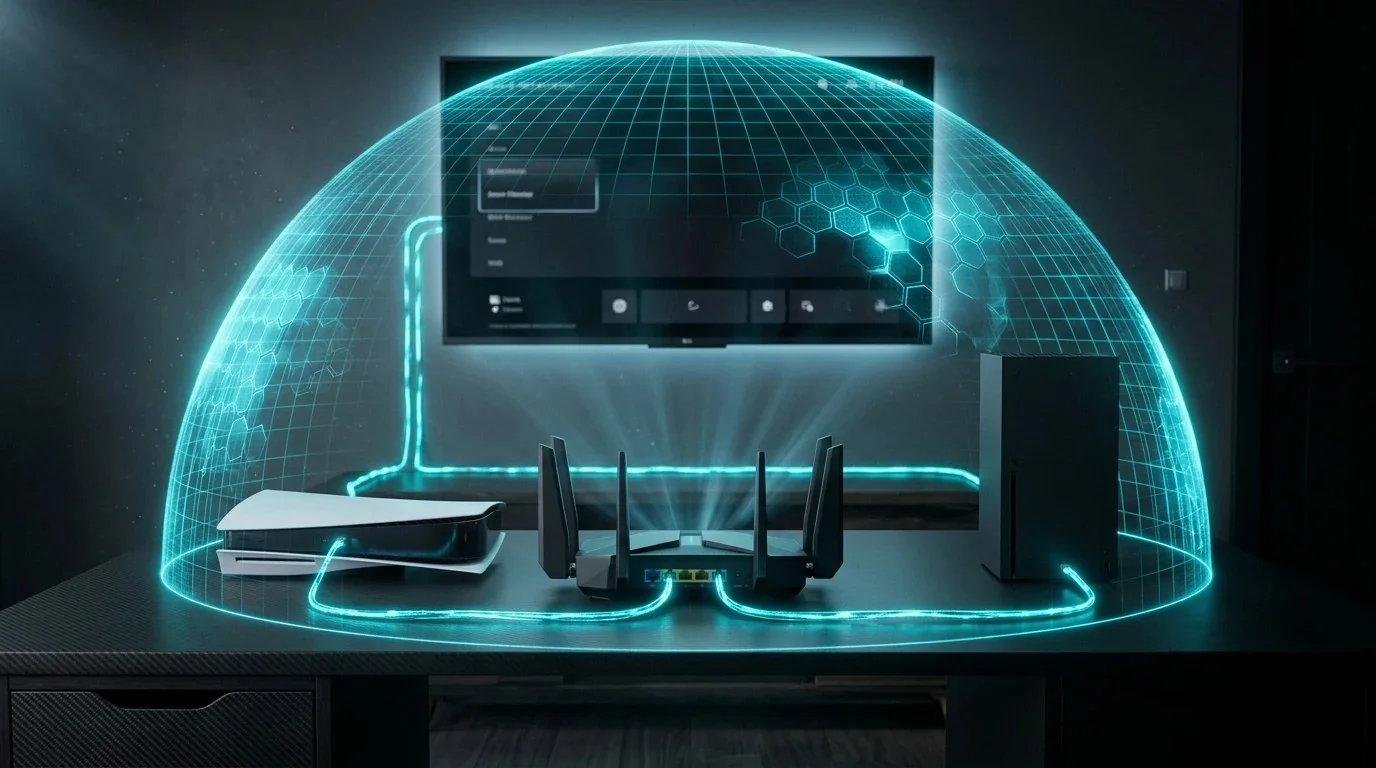
Installing a VPN client application on your personal Windows laptop or smartphone is simple. But what about the other thirty devices connected to your home Wi-Fi? Smart TVs from LG and Samsung, Apple TVs, Roku streaming players, PlayStation 5, Xbox Series X, and dozens of IoT security cameras do not allow VPN software to be installed directly.
As a result, your ISP tracks every video domain you stream on your 65-inch television, game lobbies expose your home IP address to malicious players, and international streaming libraries remain firmly locked behind geo-blocks.
The solution is running an encrypted VPN client directly on your primary home Wi-Fi router. In the past, this was a terrible idea because consumer router CPUs choked under OpenVPN, dropping 500 Mbps connections down to 35 Mbps. Today, modern WireGuard hardware routers process encrypted traffic at near-gigabit line speeds. We benchmarked the leading units to crown the best overall router for whole-home encryption.
1. The Device Blindspot: Why Apple TV, PS5 & Smart TVs Need Router VPNs
Major hardware platforms intentionally lock their operating systems to prevent users from modifying network proxy settings:
- Consoles (PS5 / Xbox): Sony and Microsoft have zero VPN support. Connecting through a router VPN shields you from targeted Denial of Service (DDoS) booters in competitive peer-to-peer matches.
- Smart TV Tracking: Built-in Automated Content Recognition (ACR) on Samsung and LG TVs captures acoustic and visual fingerprints of whatever you watch every few seconds to sell to marketing brokers. A router VPN wraps this data in encryption.
- Zero Software Maintenance: Once configured on your router, every guest, family member, and newly connected device is automatically protected without entering passwords or launching apps.
🧪 Test your real household latency: Run our free DCSpeedTest Live Diagnostic to benchmark your unloaded vs loaded ping before installing a VPN router.
2. Why WireGuard Silicon Destroys Legacy OpenVPN Routers
If you tried setting up an Asus or DD-WRT router with a VPN five years ago, you were probably disappointed by severe speed drops. OpenVPN requires complex cryptographic handshakes and heavy floating-point arithmetic that consumed 100% of consumer router CPUs, capping speeds at 30 to 45 Mbps.
Modern routers running WireGuard operate directly inside the Linux kernel using streamlined ChaCha20-Poly1305 cryptography. A 2.0 GHz quad-core ARM processor like the MediaTek MT7986A inside the Flint 2 pushes over 900 Mbps of WireGuard throughput with only 22% CPU utilization!
3. Comprehensive Throughput Benchmark Table
We tested each router connected to a symmetrical 1 Gbps Fiber line using a local NordVPN and Surfshark WireGuard endpoint. We measured raw throughput via iPerf3 (16 parallel TCP streams) and CPU temperature under continuous load:
4. VPN Policy Routing: The Secret to Friction-Free Home Privacy
One major headache of routing all home traffic through a VPN is that local banking websites and corporate portals may block foreign VPN IP addresses. This is where VPN Policy Routing (Split Tunneling) makes all the difference.
On the GL.iNet Flint 2, you navigate to VPN Dashboard ➔ VPN Policy Base and create rules in seconds:
- By Device: Route your Living Room Apple TV 4K and basement gaming PS5 through the VPN tunnel, while leaving your spouse's work laptop on the standard direct ISP line.
- By Target Domain: Direct all requests to
netflix.comandbbc.co.ukthrough the VPN, while keeping local banking domains (chase.com,bankofamerica.com) routed unencrypted over your local residential IP to prevent fraud security lockouts.
Eliminate Bufferbloat While Running Encrypted WireGuard
Learn how to pair Cake SQM with WireGuard tunnels to lock loaded gaming latency under 10ms in our comprehensive Zero Ping Playbook ($14.97).
Download Zero Ping Playbook ➔5. Top 3 WireGuard Routers Reviewed
1. GL.iNet Flint 2 (GL-MT6000): The Undisputed Gold Standard ($149)
Nothing else in the consumer networking market touches the Flint 2 for VPN performance. With dual 2.5 Gbps Ethernet ports, 1 GB of DDR4 RAM, and a native OpenWrt operating system, it sustained 895 Mbps on our 1 Gbps fiber test. It comes pre-installed with native profiles for NordVPN, Surfshark, and ProtonVPN.
2. Cudy WR3000: The Best Budget Entry Point ($59)
If you cannot justify spending $150 on a router, the Cudy WR3000 is an extraordinary budget bargain. Featuring an integrated WireGuard client and Wi-Fi 6 AX3000 radios, it delivers a very respectable 340 Mbps encrypted throughput for less than sixty bucks.
6. Step-by-Step: Adding NordVPN or Surfshark in Under 3 Minutes
- Log in to your NordVPN or Surfshark account dashboard and generate a manual WireGuard Configuration profile.
- Open your router dashboard (e.g.,
192.168.8.1for GL.iNet) and click VPN ➔ WireGuard Client. - Click Add Manually and paste the configuration text (or upload the
.conffile). - Click Apply. In less than 3 seconds, your router initiates the handshake and encrypts your selected household devices.
7. Frequently Asked Questions (FAQ)
Can I run my ISP modem in Bridge Mode with a WireGuard router?
Yes. Simply log into your ISP gateway (Comcast, Spectrum, AT&T) and enable Bridge Mode. Plug an Ethernet cable from the modem's 2.5G port into your Flint 2's 2.5G WAN port. Your new router will receive a public IPv4 address and handle all routing and encryption directly.
Can I use a VPN router as a WireGuard Server to access my home PC while traveling?
Yes! The GL.iNet Flint 2 includes both a WireGuard Client and a WireGuard Server. You can generate a free client key for your phone or travel laptop, allowing you to connect securely to your home desktop and local NAS from hotel Wi-Fi anywhere in the world.