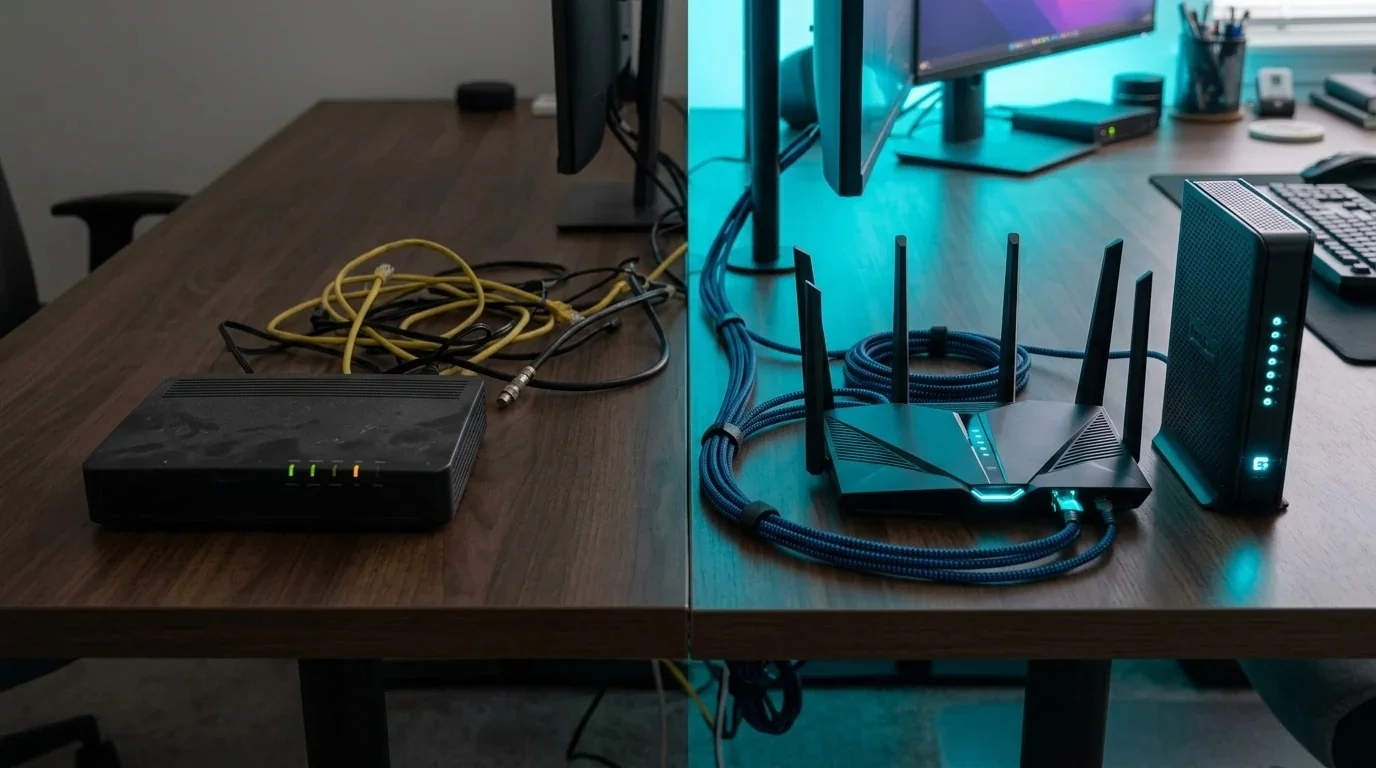
Take a close look at your last monthly internet bill from Comcast Xfinity, Charter Spectrum, Optimum, or Cox. Buried beneath the regulatory recovery fees and promotional package discounts, you will almost certainly find a recurring line item: "Equipment Fee / Gateway Rental: $15.00/mo."
Over a standard two-year period, you hand your cable provider $360 in pure post-tax cash. And what do you receive in return? A locked-down, refurbished plastic gateway box that broadcasts a public "xfinitywifi" hotspot to strangers on the street, lacks basic advanced DNS controls, and suffers from terrible evening bufferbloat lag spikes.
Under Federal Communications Commission (FCC) regulations, internet providers are legally prohibited from forcing you to rent their equipment. You have the absolute right to purchase your own certified hardware. Here is everything you need to know to cut the rental fee forever and upgrade your home network.
1. The ISP Rental Racket: Why You Are Wasting $180/Year
Let's do the simple math that ISP executives hope you never calculate:
- The Rental Trap: $15/month × 12 months = $180 per year. Keep service for 3 years, and you have paid $540 for a box that cost the cable company $65 wholesale to manufacture.
- Buying Your Own: A certified DOCSIS 3.1 multi-gigabit modem costs roughly $150 to $179 once. In month 11, the hardware pays for itself completely. Every month thereafter, that $15 stays in your wallet.
🧪 Is your rental gateway delivering the speed you pay for? Benchmark your connection right now with our free Brutally Honest ISP Speed Test.
2. Modem vs Router: Why All-in-One "Gateways" Are Terrible
When you sign up for cable internet, the technician installs a 2-in-1 combo gateway. This combines two fundamentally different devices into a single plastic enclosure:
- The Cable Modem (DOCSIS): Translates radio frequency signals traveling over physical coaxial cable into digital Ethernet data packets.
- The Wi-Fi Router: Assigns local IP addresses (DHCP), manages firewall security (NAT), and broadcasts wireless signals throughout your house.
Cramming high-powered Wi-Fi radios right next to a hot DOCSIS modem creates thermal congestion, causing frequent connection drops. By separating the modem and router into two dedicated standalone units, each device runs at optimal performance.
3. Certified DOCSIS 3.1 Modems & Routers Comparison Table
All modems below are officially certified and pre-approved on Comcast Xfinity, Charter Spectrum, and Cox Gigabit tiers:
4. In-Depth Hardware Breakdown: Arris S33 + Flint 2
Our gold-standard recommendation is the Arris Surfboard S33 combined with the GL.iNet Flint 2:
- No Intel Puma Jitter Bug: The Arris S33 is powered by Broadcom's flagship BCM3390 processor. It completely avoids the notorious latency jitter bugs found in older Intel Puma 6/7 chipsets.
- Multi-Gigabit Future-Proofing: The S33 includes a dedicated 2.5 Gbps Ethernet port that connects straight into the 2.5G WAN port of the Flint 2. If your ISP provisions a 1,200 Mbps plan, you actually get all 1,200 Mbps rather than being throttled at 940 Mbps by a 1G port.
- Bufferbloat Elimination: Cable internet has notoriously high bufferbloat latency spikes during uploads. The Flint 2's quad-core 2.0 GHz CPU runs Cake SQM to keep ping locked under 15ms even when multiple family members stream and upload simultaneously.
Fix DOCSIS Upstream Jitter & Packet Queuing
Cable internet uses asymmetrical upload channels that buffer instantly. Learn how to configure SQM packet overhead for DOCSIS 3.1 in our Zero Ping Playbook ($14.97).
Download Zero Ping Playbook ➔5. Step-by-Step Activation & Equipment Return Checklist
Replacing your equipment takes less than 20 minutes without waiting on hold with customer support:
- Unbox & Connect: Unscrew the coaxial cable from your rented gateway and screw it into the Arris S33. Plug the modem power adapter in and wait 3 minutes until the front LED turns solid blue (indicating active DOCSIS 3.1 lock).
- Run Automated Self-Activation: Connect an Ethernet patch cable from the modem to your laptop. Open your browser and navigate to
xfinity.com/activate(or the Spectrum / Cox app on your smartphone). Log in, and the portal will automatically detect your new modem's MAC address. Click Activate. - Connect Your New Router: Plug an Ethernet cable from the modem's 2.5G port into your new router's WAN port. Complete the standard Wi-Fi name and password setup.
- Return the Old Box (CRITICAL): Take your old ISP gateway to a local UPS Store or official retail store (Xfinity Store or Spectrum Store). Demand a physical printed return receipt with the serial number and keep it in a safe drawer forever. Cable companies have a notorious habit of billing "unreturned equipment fees" months later without proof of return.
6. Frequently Asked Questions (FAQ)
Will I lose my ISP unlimited data promotion if I return the xFi Gateway?
On Comcast Xfinity, customers on xFi Complete receive unlimited data bundled with the gateway for $25/month. If you return the gateway, standalone unlimited data is $30/month. However, in Northeast divisions where data caps do not exist (or on Spectrum and Optimum which have zero data caps nationwide), you save 100% of the rental fee without penalty.
Do I need a landline voice telephone port on my new modem?
If you subscribe to landline home phone service (VoIP) through your cable company, you require a specialized modem with an eMTA voice port (such as the Arris T25 or Motorola MT7711). If you only subscribe to internet, standard DOCSIS 3.1 modems like the Arris S33 are completely sufficient.