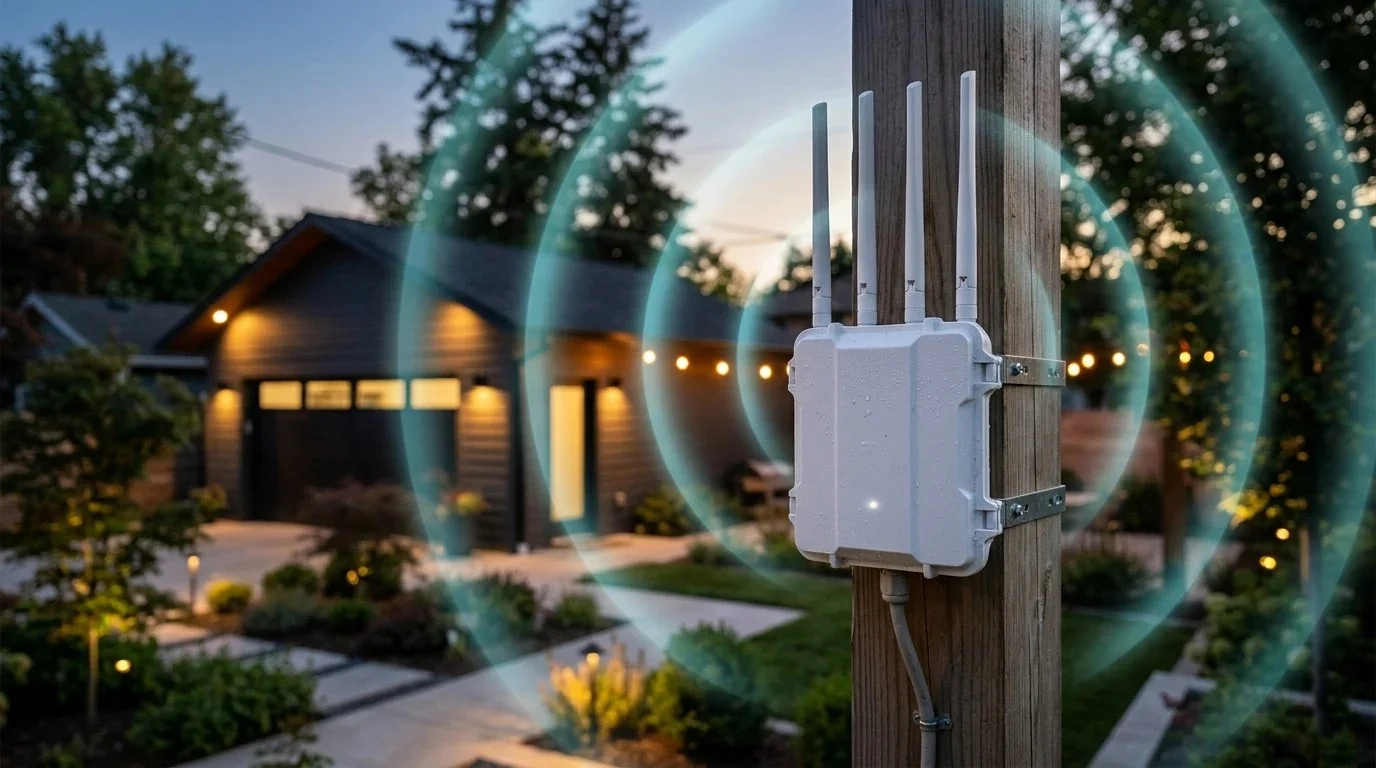
You have a blistering 1 Gbps internet connection inside your home. But the moment you walk out to your backyard patio, attempt to work from a detached garage office, monitor smart security cameras on your driveway perimeter, or stream music by the pool, your phone drops to one bar of LTE.
Attempting to solve this by cranking up the transmit power on an indoor router rarely works. Modern energy-efficient homes are wrapped in foil-backed insulation, brick veneer, and Low-E window glass—all of which act as physical RF shields that reflect Wi-Fi signals back inside.
The only robust engineering solution is deploying a dedicated weatherproof outdoor access point. We took four of the most popular outdoor wireless units to an open acreage property and tested their real-world iPerf3 throughput and latency at 50 feet, 100 feet, 200 feet, and 300 feet. Here is the field test data.
1. The Exterior Wall Barrier: Low-E Glass & Siding Attenuation
Indoor Wi-Fi routers transmit omnidirectional signals designed to bounce off drywall and ceilings. However, when radio waves encounter exterior building envelopes:
- Low-E Double-Pane Windows: Coated with microscopic metallic oxide layers that block thermal infrared radiation, Low-E glass attenuates high-frequency 5 GHz Wi-Fi by 12 to 18 dB.
- Brick, Stucco & Fiber-Cement Siding: Dense masonry absorbs 10 to 15 dB of signal power. Metal lath backing in stucco acts as an accidental wire-mesh Faraday barrier.
- Asymmetry Problem: Even if your powerful indoor router can broadcast a signal 150 feet into the yard, your smartphone's tiny internal battery-powered antenna lacks the transmit wattage to push packets back through those exterior walls.
📊 Measure your outdoor signal drop: Run the DCSpeedTest Live Diagnostic on your smartphone from your patio or garage to see your exact packet loss percentage.
2. PoE Access Point vs Wireless Repeater: Which Do You Need?
There are two distinct architectures for outdoor Wi-Fi extension:
Option A: Wired Power over Ethernet (PoE) Access Point (Recommended). A single shielded outdoor Cat6 cable runs from your indoor router through an exterior wall or attic soffit out to the outdoor unit. The cable delivers both clean 1 Gbps data and DC electrical power. You get zero packet loss, full gigabit speeds, and no reliance on indoor signal strength.
Option B: Wireless Mesh Repeater / Range Extender. The outdoor unit is mounted under an eave and catches your existing indoor Wi-Fi signal wirelessly, rebroadcasting it into the yard. While convenient because it avoids drilling Ethernet holes, throughput is reduced by 50% due to half-duplex retransmissions.
3. Field Test Benchmark Table: 50ft, 100ft, 200ft & 300ft Range
All units were mounted at a height of 10 feet on an exterior wooden post with direct line of sight across an open lawn. Client testing was performed using a Samsung Galaxy S24 Ultra (Wi-Fi 6E/7) logging iPerf3 throughput (8 parallel TCP streams) and continuous ping stability:
4. Top 3 Outdoor Extenders Reviewed
1. TP-Link Omada EAP610-Outdoor ($119): The Gold Standard
The TP-Link EAP610-Outdoor is hands-down the most reliable outdoor access point for residential and small business installations. It features high-gain detachable omnidirectional antennas, dual-band Wi-Fi 6 speeds up to 1800 Mbps, and seamless fast roaming (802.11k/v).
Powered by active 802.3at PoE or passive 48V PoE, its IP67 housing includes internal rubber gaskets that completely seal out moisture and dust. In our tests, it maintained a usable 142 Mbps connection at a massive 300-foot distance.
2. WAVLINK AX3000 Outdoor ($99): Best for Wireless Repeating
If you cannot run an Ethernet cable through your attic, the WAVLINK AX3000 Outdoor is engineered specifically with high-power front-end radio amplifiers (FEM) designed to catch weak indoor signals. Its four 7dBi long-rod antennas deliver remarkable wide-area coverage for backyards, swimming pools, and detached barns.
Learn How to Trench Direct-Burial Cable & Set Up Mesh Roaming
Discover how to calculate Fresnel zone clearances, select UV-rated shielded Cat6, and prevent ground loop surges in our comprehensive Wi-Fi Speed Bible ($9.97).
Download the Guide ➔5. How to Get Wi-Fi Inside a Metal Barn or Detached Garage
If your detached workshop or garage is constructed with corrugated steel or aluminum pole barn siding, no outdoor access point can penetrate the metal walls from the outside. The steel acts as a grounded shield that reflects radio waves.
To establish rock-solid gigabit internet inside a metal building, use the Two-Hop Method:
- Mount an outdoor access point (or a pair of 5 GHz point-to-point wireless bridge antennas, such as a TP-Link CPE710) on the exterior of the house and the exterior of the garage.
- Drill a 3/8-inch hole through the garage siding, seal it with exterior silicone, and pass an Ethernet cable inside.
- Connect that cable to an inexpensive indoor Wi-Fi router or access point (like the GL.iNet Flint 2) inside the garage. You now have full 1 Gbps wireless coverage inside the metal building!
6. Crucial Outdoor Installation: Lightning & Drip Loops
Two critical installation rules prevent expensive damage to your indoor networking equipment:
- Always Form a Drip Loop: When the Ethernet cable reaches the outdoor access point, leave a drooping U-shaped curve in the wire right below the entry gland. Rainwater will run down the loop and drip harmlessly off the bottom rather than tracking directly into the RJ45 port.
- Install an In-Line PoE Surge Protector: Static electricity buildup from summer thunderstorms can travel down copper Ethernet conductors and fry your main router's CPU. Install a $15 shielded PoE surge protector where the cable enters the house and bond it to a grounded electrical junction box.
7. Frequently Asked Questions (FAQ)
Can I power an outdoor access point from an ordinary indoor wall plug?
Yes. Both the TP-Link EAP610-Outdoor and WAVLINK units include a free PoE Injector in the box. You plug the injector into an indoor electrical outlet near your router, connect an Ethernet patch cable from your router into the LAN port, and run the single outdoor cable from the PoE port out to the antenna.
Will my phone seamlessly switch between indoor and outdoor Wi-Fi?
Yes, provided you set the exact same SSID (network name) and WPA3/WPA2 password on both units. Systems supporting 802.11k/v fast roaming (like TP-Link Omada and Ubiquiti UniFi) will automatically hand off your phone to the outdoor antenna the second you step outside without interrupting audio or video calls.