Fiber internet service providers across North America and Europe are now routinely provisioning residential plans beyond 1 Gigabit—offering 1.2 Gbps, 2.0 Gbps, and 2.5 Gbps tiers for the same monthly price you paid for standard Gigabit five years ago. At the same time, local Network Attached Storage (NAS) units from Synology, QNAP, and Asustor now ship with native 2.5GBASE-T ports as standard equipment.
The bottleneck? Modern laptops like the Apple MacBook Air, MacBook Pro, Dell XPS, and Lenovo ThinkPad have eliminated built-in RJ45 Ethernet jacks entirely. Relying on Wi-Fi limits your speed to 700–900 Mbps under real conditions.
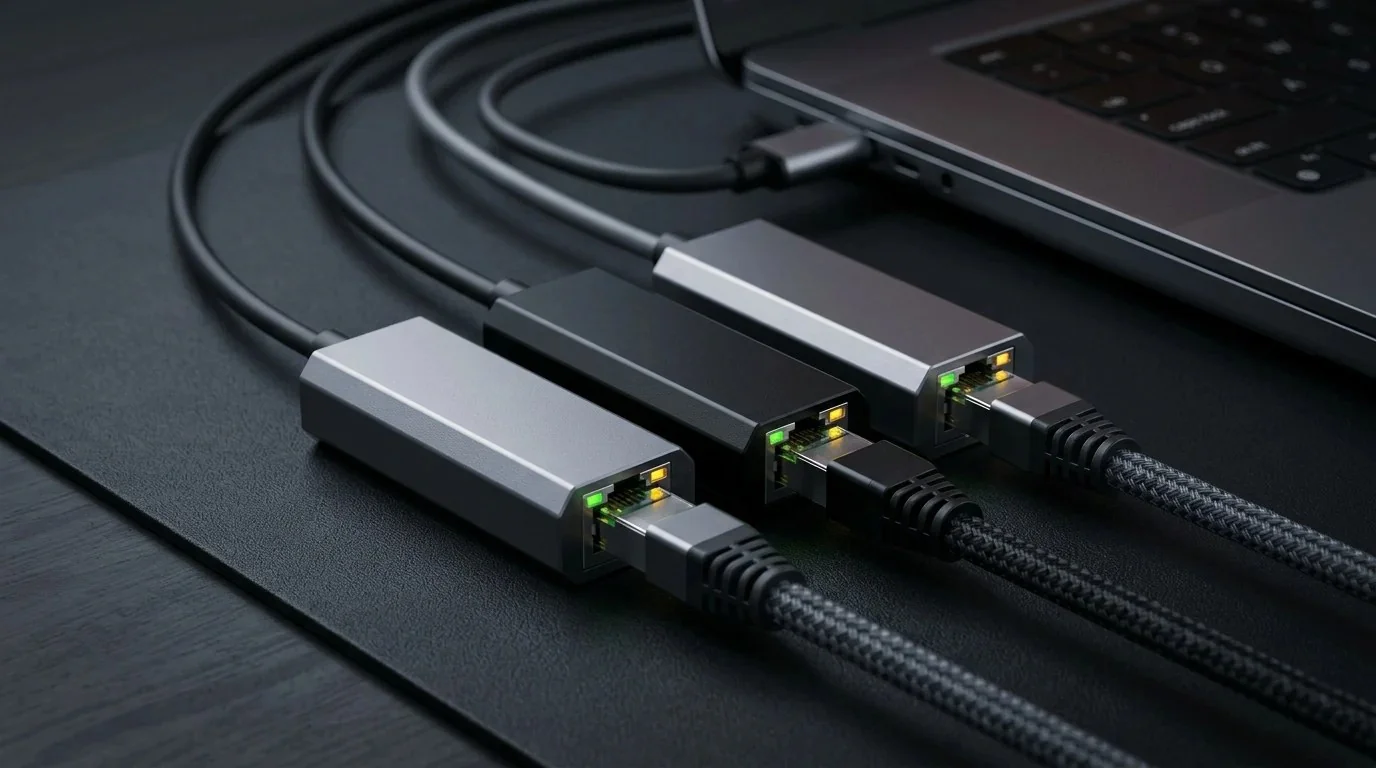
To unlock the full 2,370 Mbps throughput of a 2.5 Gbps connection, a compact USB-C to 2.5G Ethernet adapter is the simplest $25 upgrade available. But can these pocket-sized dongles sustain high bandwidth without overheating and disconnecting? We put the three top models from Anker, UGREEN, and Plugable through a grueling 2-hour continuous saturation torture test.
1. Why 1 Gbps Ethernet Is No Longer Enough in 2026
Standard Gigabit Ethernet (1000BASE-T) has hit its mathematical ceiling. Due to 8b/10b line coding, packet preambles, and TCP overhead, a 1 Gbps port maxes out at exactly 940 Mbps (roughly 112 Megabytes per second).
When transferring 4K ProRes video footage to a local editing server or downloading a 120 GB game from Steam over a 2 Gbps ISP connection, a 1G port forces you to wait twice as long. Moving to 2.5GBASE-T raises that ceiling to 2,370 Mbps (282 MB/s) over your existing Cat5e and Cat6 in-wall wiring.
⚡ Is your Ethernet link auto-negotiating at 1000M instead of 2500M? Verify your real multi-gigabit throughput with our free 15-Second Multi-Gigabit Speed Diagnostic.
2. Under the Hood: Realtek RTL8156B vs Older USB Controllers
The original generation of 2.5G USB adapters utilized the first-gen Realtek RTL8156 controller, which suffered from infamous thermal throttling and random disconnections under Windows 10.
All three contenders in our test suite feature the refined Realtek RTL8156B (or RTL8156BG) silicon. Manufactured on a smaller silicon fabrication node, the "B" revision cuts active power consumption from 2.6W down to 1.5W, dramatically lowering operating temperatures while adding improved hardware Energy Efficient Ethernet (EEE) power states.
3. 2-Hour iPerf3 Throughput & Thermal Benchmark Table
We connected each adapter to a Thunderbolt 4 / USB4 port on an M2 Max MacBook Pro, pumping 8 continuous TCP streams to an Ubuntu 24.04 server equipped with an Intel X550 10GbE network card over Cat6a cabling. We measured throughput continuously for 120 minutes while tracking exterior surface temperatures with an FLIR infrared thermal camera:
4. macOS Sequoia vs Windows 11: Driver & Sleep Cycle Test
One critical differentiator between these adapters is how their firmware handles operating system sleep states:
- macOS Sequoia / Sonoma: Apple includes native driver support for the Realtek RTL8156B inside the macOS kernel via
com.apple.DriverKit-AppleUSBEthernet. Plugable and Anker connected instantly at 2.5 Gbps with zero third-party software required. When waking the MacBook from sleep, network link restoration took less than 1.8 seconds. - Windows 11 24H2: Microsoft's inbox driver functions immediately, but we strongly recommend downloading Realtek's official driver package (v11.16) to disable Energy Efficient Ethernet (EEE) in the device advanced settings, which prevents micro-stutters during competitive PC gaming.
Fine-Tune USB Interrupt Moderation for Zero Lag
Did you know default USB controller interrupt moderation adds 1.5ms of unnecessary packet delay? Learn how to optimize Windows registry settings in our Zero Ping Playbook ($14.97).
Download Zero Ping Playbook ➔5. Real World 250 GB SSD NAS Transfer Benchmark
Synthetic iPerf3 benchmarks are helpful, but how does real data move? We copied a single 250 GB video production folder containing 4K B-roll files from our NVMe desktop to a Synology DS923+ 2.5G NAS:
- Over Standard 1 Gbps Ethernet: Took 37 minutes and 42 seconds, locked at 111 MB/s.
- Over Plugable 2.5G USB-C Adapter: Took 15 minutes and 18 seconds, averaging a blistering 274 MB/s throughout the entire transfer!
6. How to Enable 9000 MTU Jumbo Frames for 10% Extra Speed
If you regularly transfer massive files across your local network, enabling Jumbo Frames (9000 bytes MTU) reduces CPU interrupt load by bundling data into packets six times larger than the standard 1500-byte frame size:
- On macOS: Go to System Settings ➔ Network ➔ 2.5G USB Ethernet ➔ Details ➔ Hardware. Set Configure to Manually, Speed to 2.5Gbase-T, and MTU to Custom (9000).
- On Windows 11: Open Device Manager ➔ Network Adapters ➔ Realtek USB 2.5GbE ➔ Properties ➔ Advanced. Locate Jumbo Frame and change the value to 9KB MTU.
- Ensure your router and NAS switch also support and have 9K Jumbo Frames enabled to avoid packet fragmentation.
7. Frequently Asked Questions (FAQ)
Can I use a 2.5G USB-C adapter on an older USB-A 3.0 port?
Yes. If you use a quality USB-C to USB-A 3.0 adapter rated for 5 Gbps data transfer, the adapter will still achieve full 2,370 Mbps throughput, as USB 3.0 provides 5,000 Mbps of raw interface bandwidth.
Do I need Cat7 or Cat8 cable for 2.5G Ethernet?
No! That is a major marketing myth. Standard Cat5e copper cable is officially certified to carry full 2.5 Gbps (2.5GBASE-T) up to 100 meters (328 feet). Any regular Cat5e or Cat6 patch cord will deliver 100% of your adapter's performance.