📊 Data Source: Server IP geolocation analysis for 5 major games, cross-referenced with DCSpeedTest regional latency data. Datacenter locations verified against AWS, Azure, and Google Cloud region maps.
Why Auto-Select Fails You
Game auto-region selection picks the first responsive server — not the lowest-latency one. In border zones (e.g., eastern Brazil sometimes routes to NA East instead of SA servers), auto-selection wastes 40–80ms of unnecessary latency.
Valorant Region Guide
- NA: Chicago and Dallas servers. Best for US/Canada east and central.
- EU: Frankfurt. Best for all of Europe and North Africa.
- LATAM: São Paulo. Far better for South America than NA East — auto often wrongly picks NA.
- AP: Tokyo, Singapore, Sydney — test each via in-game ping display to find your closest.
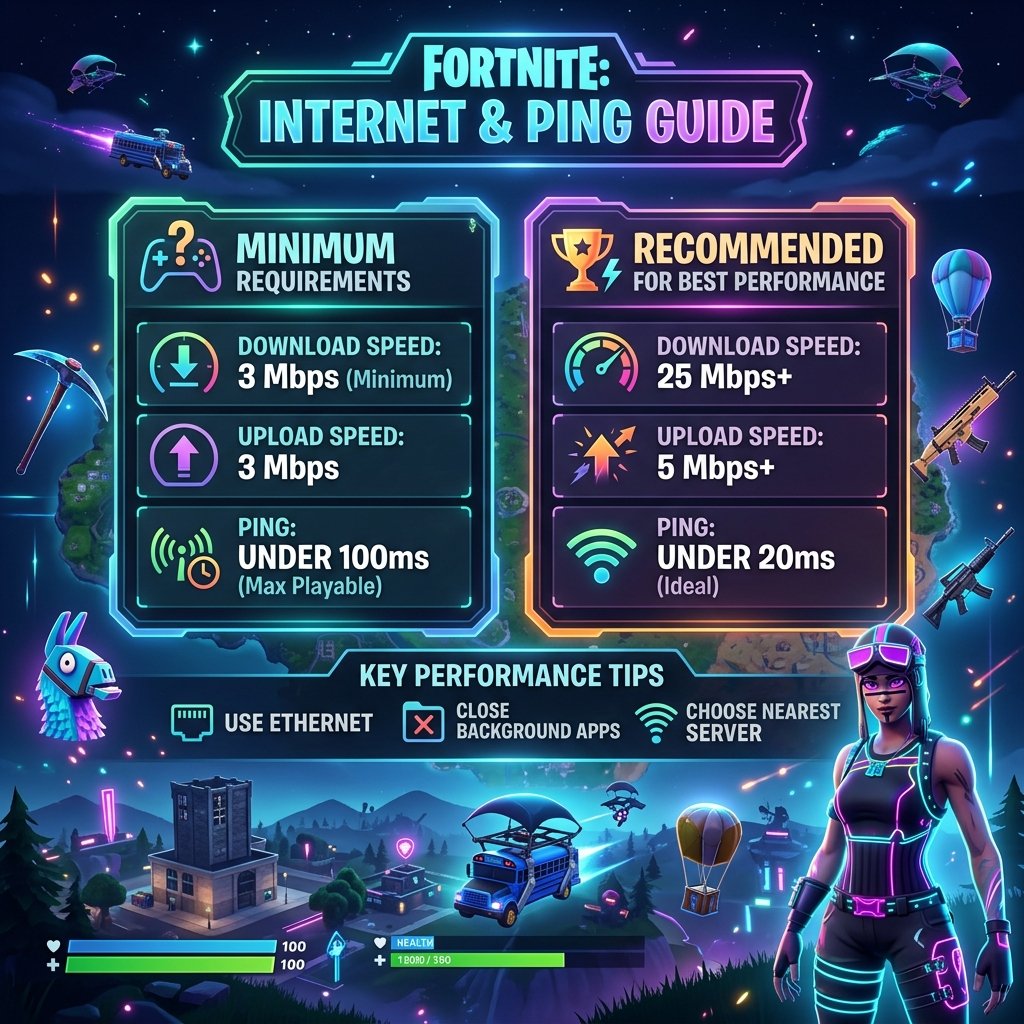
Fortnite Region Guide
Epic deploys to: NA-East (Ohio), NA-West (Oregon), EU (Frankfurt), Oceania (Sydney), Brazil (São Paulo), Asia (Tokyo, Seoul, Singapore). Settings → Game → Matchmaking Region: click Auto to see latency to each region displayed numerically.
Apex Legends Region Guide
Respawn uses AWS: US-East (Virginia), US-West (Oregon), EU-West (Frankfurt), APAC (Tokyo, Singapore). Manually set via Steam launch options: +cl_datacenter_preference_order ams,fra,lhr
The Pre-Game Checklist
- Run DCSpeedTest to rule out ISP-level issues first.
- Check ping to all available regions in-game.
- Choose the region with the lowest consistent ping — not just the lowest single reading.
- If your region is 15ms worse than auto-selected: something is wrong with your local route, not the server selection.