When You Become the Streaming Service
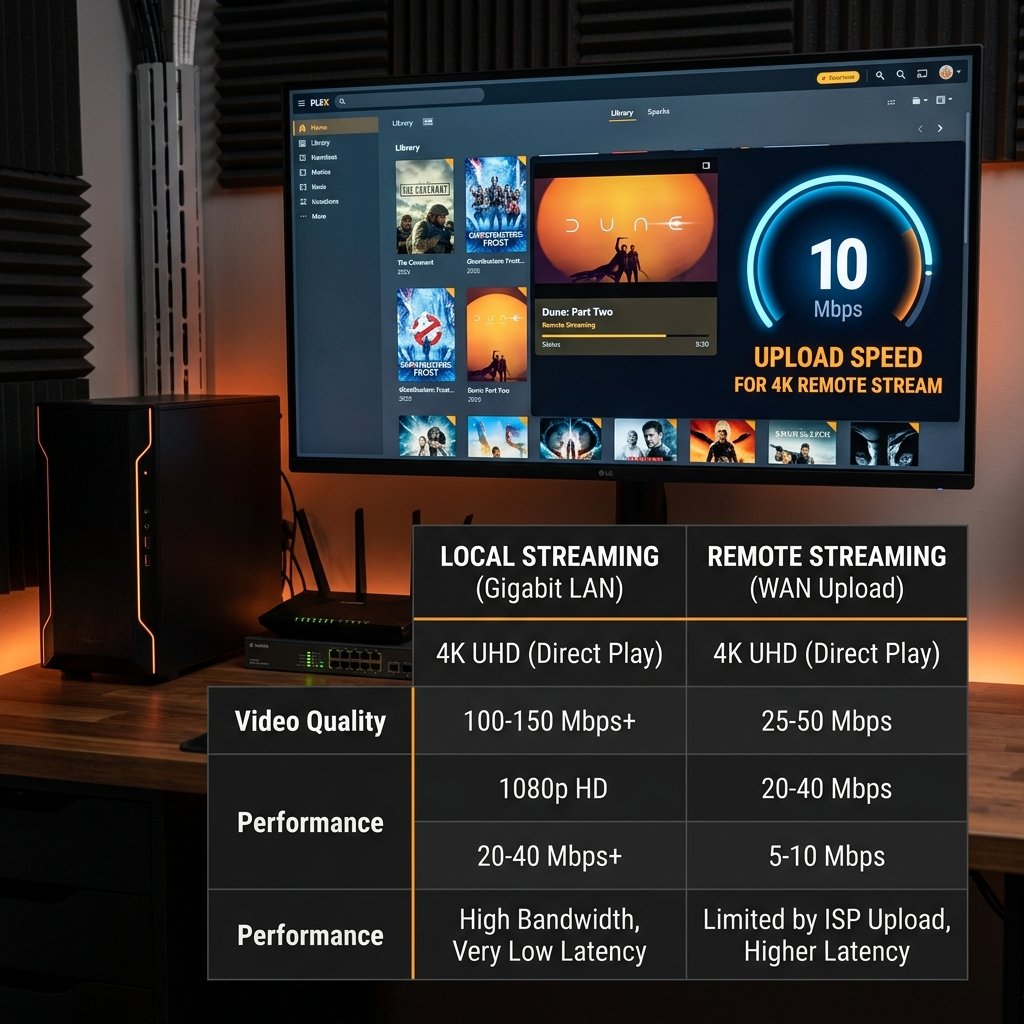
When watching Plex remotely (or sharing with friends), your server must upload the video file to them. Your ISP upload speed is now your streaming service’s total capacity.
Bitrate Math: Upload Per Stream
- 1080p Web-DL (x265): 4–8 Mbps per stream
- 1080p Blu-Ray Rip: 25–35 Mbps per stream
- 4K UHD HDR Compressed (x265): 25–40 Mbps per stream
- 4K UHD Blu-Ray REMUX (uncompressed): 80–120 Mbps per stream
What This Means for Cable Internet Users
Cable’s asymmetric uploads (typically 10–35 Mbps) make Plex sharing severely limited. On a 35 Mbps upload plan you can host exactly one high-quality 1080p stream, or approximately four compressed streams simultaneously. A 4K REMUX at 80+ Mbps will immediately buffer for any remote user.
The Critical Plex Server Setting
In Plex Server Settings → Remote Access, set your Internet upload speed to 80% of your actual measured upload from DCSpeedTest. Then enable Limit remote stream bitrate to the same value. This triggers Plex to transcode files automatically before they exceed your pipe — preventing buffers rather than reacting to them after they start.
Frequently Asked Questions
What upload speed do I need to stream Plex outside my home?
For 1080p direct play (no transcoding): 8-12 Mbps upload per simultaneous stream. For 4K direct play: 25-40 Mbps upload per stream. If Plex needs to transcode (re-encode to a lower quality for the client device), the upload requirement drops significantly — a transcoded 1080p stream needs only 4-8 Mbps — but transcoding requires significant CPU power on your server. Most home cable connections with 20-30 Mbps upload support 2-3 remote 1080p streams comfortably.
Does Plex streaming quality depend on internet speed or server hardware?
Both, depending on the scenario. For direct play (client supports the file format natively), upload speed is the bottleneck. For transcoded streams, CPU speed on your Plex server is the bottleneck — a slow CPU will drop frames trying to transcode 4K even with gigabit upload. The ideal setup is a server powerful enough to direct-play everything (eliminating transcoding), paired with enough upload speed to sustain those bitrates to your remote clients.