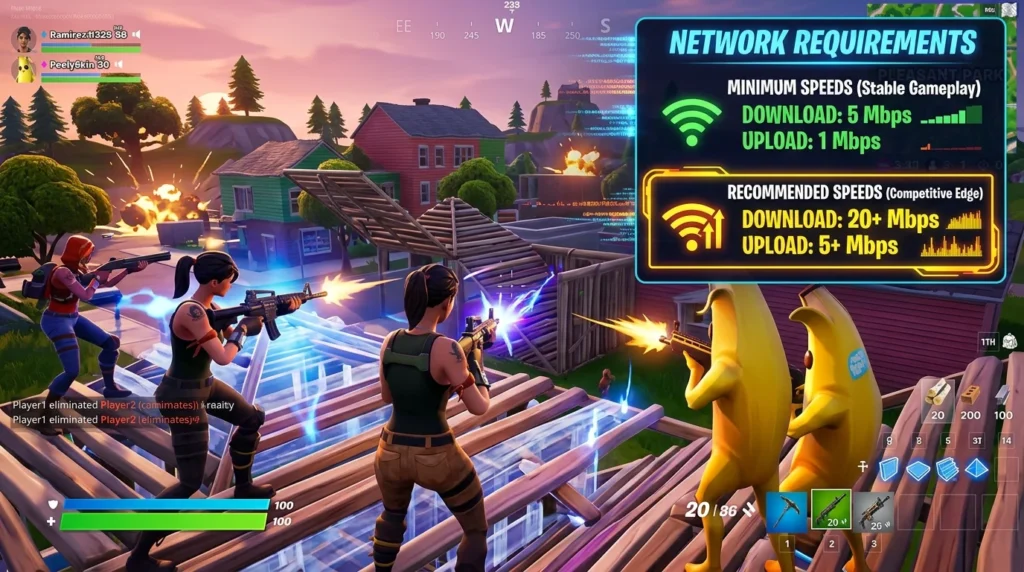
What Fortnite Actually Needs From Your Connection
Fortnite uses roughly 100MB of data per hour — less than a YouTube video. Speed does not win build fights. Latency and packet loss do.
Official Requirements (Epic Games)
- Minimum: 3 Mbps download / 2 Mbps upload
- Recommended: 25 Mbps / 10 Mbps
- Competitive target ping: Under 30ms
The Build Speed Ping Threshold
Fortnite’s building system is the most latency-demanding mechanic in any mainstream game. Above 80ms, your edits register delayed and opponents counter-edit before you see the change on screen. Sub-50ms is required to execute 90s and box fights cleanly.
Packet Loss Is Catastrophic in Fortnite
Even 0.5% packet loss causes builds to place in wrong positions or shots not registering. Run a DCSpeedTest packet loss check before blaming your opponents’ skills or accusing the game of bad hit registration.
Pro Player Network Setup
Top Fortnite pros use wired gigabit fiber with a dedicated gaming router and cap their stream bitrate via QoS settings to prevent streaming from stealing upload bandwidth during competitive matches. Many use a secondary PC for OBS to completely isolate network usage.
Frequently Asked Questions
What internet speed do I need for Fortnite?
Fortnite uses 3-8 Mbps download during matches and under 1 Mbps upload — even a basic 10 Mbps plan handles it easily. The stat that actually determines your Fortnite experience is latency (ping), not speed. Epic recommends under 60ms for a smooth experience; competitive players aim for under 30ms. A 10 Mbps connection with 20ms ping will play better than a 500 Mbps connection with 80ms ping in every match.
Why is my Fortnite ping high even though my internet is fast?
Fortnite ping is determined by your physical distance to the game server, your ISP’s routing quality to that server, and local network interference — not your download speed. Common fixes: switch your Fortnite server region to the closest option in the game settings, switch from WiFi to Ethernet to eliminate wireless jitter, close background applications that may be using bandwidth, and check if your ISP is experiencing routing issues to Epic’s server infrastructure using a dedicated ping test.