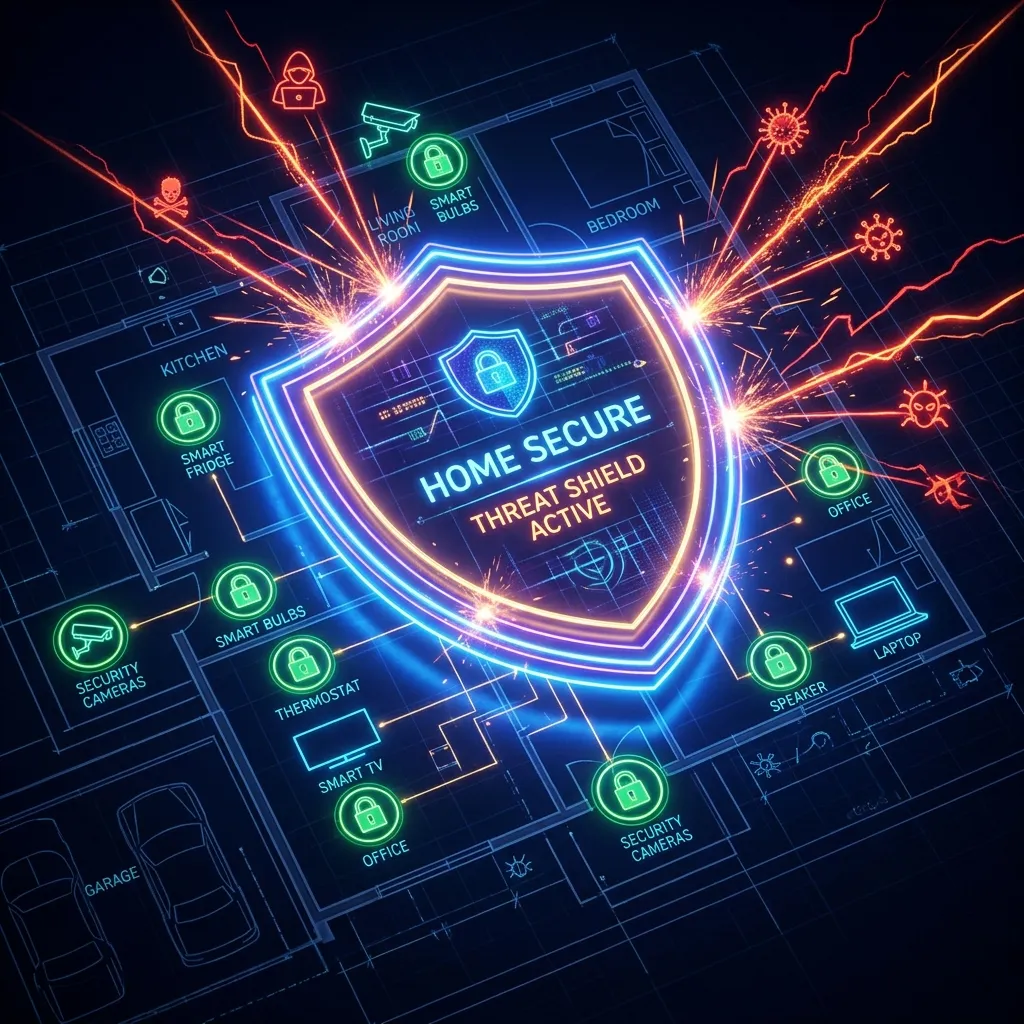
Your Toaster is Spying on You
Okay, maybe not literally, but IoT (Internet of Things) devices are notoriously insecure. They often have hardcoded passwords and rarely receive firmware updates. If a hacker compromises your smart bulb, they are on your network—and can pivot to your PC.
The Solution: VLANs (Virtual LANs)
The most professional way to secure your home is network segmentation. You should ideally have three networks:
- Trusted LAN: Your PC, Phone, Tablet.
- IoT VLAN: Smart TV, Fridge, Thermostat, Alexa. This network can access the internet but cannot access your Trusted LAN.
- Guest VLAN: For visitors. Internet access only, isolation enabled.
Implementation
You don’t need enterprise gear anymore. Many prosumer routers (Ubiquiti, Omada, even high-end Asus models running Merlin) support VLAN tagging out of the box.
The IoT Problem: Why Smart Devices Are Your Biggest Risk
Smart TVs, cameras, doorbells, and other IoT devices are frequently the weakest security links on home networks. They ship with default credentials, receive infrequent firmware updates, and run minimal operating systems that can’t be patched the way a PC can. Once compromised, an IoT device on your main network has direct access to your computers, NAS drives, and other devices. The standard mitigation is network segmentation: put all IoT devices on a separate VLAN or guest WiFi network with no access to your main network. Most modern routers support guest networks that isolate connected devices from each other — enable “AP isolation” or “client isolation” on your IoT VLAN to prevent devices from communicating with each other even on that segment.
Frequently Asked Questions
How do I secure my home network against IoT vulnerabilities?
Five essential steps: (1) Change default credentials on every router and IoT device immediately after setup. (2) Segment IoT devices onto a separate guest network. (3) Enable automatic firmware updates on your router and check for IoT device updates quarterly. (4) Disable UPnP on your router if you don’t specifically need it — it allows devices to open ports automatically without your knowledge. (5) Review your router’s connected devices list monthly to identify unknown devices. These steps eliminate the most common IoT attack vectors without requiring technical expertise.
Should I use a VPN router to protect all home devices?
A VPN router encrypts all outbound traffic from your home network, which protects against ISP monitoring and provides a consistent exit point. However, it adds 5-25% latency overhead and the VPN cost; it doesn’t protect against threats originating within your network (like a compromised IoT device attacking your NAS). The most impactful security investment for most homes is network segmentation and a regularly updated router firmware, rather than a VPN router — though both can be combined for maximum protection.