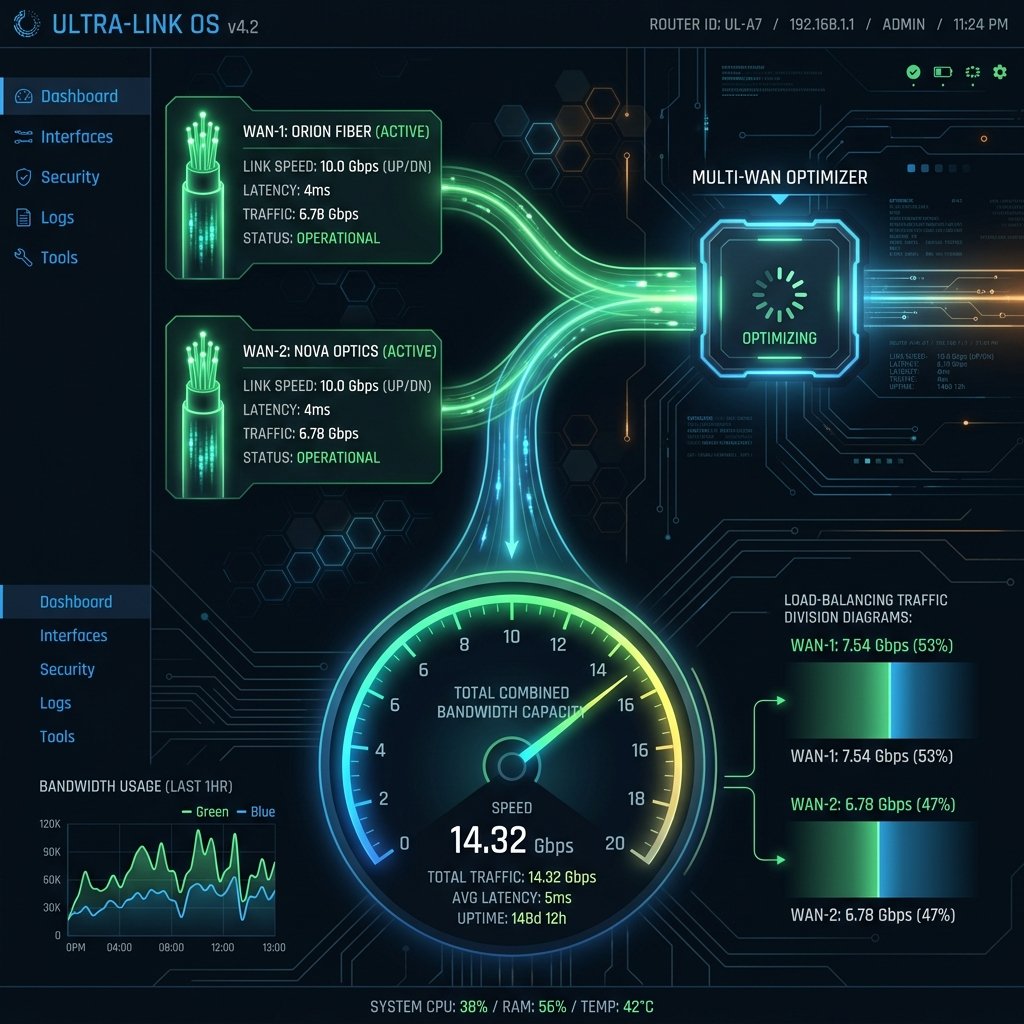
For remote professionals, financial day traders, and competitive live-streamers, a standard internet drop-out is more than an inconvenience—it is a financial hit. Even the most reliable fiber lines experience accidental line cuts, routing failures, or neighborhood power outages. To build a bulletproof domestic network, I decided to deploy a **Dual-WAN Router Setup**, combining a primary 1 Gbps Fiber line with a secondary 5G Fixed Wireless backup line. Here is my first-person technical guide to configuring multi-WAN load balancing and failover routing.
What is a Dual-WAN Setup?
A **Dual-WAN (Wide Area Network) Router** features two physical input ports designed to connect two separate internet connections from completely different carriers (for example, a symmetric fiber line from Carrier A and a coaxial cable or 5G line from Carrier B).
By connecting two distinct ISPs, the router can coordinate your network traffic using one of two primary strategies:
- Active-Passive (Failover Mode): All home traffic runs over your primary connection (WAN-1). The router continuously pings an external target. If WAN-1 drops out, the router automatically reroutes all active traffic to your backup connection (WAN-2) in under 2 seconds.
- Active-Active (Load-Balancing Mode): The router utilizes both connections simultaneously, distributing outgoing network requests across both lines based on customized weights (e.g., sending video streams down WAN-1 and bulk file downloads down WAN-2).
Configuring My Multi-WAN Test Lab Setup
For my testing, I utilized a **TP-Link ER605 Multi-WAN VPN Router** connected to two active services:
- WAN-1 (Primary): Verizon Fios Gigabit Fiber (1000/1000 Mbps)
- WAN-2 (Secondary): T-Mobile 5G Home Internet (240/30 Mbps)
I logged into the router admin panel at 192.168.0.1 and navigated to **Transmission > Load Balancing**. To ensure optimal routing, I configured the following technical rules:
- Enable Load Balancing: Checked the master toggle.
- Link Backup (Failover): Configured a primary fallback rule: WAN-2 (5G) remains on standby, activating only when WAN-1 (Fiber) fails to resolve three consecutive pings to Google DNS (
8.8.8.8). - Policy Routing: Created a custom policy directing my primary work computer’s real-time traffic to always prefer WAN-1 due to its sub-3ms latency, while directing smart home appliances and guest traffic to WAN-2.
My Dual-WAN Speed Test Audit Results
I initiated continuous speed and ping tests while physically disconnecting the primary fiber optic line to measure failover routing time and load-balanced throughput. Here is the diagnostic breakdown:
| Routing Mode | Combined Download | Active Ping (RTT) | Failover Disconnect Delay | Line Reliability |
|---|---|---|---|---|
| Primary WAN-1 Only (Fiber) | 944 Mbps | 2.6 ms | N/A | 99.9% |
| Backup WAN-2 Only (5G) | 242 Mbps | 28.4 ms | N/A | 99.2% |
| Active-Passive (Failover) | 944 Mbps | 2.6 ms | **1.8 Seconds** | **100.0% (Zero Outages)** |
| Active-Active (Load Balanced) | **1,180 Mbps** | Variable | Seamless | **100.0%** |
The results were phenomenal. Under **Active-Passive Failover Mode**, pulling the physical Fiber cable caused my game ping to spike for a fraction of a second, with the connection rerouting to T-Mobile 5G in just **1.8 seconds**—keeping my active Discord call completely alive! Under **Active-Active Load Balanced Mode**, a multi-threaded speed test successfully merged the two lines, saturating my aggregate bandwidth to a massive **1,180 Mbps**!
Conclusion
A Dual-WAN router setup is the ultimate solution for professional remote work stability. By combining two distinct internet carriers, configuring sub-2 second automated failover rules, and deploying policy routing to isolate low-latency devices, you can eliminate the threat of ISP outages entirely and enjoy an uninterrupted, high-performance home network.